
Review client alerts
Open Client Alerts, then acknowledge or dismiss an alert.
Applies to Technician Admin
Client Alerts is the list of alerts CRM raises for clients. The page title is Client Alerts. An alert is not a ticket.
Review them#
- Open CRM, then Client Alerts.
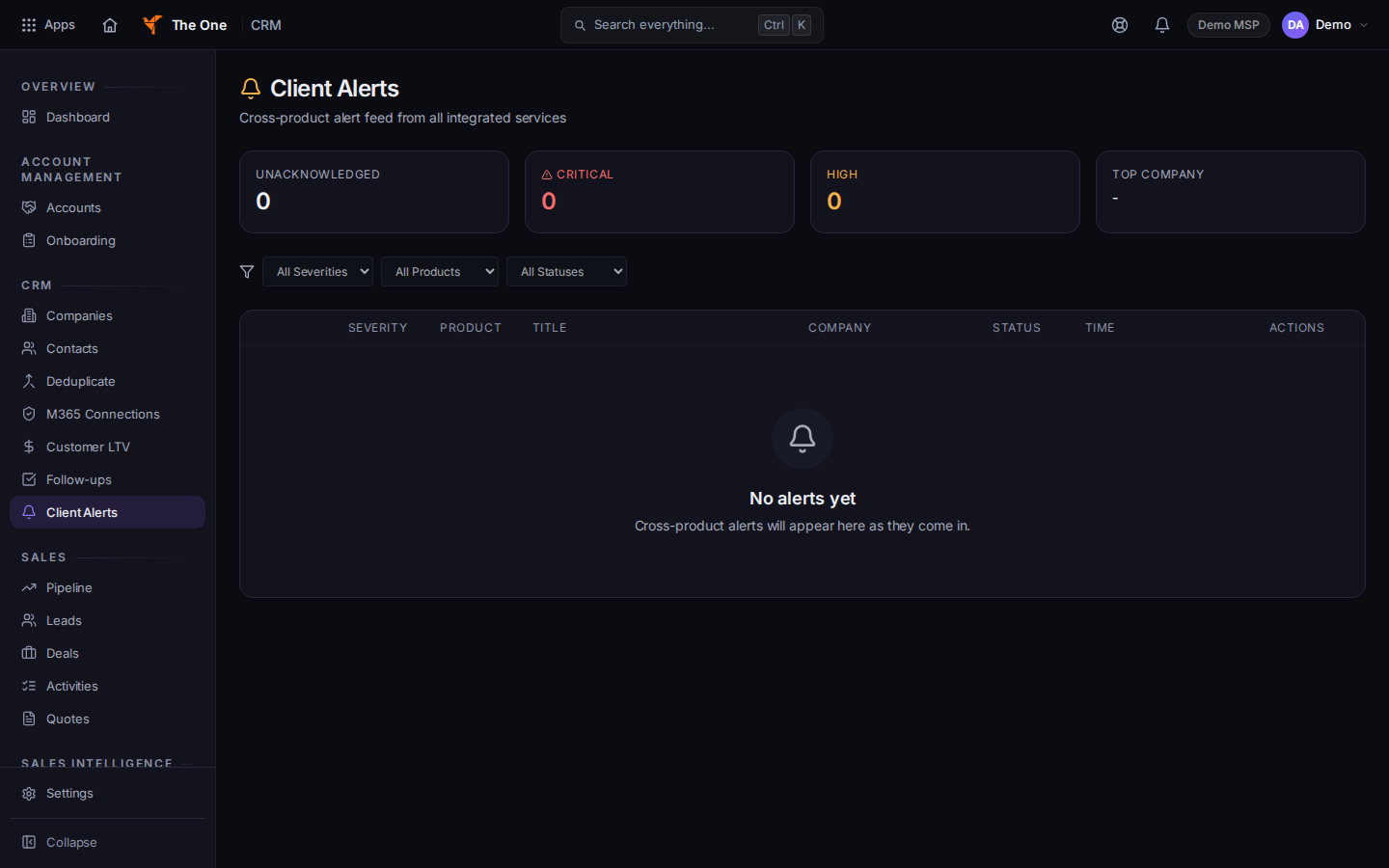
Client Alerts
Sample records for Demo MSP.
- Filter if you need a severity, product, or status. No alerts match means the filter is empty. No alerts yet means the list itself is empty.
- Acknowledge or Dismiss on a row. Acknowledge keeps a record that you saw it. Dismiss clears it from the working list.
Managing alerts on a single company is the Alerts tab of that company, and that tab is limited to an admin or owner.
If it goes wrong#
- Couldn't load alerts. Retry on that message.
- You wanted a ticket. Open PSA and create one. See Open a ticket. This list does not open a ticket for you.
What's next#
Was this article helpful?