
Open Customer LTV
Open Customer LTV when your role is manager, admin, owner, or accounting.
Applies to Admin Owner
Customer LTV is lifetime value for the companies you already have. The menu label is Customer LTV. A technician does not see the row. A manager, admin, owner, or accounting role does.
Renewals, churn, and expansion stay out of the menu until there is data, even for those roles.
Open it#
- Open CRM, then Customer LTV.
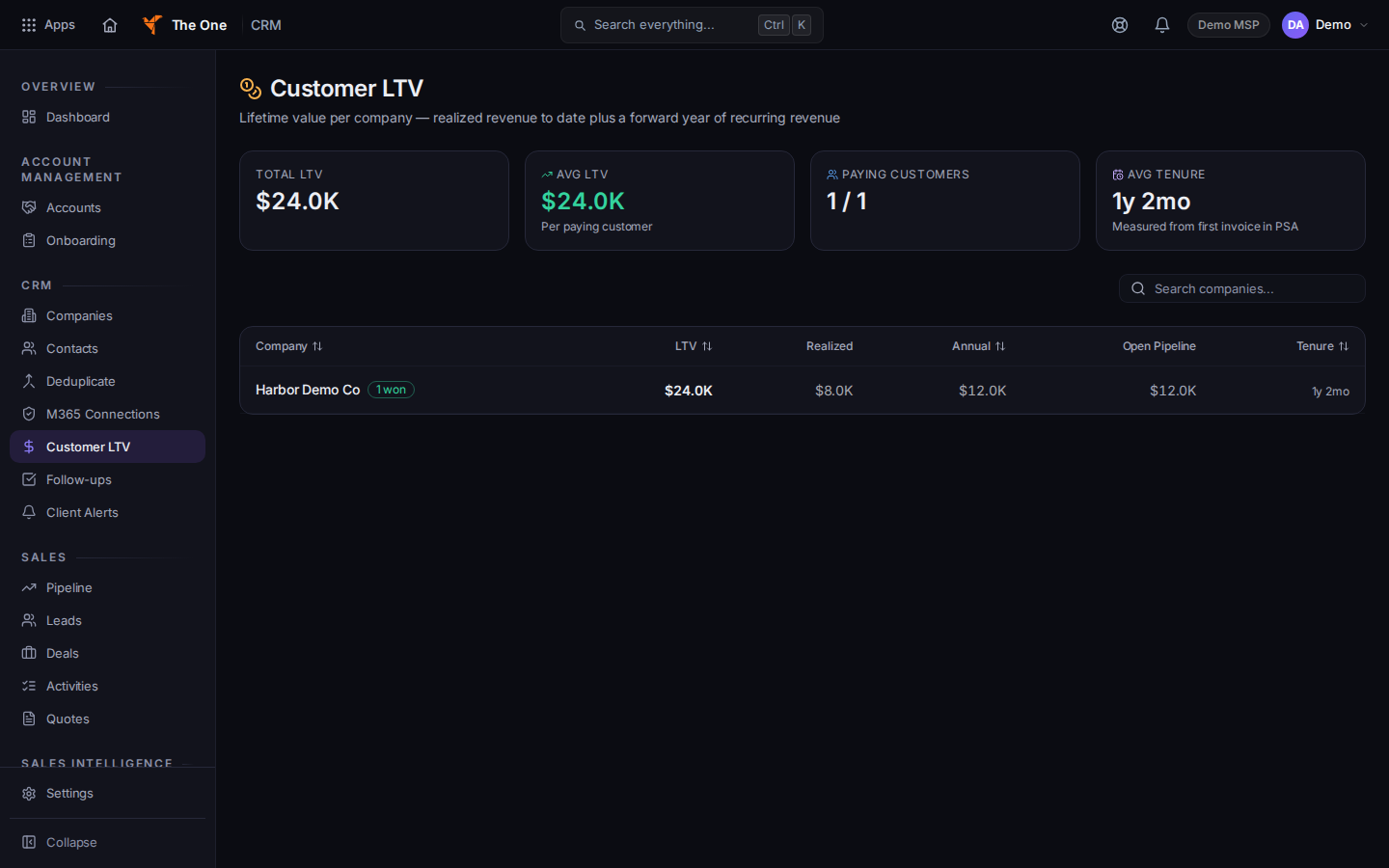
Customer LTV
Sample records for Demo MSP.
- The page title is Customer LTV. Search the list.
- No companies yet means there is nothing to value. No companies match this search means the search is empty. Clear it.
- Open a company from the row when you need the record. See Read a company record.
If it goes wrong#
- The row is missing. Your role cannot see it. Ask an admin. Do not type the address. A role that cannot see it gets an empty page, not a denial.
- Couldn't load customer LTV. Retry on that message.
What's next#
Was this article helpful?