
Turn CRM on for a client
CRM in the client portal stays off until you turn it on for that customer.
Applies to Admin Owner
The CRM in the client portal is the client's own companies, contacts, deals, and activities. It is not your staff CRM, and it does not show your other clients.
It is off until you turn it on. A co-managed person still needs a grant by name. A company admin cannot turn it back on after you turn it off.
The customer must hold CRM. If the row says Not bought, nobody there can open it.
Turn it on#
- Open Client Portal Admin, then Customers, and open the customer.
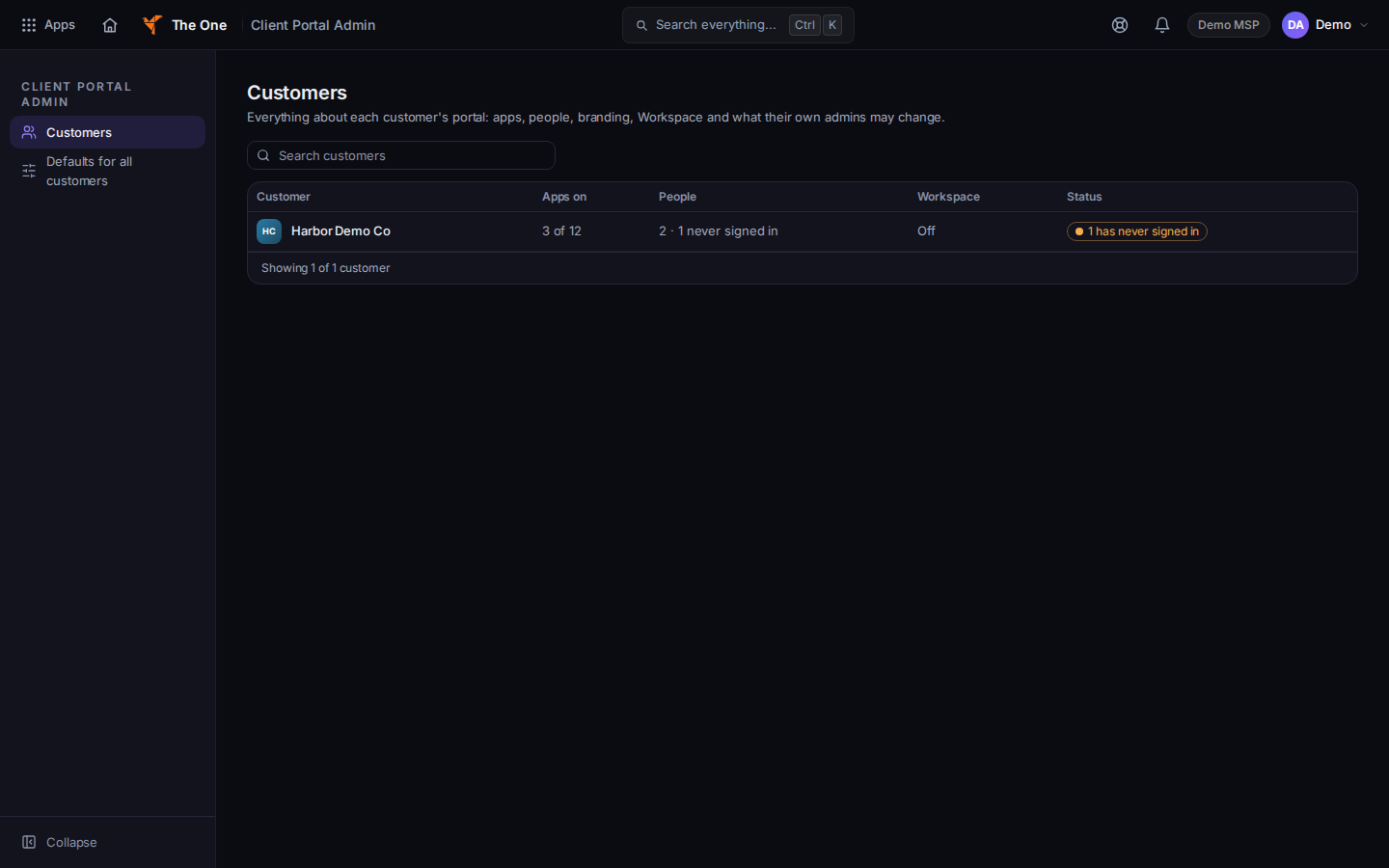
Apps and products, with CRM selected
Sample records for Demo MSP.
- Choose Apps & products.
- Search CRM if the list is long. Open the CRM row.
- Under This customer, choose On.
- Confirm Turn CRM on for the customer. The button is Turn on. The page says CRM updated.
- Default follows your default for all customers. The app default is off, so Default leaves it off until you set a default of on.
- Under Roles, On or Off narrows a role. Inherits follows the customer. Co-managed IT shows Per person. Grant that person by name. A role cannot grant it.
To set every customer the same way, open Defaults for all customers and turn CRM on there. The confirm line is Turn CRM on by default for all customers?
Off always wins over what the customer's admin chooses. Coming soon shows the app and does not let anyone open it. Lock on App controls stops the customer admin from changing that row.
People see the change the next time they load the portal.
If it goes wrong#
- The customer has not bought this app, so nobody can open it yet. Turning the switch on does not buy it.
- This area is for your organization's staff. You need the owner, admin, or manager role to see the customer's apps.
- The apps could not be shown. Nothing was changed. Retry.
- The person still cannot open it. Ask Why can't this person see it? on App controls (Settings, then App controls). Off and Coming soon both block the app.
What's next#
Was this article helpful?