
Review follow-up suggestions
Open Follow-ups, generate suggestions, and dismiss the ones you will not use.
Applies to Technician Admin
Follow-ups suggests who to contact next. The page title is Smart Follow-Ups. A suggestion is not an activity until you log one. See Log an activity.
Review them#
- Open CRM, then Follow-ups.
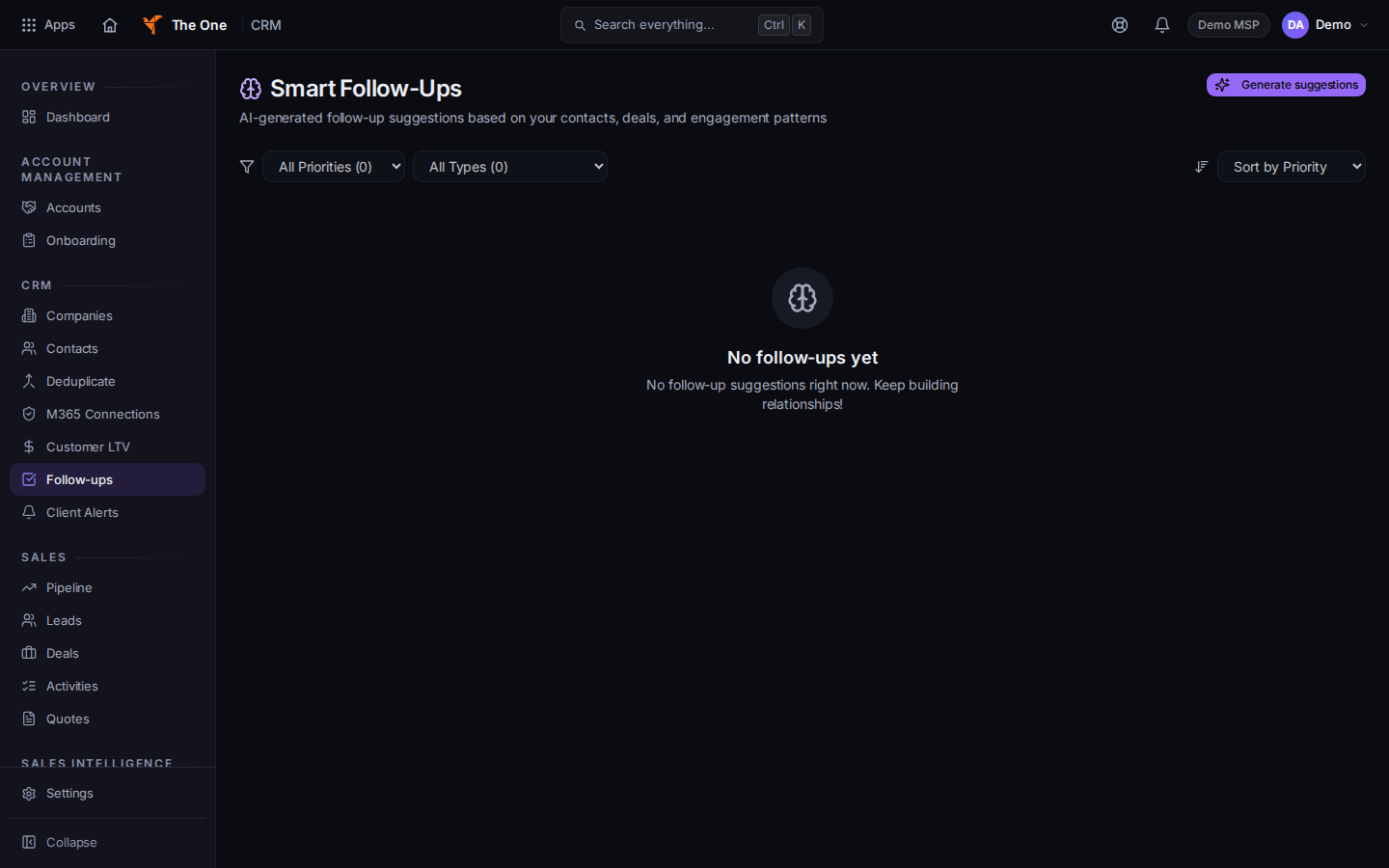
Smart Follow-Ups, with Generate suggestions
Sample records for Demo MSP.
- Choose Generate suggestions. While it runs, the button says Generating….
- The page says Generated and a count, or No new follow-ups.
- Open a row to read the draft. Dismiss removes that suggestion.
- No follow-ups yet means the list is empty. No matching follow-ups means a filter hid them.
A row can say no interaction has been logged. That is a gap in the activity list, not a failed suggestion.
If it goes wrong#
- Couldn't load follow-up suggestions. Retry on that message.
- You expected the suggestion to email the client. It does not. Log the activity, or send the mail yourself.
What's next#
Was this article helpful?