
Connect Microsoft 365 for a customer
See each customer's Microsoft 365 level and start Connect from M365 Connections.
Applies to Technician Admin
M365 Connections lists every customer, the Microsoft 365 level they are on, and a way to connect or upgrade. It is not mailbox sync for your own sales email. See Connect a mailbox for that.
Connect#
- Open CRM, then M365 Connections. The page title is M365 connections.
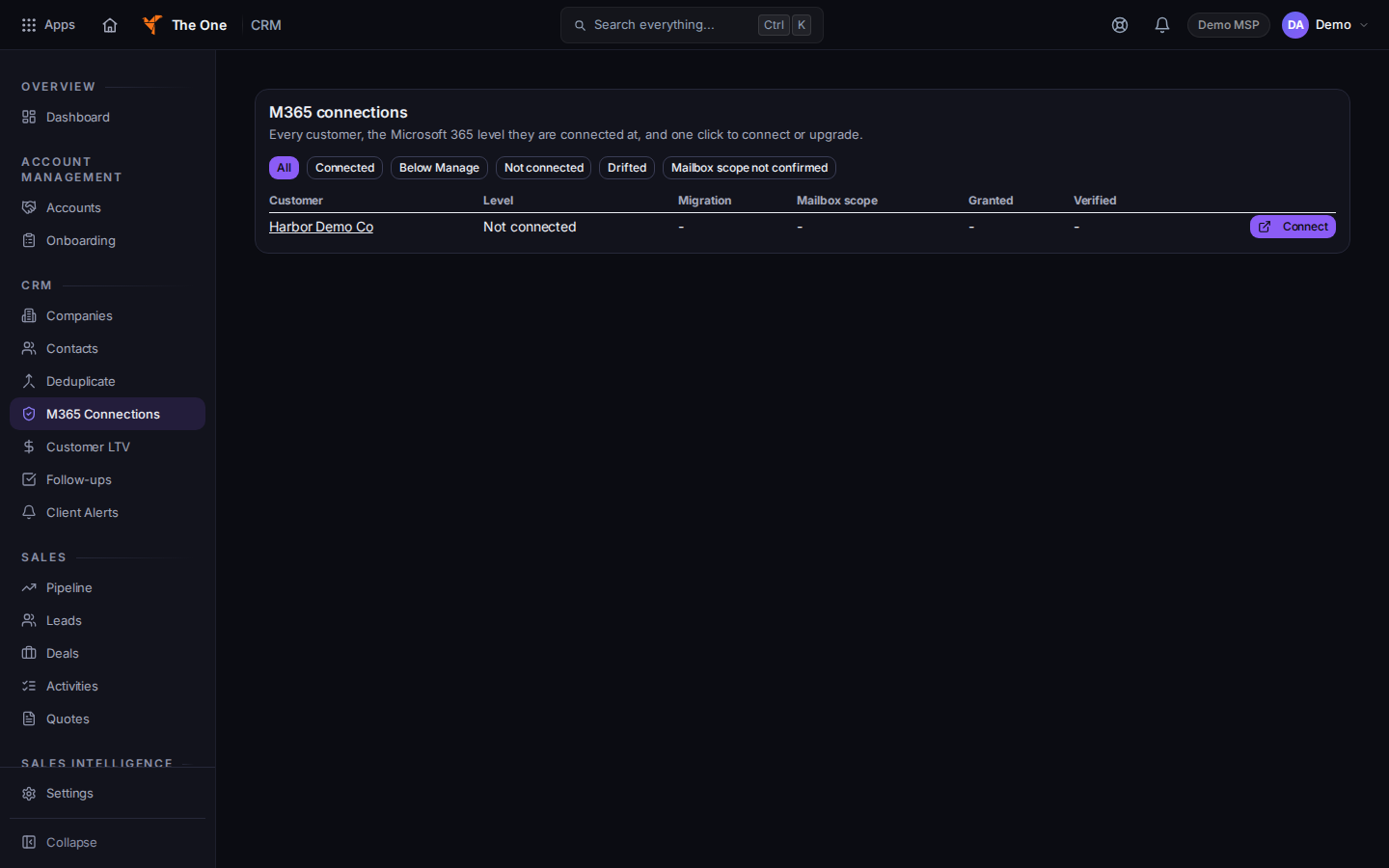
M365 connections, with Connect
Sample records for Demo MSP.
- Filter with Connected or the other filters on Filter connections.
- A row that is Not connected has Connect. Choose it and finish the Microsoft prompt that opens.
- A connected row can offer Upgrade to Tier and a number. Manage connection opens the company.
- No customers match this filter means the filter is empty, not that CRM has no companies. Clear the filter.
drift on a row means what Microsoft holds and what CRM recorded do not match. Open the company and check the connection.
If it goes wrong#
- Could not start the change. The page shows that error. Nothing was connected. Try Connect again.
- You connected a mailbox and expected this list to change. Mailbox sync and this list are different. This list is the customer's tenant.
What's next#
Was this article helpful?