
Add a custom field
Add a field on contacts, companies, deals, or activities from CRM settings.
Applies to Admin Owner
A custom field stores something the built-in form does not. It is per record type.
Add it#
- Open the settings gear, then Custom Fields. The page title is Custom Fields.
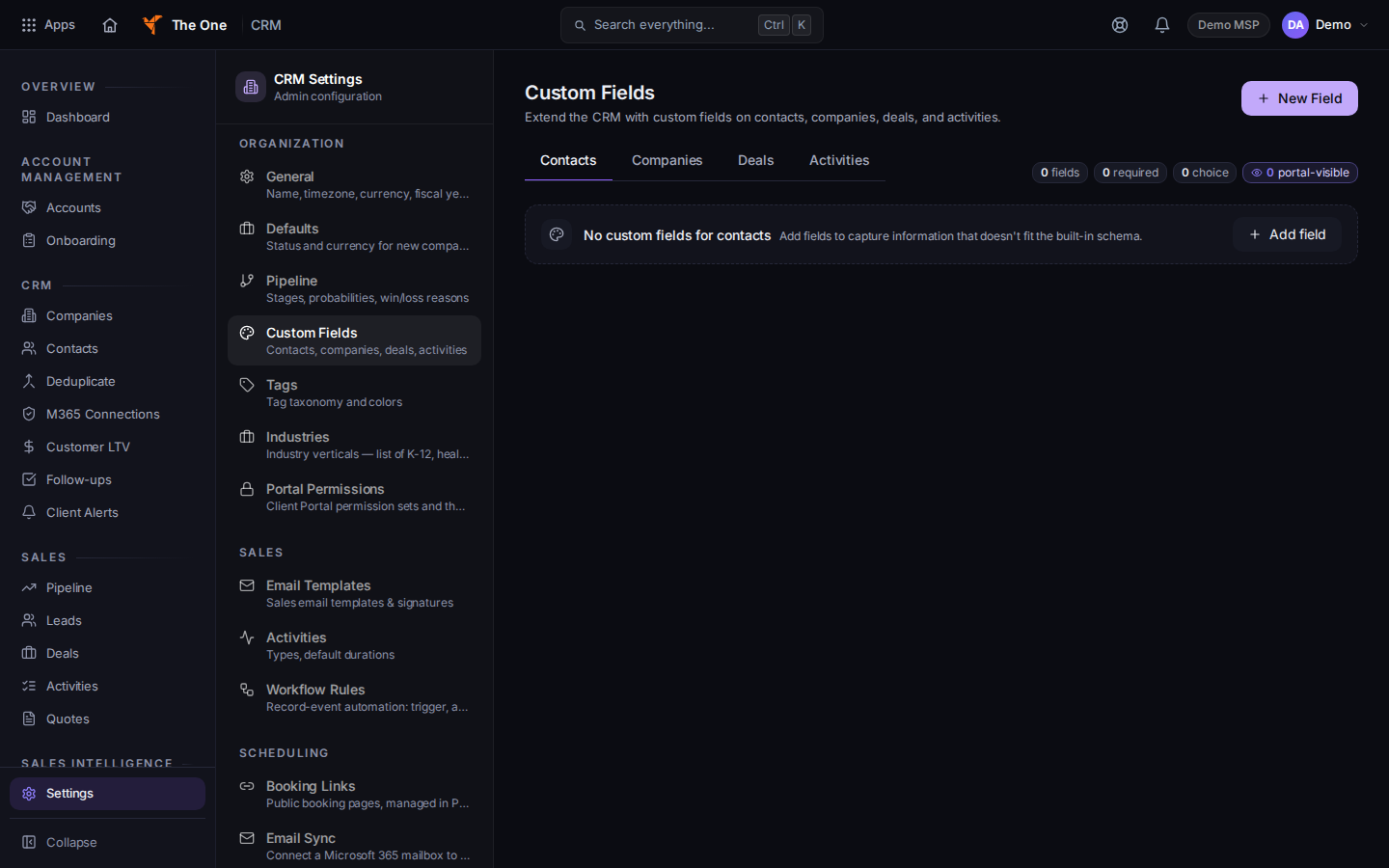
Custom Fields, with Add field
Sample records for Demo MSP.
- Choose Contacts, Companies, Deals, or Activities.
- Choose Add field.
- Name the field and choose its type. Choose Save.
- Open a record of that type. The field is on the form.
The empty page says Add fields to capture information that doesn't fit the built-in form.
If it goes wrong#
- The field is missing on the record. You saved it on a different type. Contacts and companies are separate lists.
- You don't have access to CRM Settings. Ask an owner.
What's next#
Was this article helpful?