
Create a call queue
Create a queue so callers wait for the next available agent.
Applies to Admin
A call queue holds callers until an agent can take the call. The menu item is Queues & Hunt Groups. The page it opens is Call Queues. The description is Route calls to available agents.
That menu item does not open ring groups. See Create a ring group.
Create the queue#
- Open Queues & Hunt Groups. Confirm the title is Call Queues.
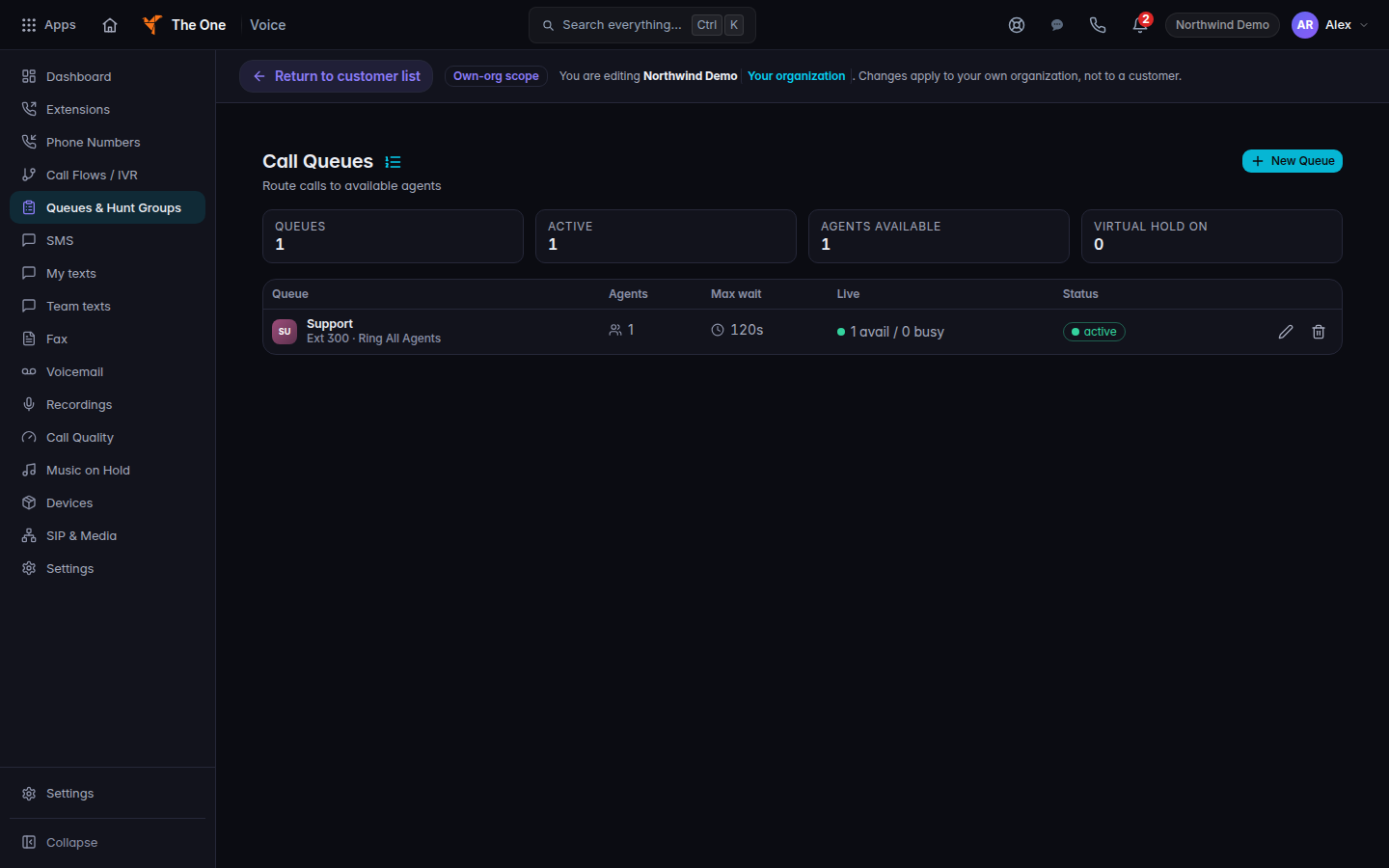
Call Queues, with New Queue - Choose New Queue. If the list is empty, it says No call queues configured and Create a queue to route calls to available agents.
- Name the queue and add the agents who should take calls.
- Save the dialog. The queue appears in the list. Choose the row to edit it.
The tiles above the list are Queues, Active, Agents available, and Virtual hold on.
Delete call queue? removes the queue. Delete queue confirms it.
If it goes wrong#
- The page bounces to Dashboard. Your role cannot view queues. Ask a Voice admin.
- Agents available stays at zero. The people on the queue are not signed in as available. The queue can still exist.
- You needed a ring group. This page does not create one. Open Hunt Groups.
What's next#
Was this article helpful?