
Add an extension
Create an internal extension and link it to the person's CRM contact.
Applies to Admin Technician
An extension is the internal number for one person or one place. Voice does not have its own users page. The person lives in CRM. The extension links to that contact.
Create the extension#
- Open Extensions.
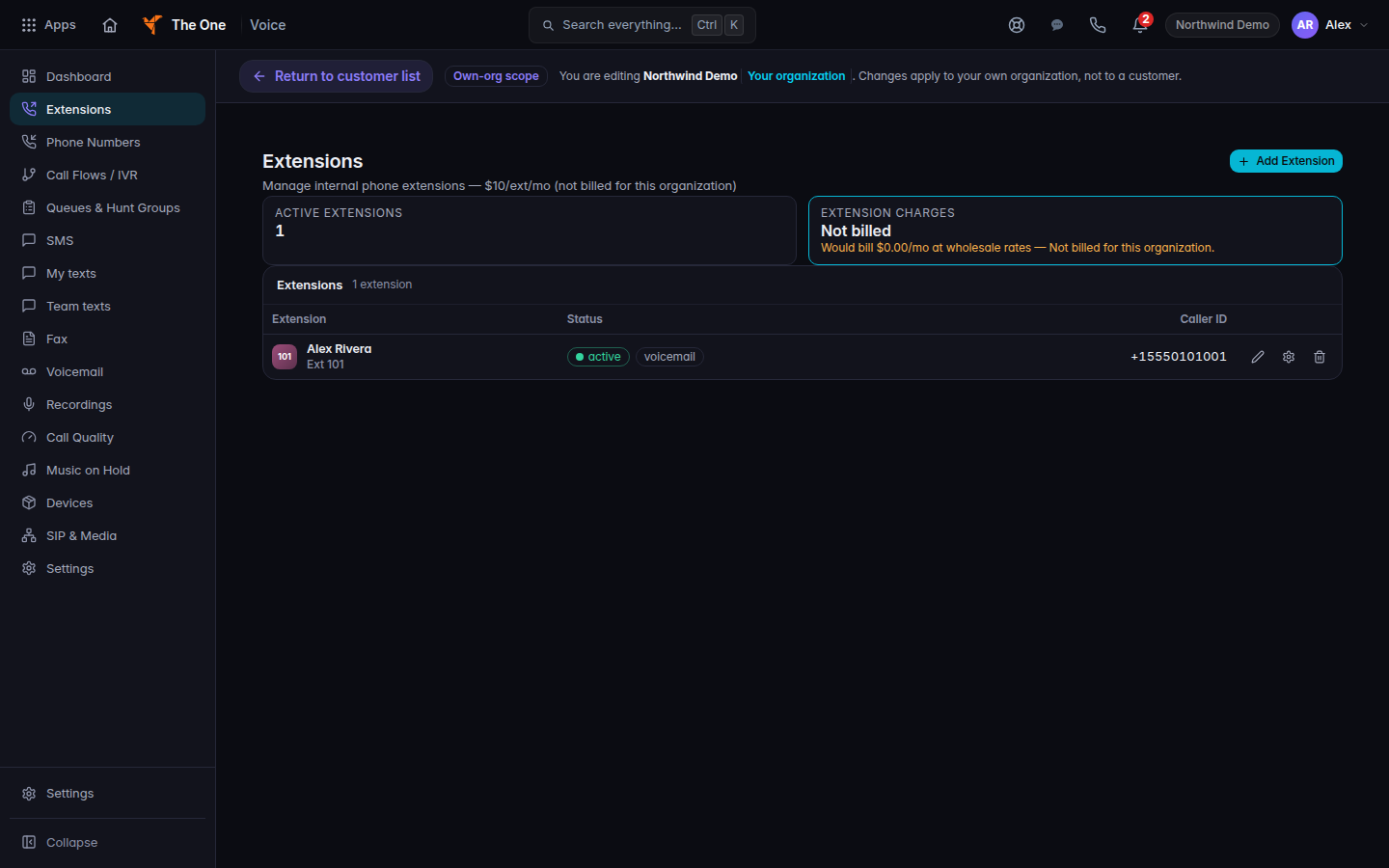
Extensions, with Add Extension - Choose Add Extension. If the list is empty, it says No extensions yet. The same button is on that empty state.
- In New Extension, fill Extension Number and Display Name. Turn on Enable voicemail if this person should have a mailbox.
- Choose Create.
Open the extension from the list. Back to Extensions returns to the list.
Link the person#
- On the extension, find Linked CRM Contact. The page says identity is owned by the CRM.
- Search with Search CRM contacts by name… and choose the person. The pill changes to Linked to CRM contact. A notice says CRM contact linked.
- If the pill says No CRM contact linked, the extension can still ring, but the person is not tied to that contact.
Password, MFA, and welcome email stay on the person's Hub sign-in. Do not look for them on the extension.
If it goes wrong#
- Add Extension is missing. Your role can view extensions but not create them. Ask a Voice admin.
- Create fails. Read the notice. The extension was not saved. Check that the extension number is not already used.
- The contact search is empty. Add the person in CRM first. See Find a company.
What's next#
Was this article helpful?