
Read your own texts
Open My texts to read and reply on the lines assigned to you.
Applies to Technician Admin
My texts is your own texting. It is not the admin page and it is not the shared team inbox. The menu badge, when you have one, is the unread count on your lines.
Read and reply#
- Open My texts.
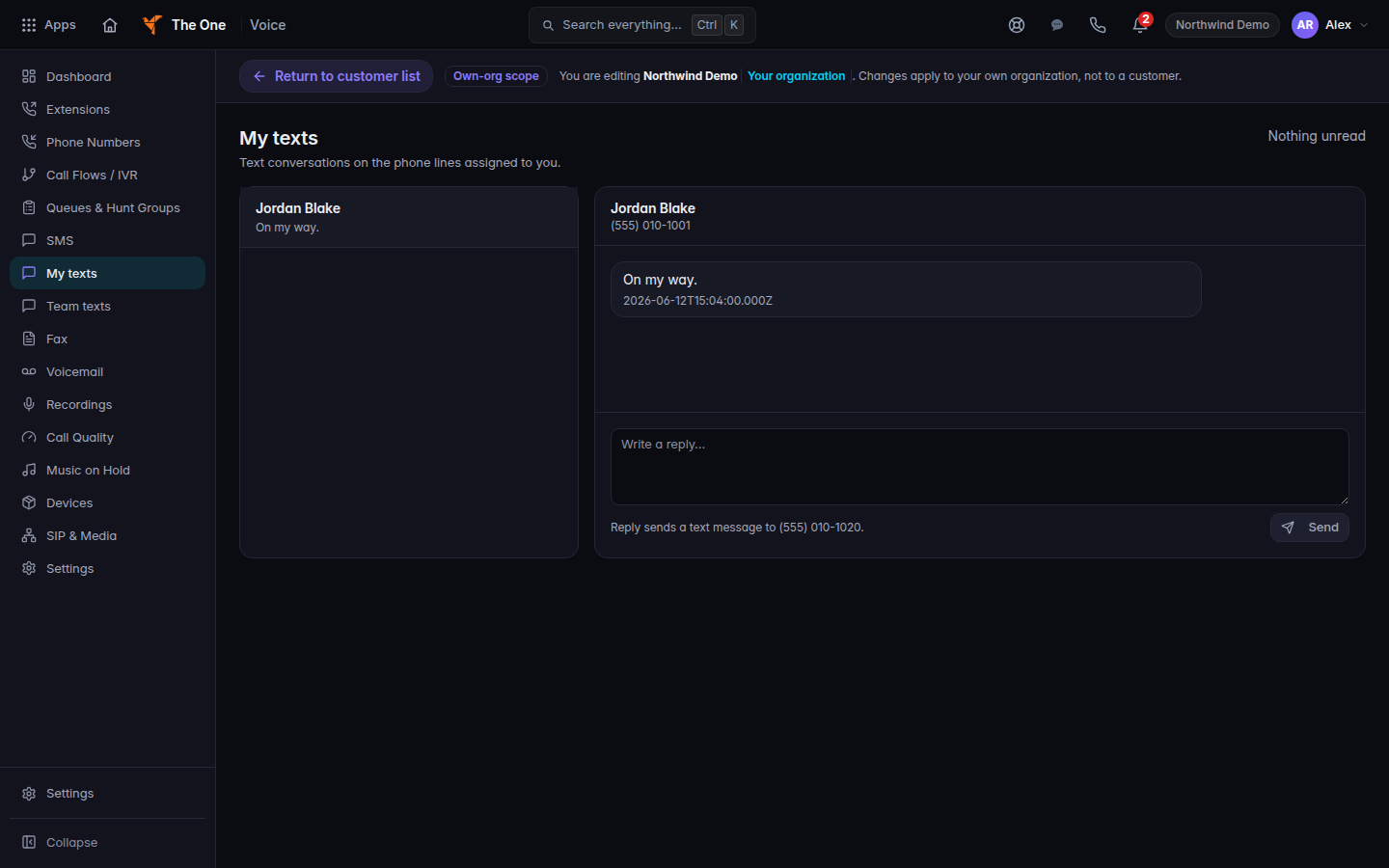
My texts, with a conversation open - Choose the conversation.
- Reply in the composer. The send control is Send text message when the thread is a text.
If it goes wrong#
- Texting is not available for your account. Texting is off for you. Ask an admin.
- Couldn't load your texts. Choose Try again. Nothing you typed was sent.
- No phone line is assigned to you. You have no personal line. Open SMS settings goes to the admin page if your role can open it.
- Your lines are shared with teammates. Those threads are on Team texts, not here. See Read team texts.
- No messages yet. The line is yours. Nobody has texted it.
What's next#
Was this article helpful?