
Type a greeting that is read aloud
Type the words a caller hears, on a voicemail box or on the person's own phone settings.
Applies to Admin Technician
You can type a greeting and have it read aloud. Staff do this on a voicemail box. Phone in the client portal is not available yet.
There is one platform voice for this. You do not pick a different voice per organization.
Staff: type it on the mailbox#
- Open Voicemail and open the box.
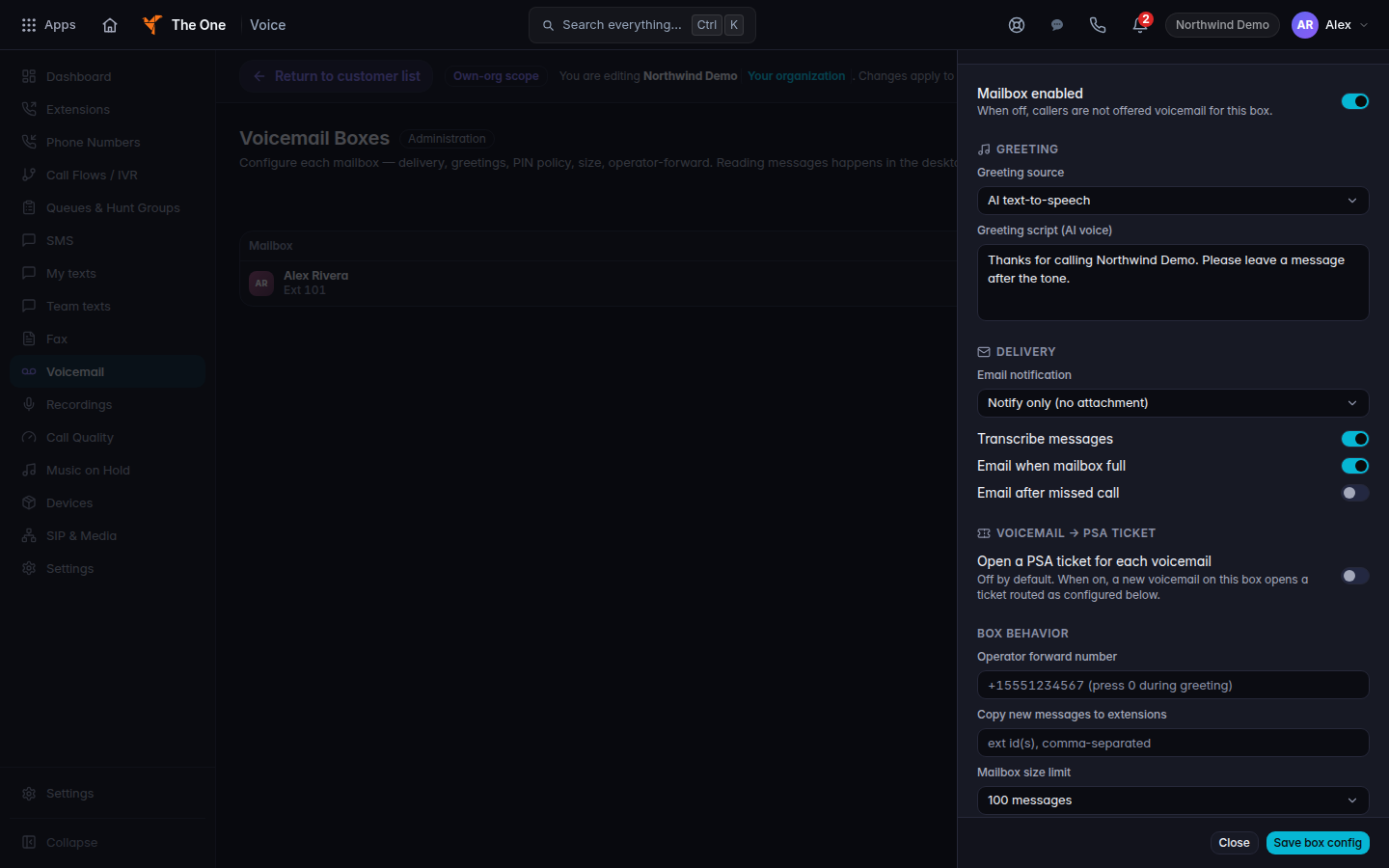
Greeting source set to AI text-to-speech, with the greeting script - Set Greeting source to AI text-to-speech.
- In Greeting script (AI voice), type what the caller should hear.
- Save the sheet.
On the extension itself, the same idea is the greeting control AI TTS. The field placeholder is Type greeting text for AI TTS….
A call flow prompt can also use Text-to-speech. That is the menu prompt, not the mailbox greeting. See Build a call flow.
If it goes wrong#
- Callers still hear the old greeting. The greeting source is still System default or The standard greeting, or the number never reaches this mailbox.
- No greetings in the library yet. That message is for a library clip, not for typed text. Switch the source to AI text-to-speech.
What's next#
Was this article helpful?