
Request a new employee
For clients who can start employee changes. Tell your provider someone is joining.
Applies to Client
New employees is how you tell your IT provider that someone is starting. It files a private request. Only you and your provider can see what you send.
The tab is there when you can open tickets and you can request employee changes. Everyone else keeps ordinary tickets. See Open a request in the portal.
Send the request#
- Open Requests & Approvals, then New employees.
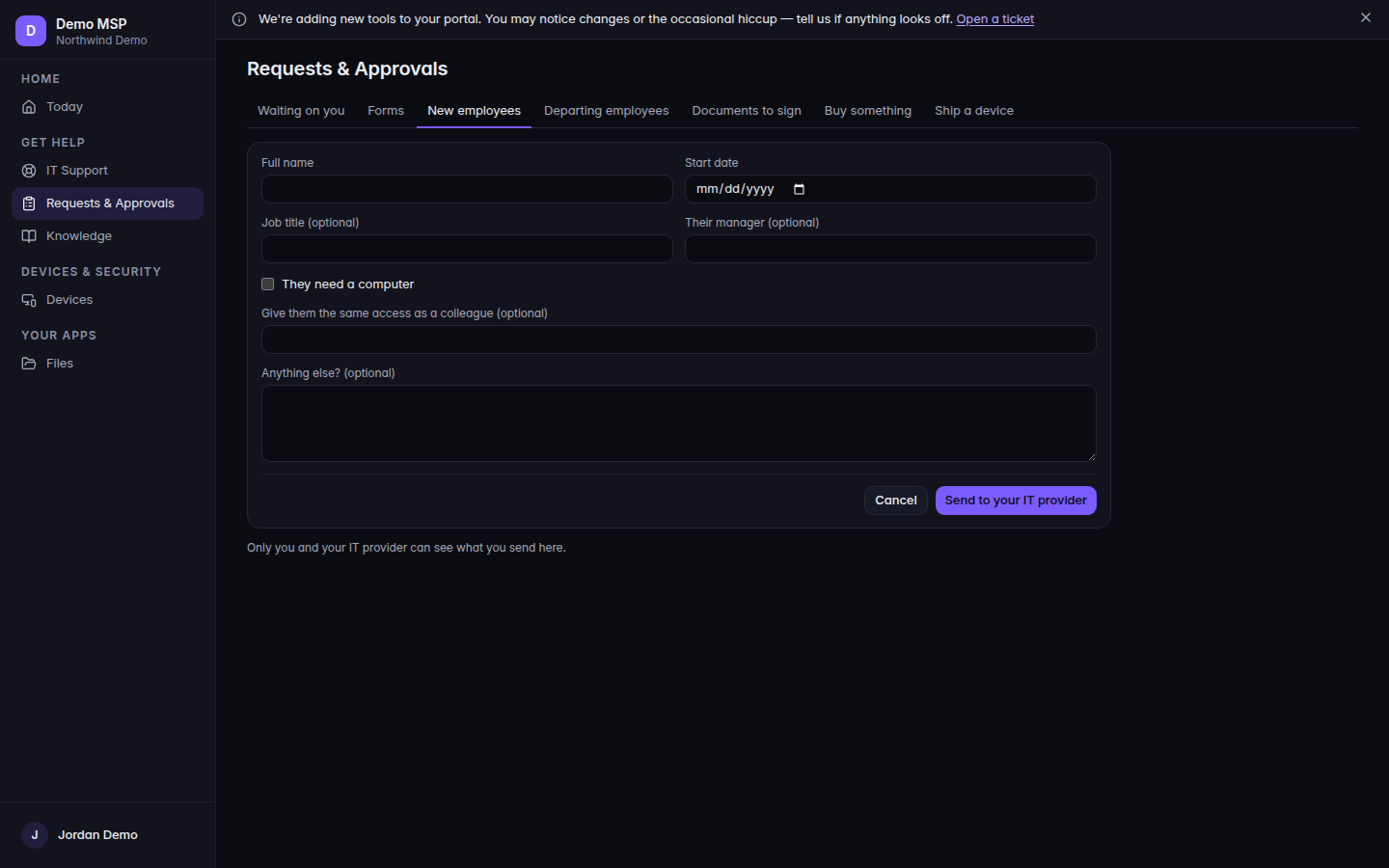
New employees, with Add a new employee 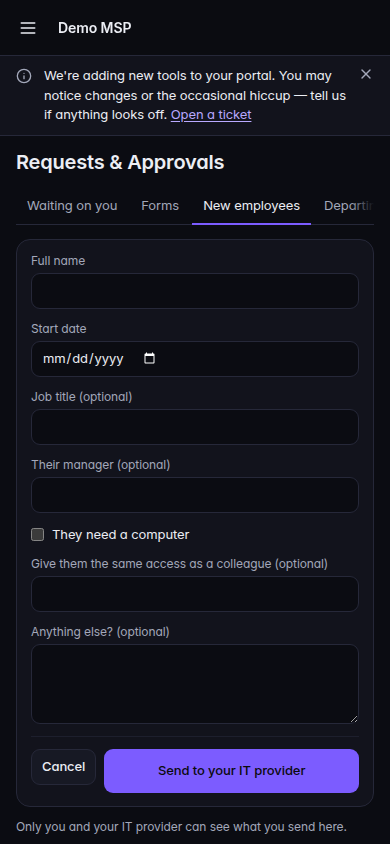
New employees, with Add a new employee, on a phone - If the page says Someone joining your team?, choose Add a new employee.
- Fill Full name and Start date. Both are required.
- Fill the optional lines you know: Job title (optional), Their manager (optional), They need a computer, What kind of computer? (optional), Give them the same access as a colleague (optional), and Anything else? (optional).
- Choose Send to your IT provider. Cancel closes the form without sending.
The line under the form is Only you and your IT provider can see what you send here.
When it is sent, the page says Sent and that they will keep you posted by email. View it in IT Support opens the ticket when you can see tickets. Add another new employee starts a second one.
If your provider published their own form, you fill that form instead. The button is still Send to your IT provider.
If it goes wrong#
- Tell us their full name. or Pick their start date. Fix that field. Focus moves to it.
- You cannot send this from here. Ask your company admin or your IT provider. You are not allowed to start this request.
- Something went wrong. Nothing was sent. The request was rejected before it was created. Fix it and send again.
- We could not confirm it was sent. Check IT Support before sending it again. Look in Tickets first so you do not file a duplicate.
- Not turned on for your account. The page is off. Ask your provider.
- The tab is missing. You can open tickets but you cannot request employee changes, or IT Support is off. A view-only people role does not get this tab.
What's next#
Was this article helpful?