
Report a departing employee
For clients who can start employee changes. Tell your provider someone is leaving, then follow the steps.
Applies to Client
Departing employees is how a company admin tells the IT provider that someone is leaving. Each step is owned by the provider or by your company. You mark only the steps that are yours.
A person who can only view the list does not see Tell us someone is leaving. Someone named on one step can open that request from its link and mark their own step.
Tell them someone is leaving#
- Open Requests & Approvals, then Departing employees.
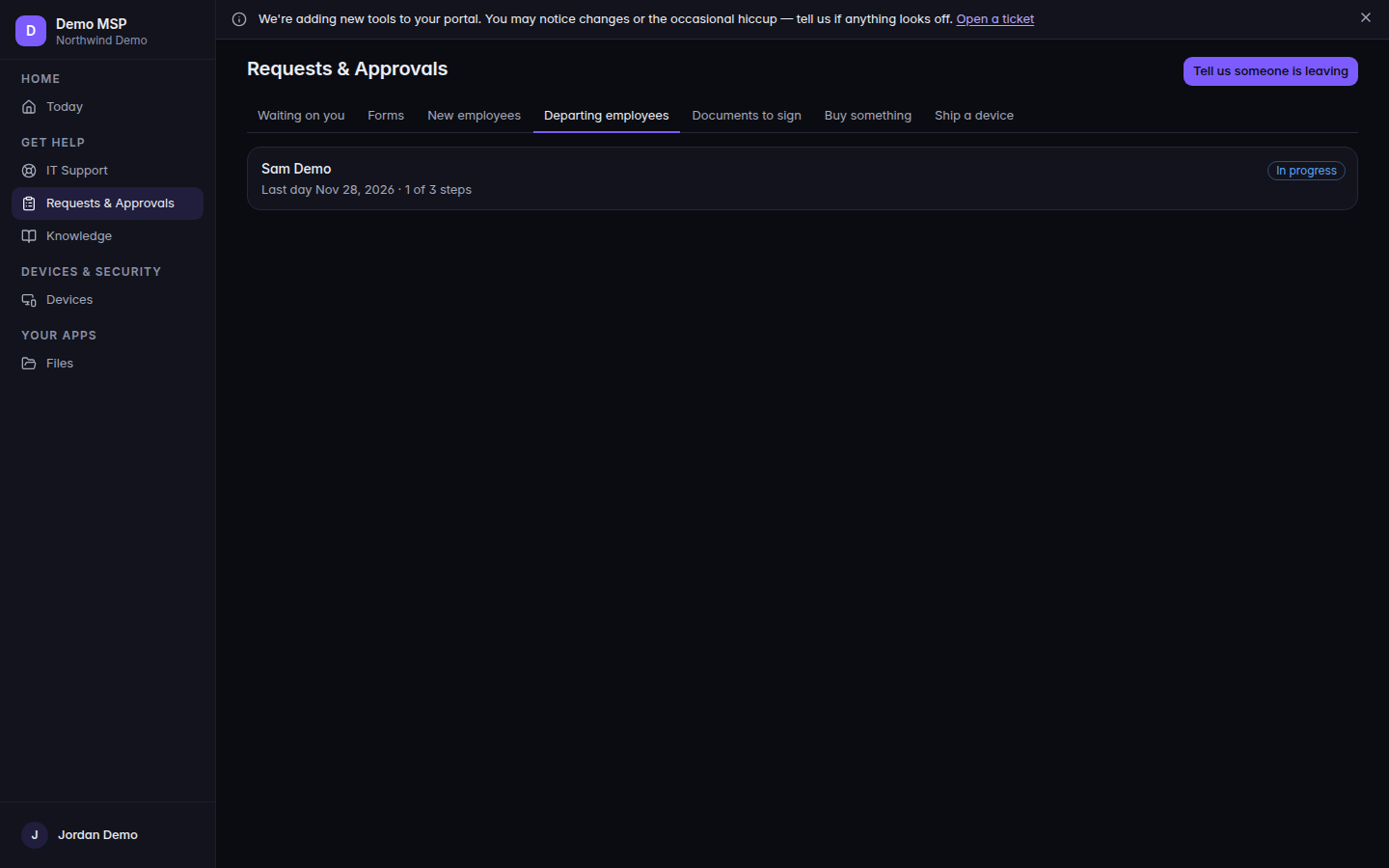
Departing employees, with Tell us someone is leaving 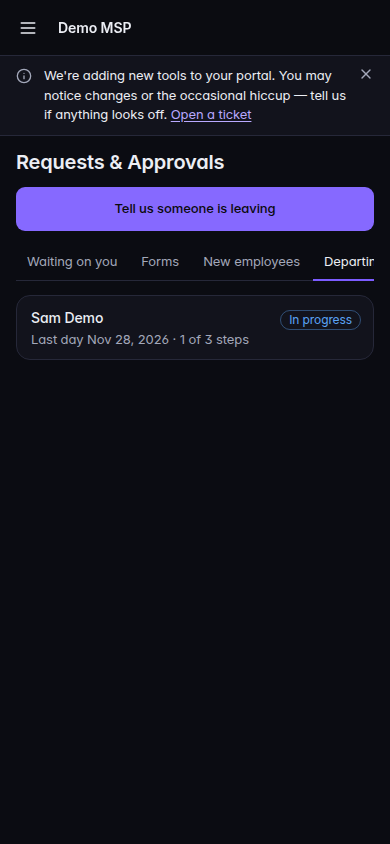
Departing employees, with Tell us someone is leaving, on a phone - Choose Tell us someone is leaving.
- Fill Who is leaving? and Last day. Both are required.
- Fill what you know: Their work email (optional), Role (optional), Forward their mail to (optional), Their laptop, badge or keys are coming back, and Anything else?.
- Choose Send to your IT provider.
An empty list says No departing employees.
Follow the request#
- Open the person’s row. The status is In progress, Done, or Cancelled. The line shows the last day and how many steps are done.
- On a step marked Yours to do that is not done, choose Mark done. A step marked Your IT provider is theirs.
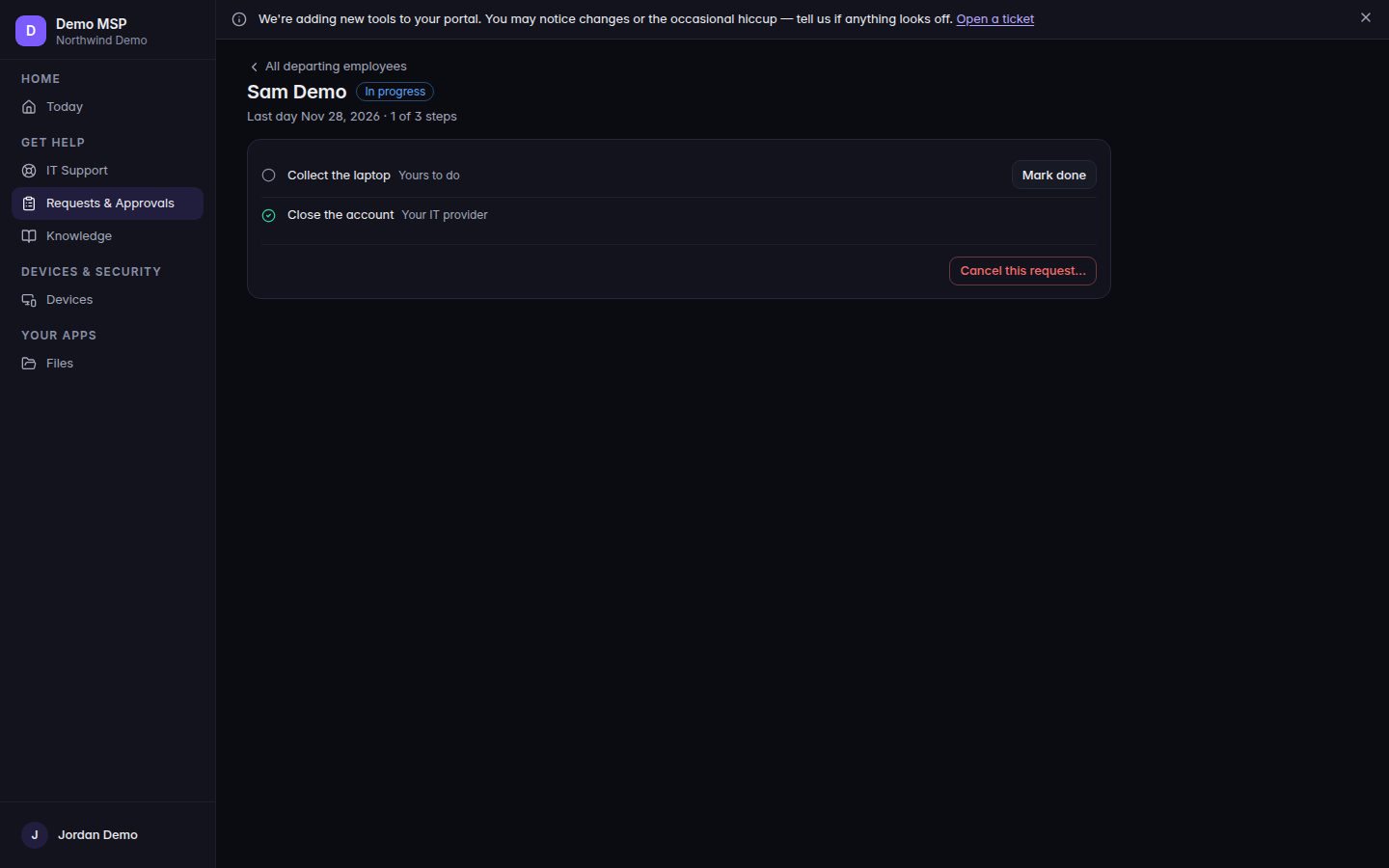
A departing employee, with steps and Mark done 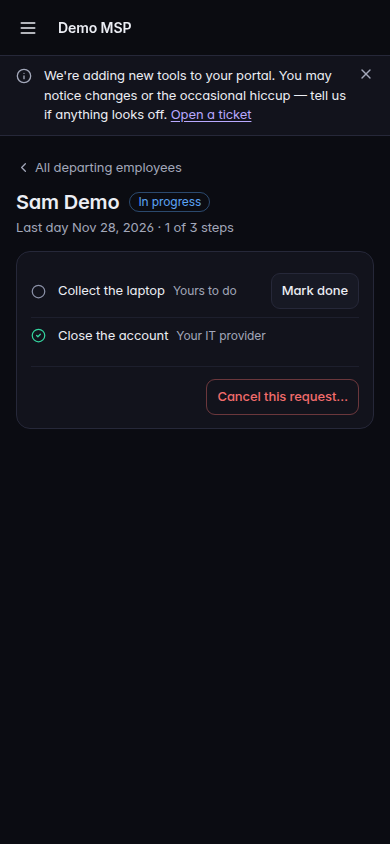
A departing employee, with steps and Mark done, on a phone - To stop the work, choose Cancel this request…, then Cancel this request. Keep it leaves it open. The confirm line is Cancel this request? Your IT provider will stop working on it.
All departing employees returns to the list when you are allowed to see the list.
If it goes wrong#
- Who is leaving? or Pick their last day. Fill the field the message names.
- Their email address does not look right. or The address to forward their mail to does not look right. Correct the address.
- Only a company admin can tell us someone is leaving. Ask your company admin or your IT provider to do it. You can read the list, or you cannot start one.
- A company admin starts these. The same limit, shown on an empty list.
- Something went wrong. Nothing was sent. Nothing was created. Send again after you fix it.
- That did not save. Please try again. Mark done or cancel did not save.
- We could not find that request. It may belong to another company, or it was removed.
- Not turned on for your account. The app is off.
What's next#
Was this article helpful?