
See devices in the client portal
For clients. Open the device assigned to you, or the company list when you can see it.
Applies to Client
Devices is the computers and other equipment your provider monitors or has on record. The menu row opens My device when that page is yours. People who can see the company list also get Devices.
Your provider’s remote tools stay on their side. See Connect to a device if you are staff. This page is what a client sees.
The page you get#
- Open Devices.
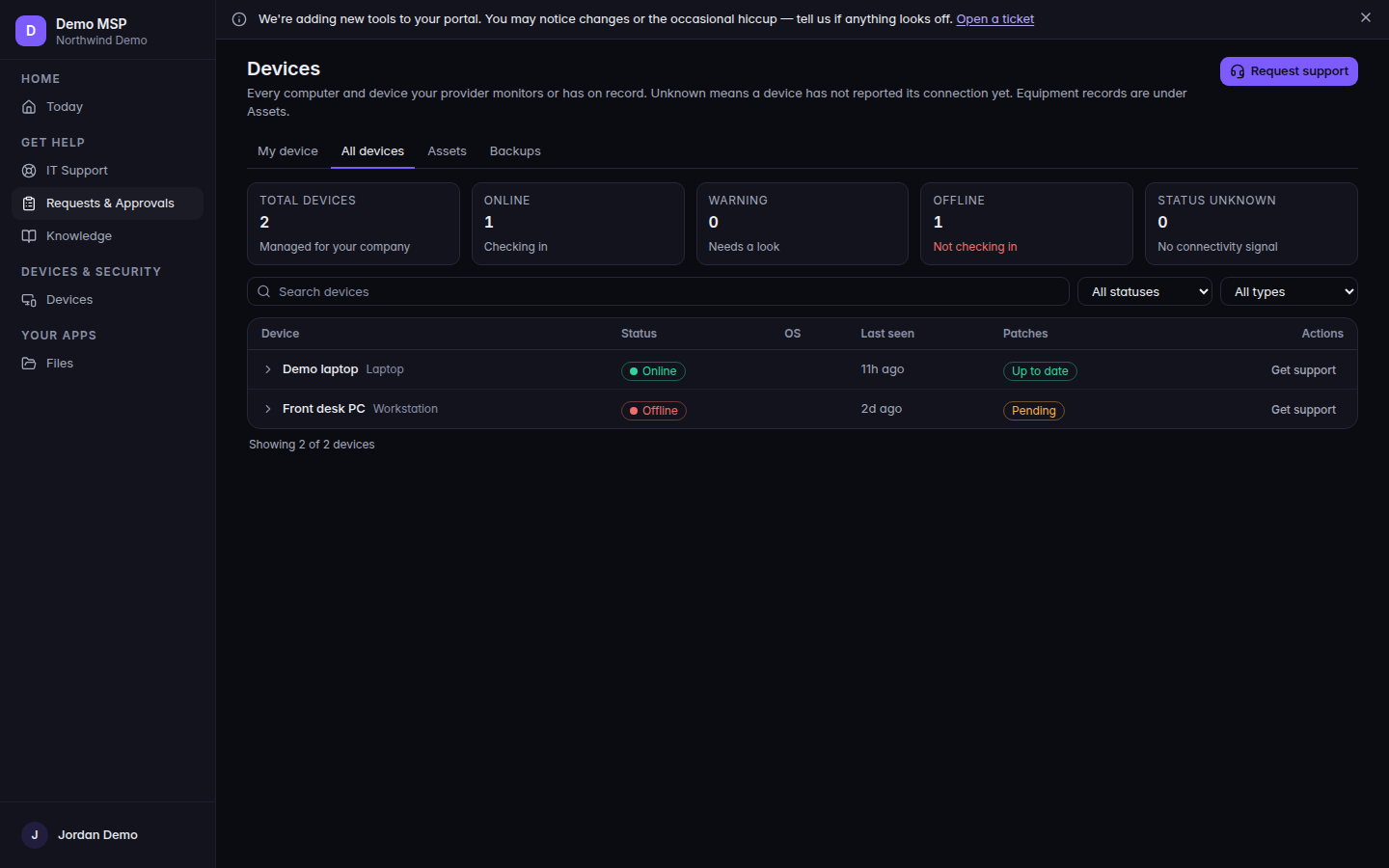
My device, or the Devices list 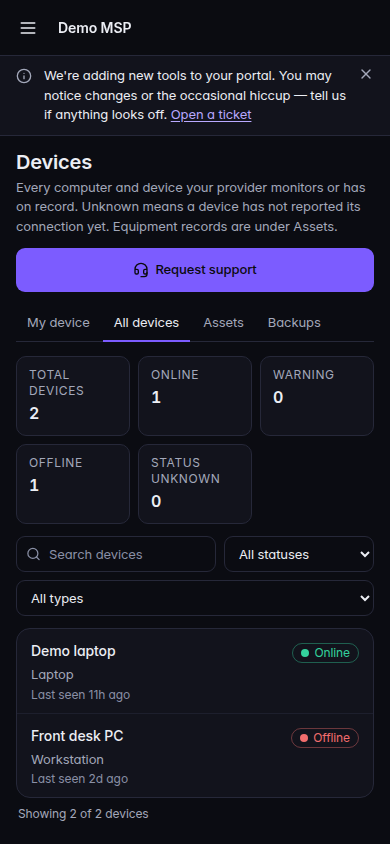
My device, or the Devices list, on a phone - If the title is My device or My devices, that is the equipment assigned to you. While it loads, the page says Checking on your device….
- If the title is Devices, that is the company list. The line under the title says unknown means a device has not reported its connection yet, and equipment records are under Assets.
- Read the state on the row. Up to date and Pending are patch states you may see. Unknown means it has not reported.
Chromebooks is its own row, and only when your provider turned it on for your company and your role can open it.
If it goes wrong#
- No device assigned to you yet. Nothing is assigned to you. Ask your provider.
- No devices yet. The company list is empty.
- No matching devices. The filter hid every row. Clear it.
- Couldn't load your devices. The list failed. Retry.
- Not turned on for your account. Devices is off. Ask your provider.
- You expected every computer in the company. The row you have opens your own device. The company list needs permission to view assets.
What's next#
Was this article helpful?