
Restore a file from the recycle bin
For clients. Delete moves a file to the recycle bin. Restore puts it back.
Applies to Client
Delete does not erase the file immediately. It asks to move the file, and everything inside a folder, to the recycle bin. Restore puts an item back while it is still in the bin.
Remove and restore#
- On the file or folder, choose Delete.
- Confirm Move the name and everything inside it to the recycle bin? Choose Cancel to keep it where it is.
- Open Recycle bin.

Recycle bin, with Restore 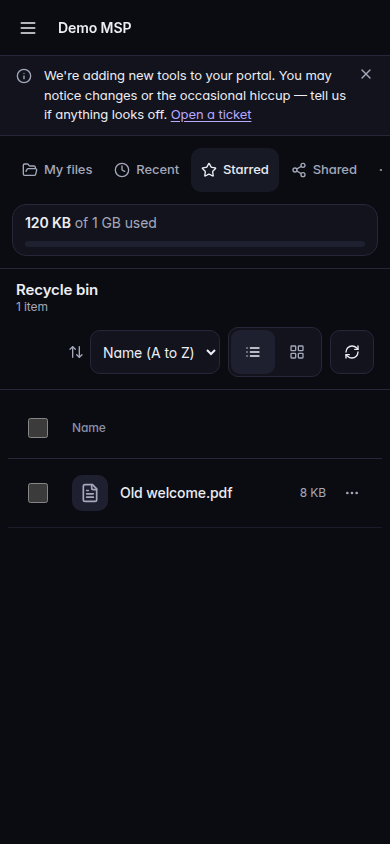
Recycle bin, with Restore, on a phone - Choose Restore on the item you want back.
An empty bin says Nothing is in the recycle bin.
If it goes wrong#
- Delete is missing. You cannot change files.
- That version is past the 30-day history window, so it can no longer be labeled. That line is about Versions, not about the bin. Open Versions on the file, use Label while the version is still in the window, and Save as a copy when you need a separate file.
- Only a file has versions. Folders do not have a version list.
- A file can keep 10 labeled versions. Remove label on another version first.
What's next#
Was this article helpful?