
Set a module policy
Turn a module on for many devices from Policy Center.
Applies to Admin Owner
A module policy is how you turn a module on for more than one computer. One device is the Agent Modules tab. Many devices are Policy Center.
The order is Device, then Group, then Site, then Org. A setting on the device beats a group, which beats a site, which beats the organization.
Queuing a policy is not proof the agent applied it. The page says delivery and readback are checked separately.
Create the policy#
- Open RMM, then Policies, then Policy Center.
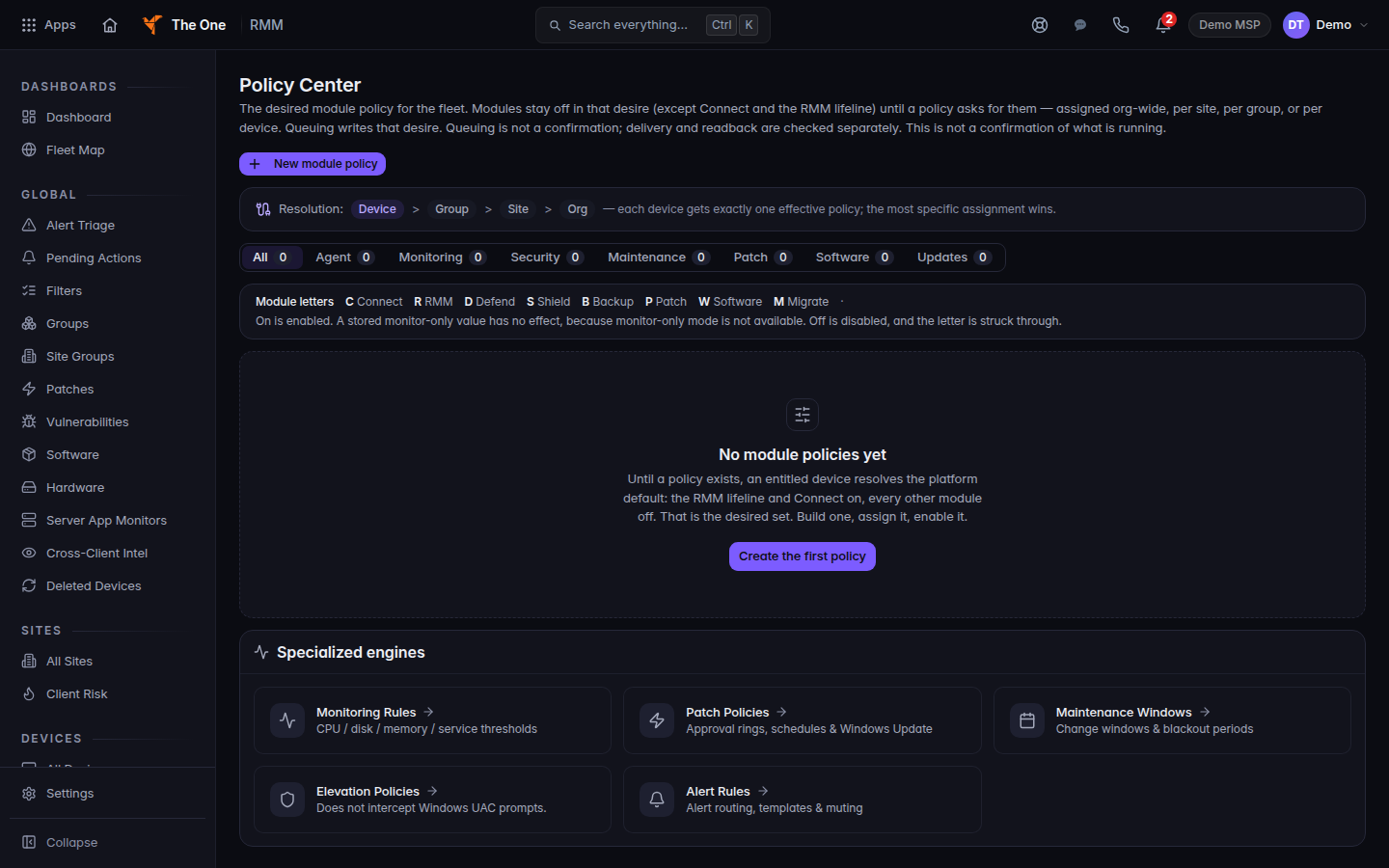
Policy Center, with New module policy
Policy Center before any module policy exists. New module policy starts one.
- Choose New module policy.
- Name it. Leave it Draft until the assignments are right. Enabled is the live switch.
- Set each module to the state you want. A row marked Early access is not for production. A withheld row says withheld — does not run.
- Under Assigned to, pick Organization, Site, Group, or Device. A site or device assignment asks you to choose the customer.
- Choose Create policy, then Queue for agents.
Module defaults for all companies on Policy Center uses Inherit, On, and Off for the organization.
Group here means a device group that policy can target. The groups under RMM, then Groups, are tag groups. The groups on Devices, then Groups, do not target policy yet. See Use device groups.
If it goes wrong#
- The device still shows waiting. It has not checked in since you queued the policy. Open Agent Modules on that device after the next check-in.
- You cannot save. Owners and admins change policy. Ask an admin if the button is missing.
- You turned on Edge SASE. The row stays held. The module does not run.
What's next#
Was this article helpful?