
Run a script on a device
Run one of your scripts on one computer, or on several if you are an admin.
Applies to Technician Admin
A script is the command. You run it from the device, or from Run a script when you are sending it to more than one computer.
The command is sent to the device unless a safety review or an approval holds it. Anything held waits in Pending Actions with the reason.
Run it on one device#
- Open the device. See Open a device.
- Choose Run, then Run Script.
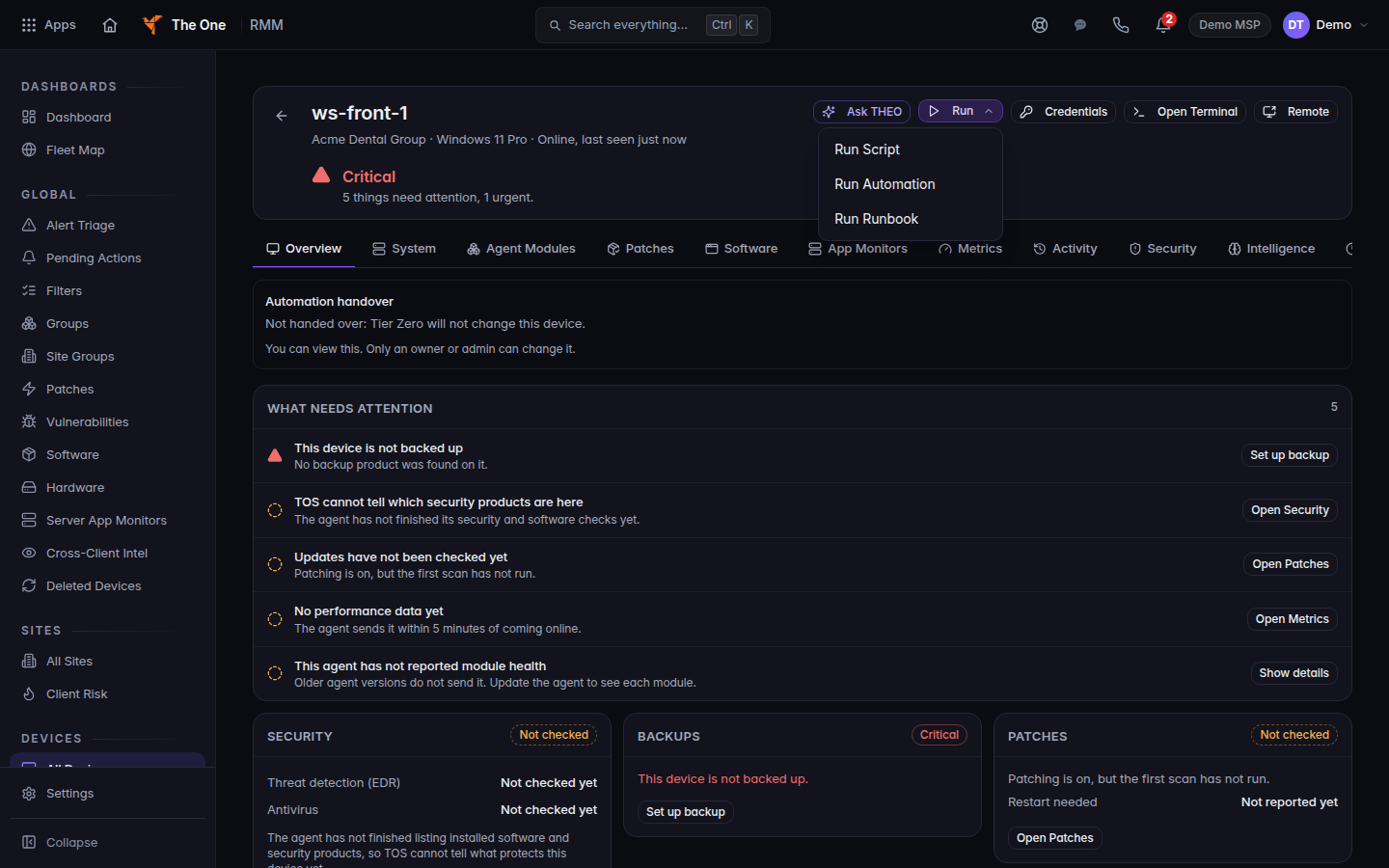
The Run menu on a device, with Run Script
Run on a device opens Run Script, Run Automation, and Run Runbook.
- Pick the script, fill in what it asks, and run it.
- Open Pending Actions if the run was held. Read the reason before you approve it.
Run it from the script list#
- Open RMM, then Automation, then Scripts. The title is Scripts.
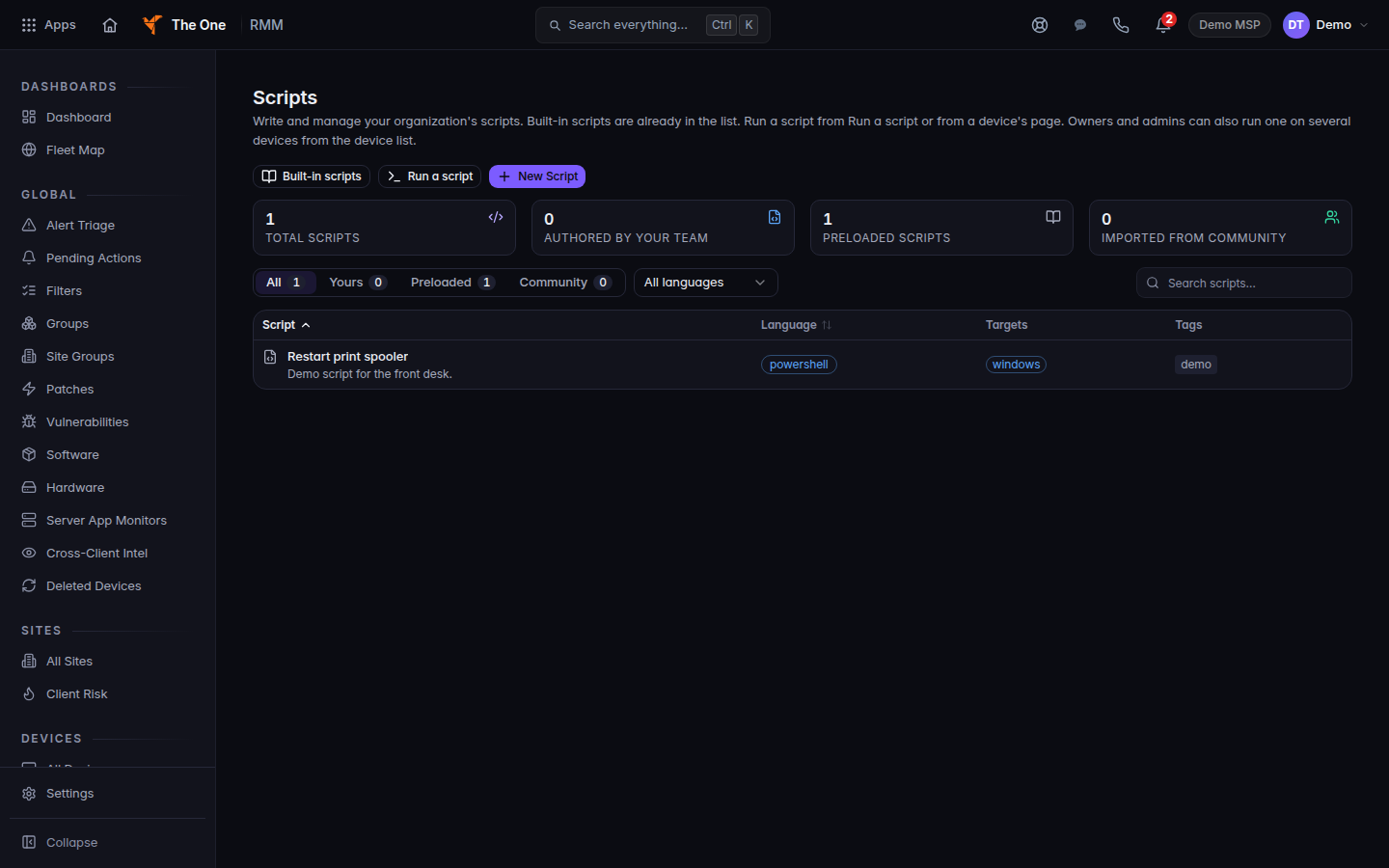
Scripts, with one demo script
Scripts lists the commands you can run. This demo script is Restart print spooler.
- Choose Run a script. The page title is Run a script. The button is Run script, or Run on N devices when more than one computer is selected.
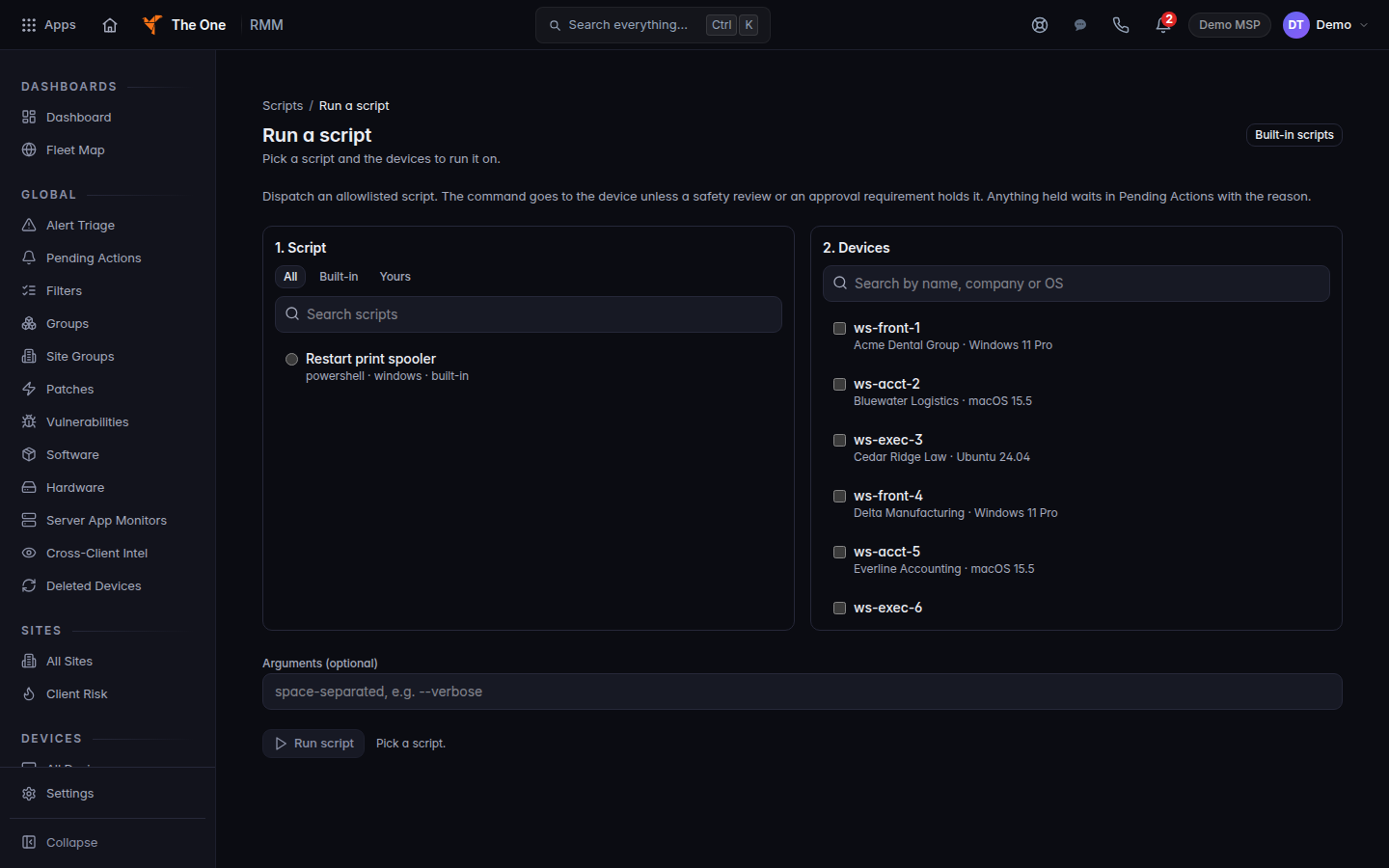
Run a script, with the script and the device list
Run a script lists the script on the left and the computers on the right. Select one computer, then Run script.
- A technician who selects several devices sees Running on several devices at once needs the owner or admin role. Pick one device.
- A queued run shows Script queued.
New Script creates one. Built-in scripts filters to the scripts that shipped with the product. Yours is what your organization wrote. There is no separate community catalog.
On a script's own page, Run on a Device… returns you to the device list. It does not run in place.
If it goes wrong#
- Could not run script. or Could not run on N device(s). Nothing was sent for the rows marked Not sent. Read the reason, fix it, and run again.
- Pick a script. or Pick at least one device. The form is incomplete.
- The run stays pending. The device is offline, or the run is waiting in Pending Actions.
- Could not save script. on New Script or Edit Script. Missing fields means a required field is empty.
What's next#
Was this article helpful?