
See why a script is held
Open Pending Actions when a script run did not go straight to the device.
Applies to Technician Admin
Some script runs do not go to the computer immediately. A safety review or an approval requirement holds them. Pending Actions is the list of those holds, with the reason on each one.
Read the hold#
- Open RMM, then Pending Actions.
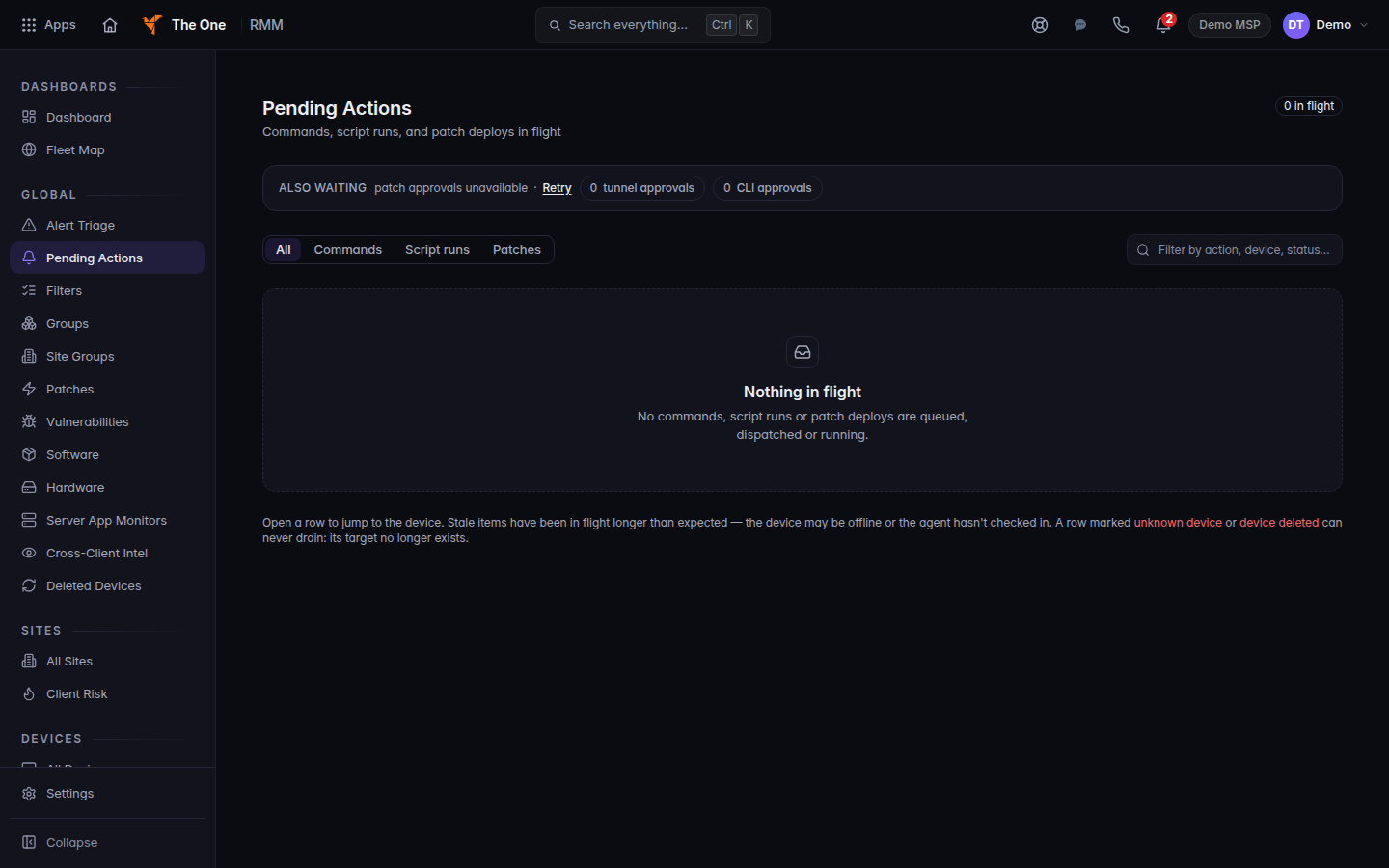
Pending Actions, with nothing in flight
Pending Actions when nothing is queued. A held script run appears here as a row, with the reason, before you approve it.
- Read the reason on the row before you approve it.
- Approve it only when you mean that command to run on that computer.
The run page says the same thing before you start: the command goes to the device unless a review or an approval holds it.
If it goes wrong#
- The list is empty and the device shows nothing. The run may still be waiting for an offline computer. Open the device after it checks in.
- You cannot approve it. Ask an owner or admin. See Who can manage devices.
What's next#
Was this article helpful?