
Create a maintenance window
Schedule a window that can suppress alerts and patch installs.
Applies to Admin Technician
A maintenance window is a time range for a set of devices. During that range the window can suppress alerts and patch installs.
If the page shows Automated maintenance is disarmed platform-wide, windows still suppress alerts and patch installs, and Suppress automation runs has no effect. No maintenance run is dispatched while that banner is up.
Create it#
- Open RMM, then Policies, then Maintenance Windows. The title is Maintenance Windows.
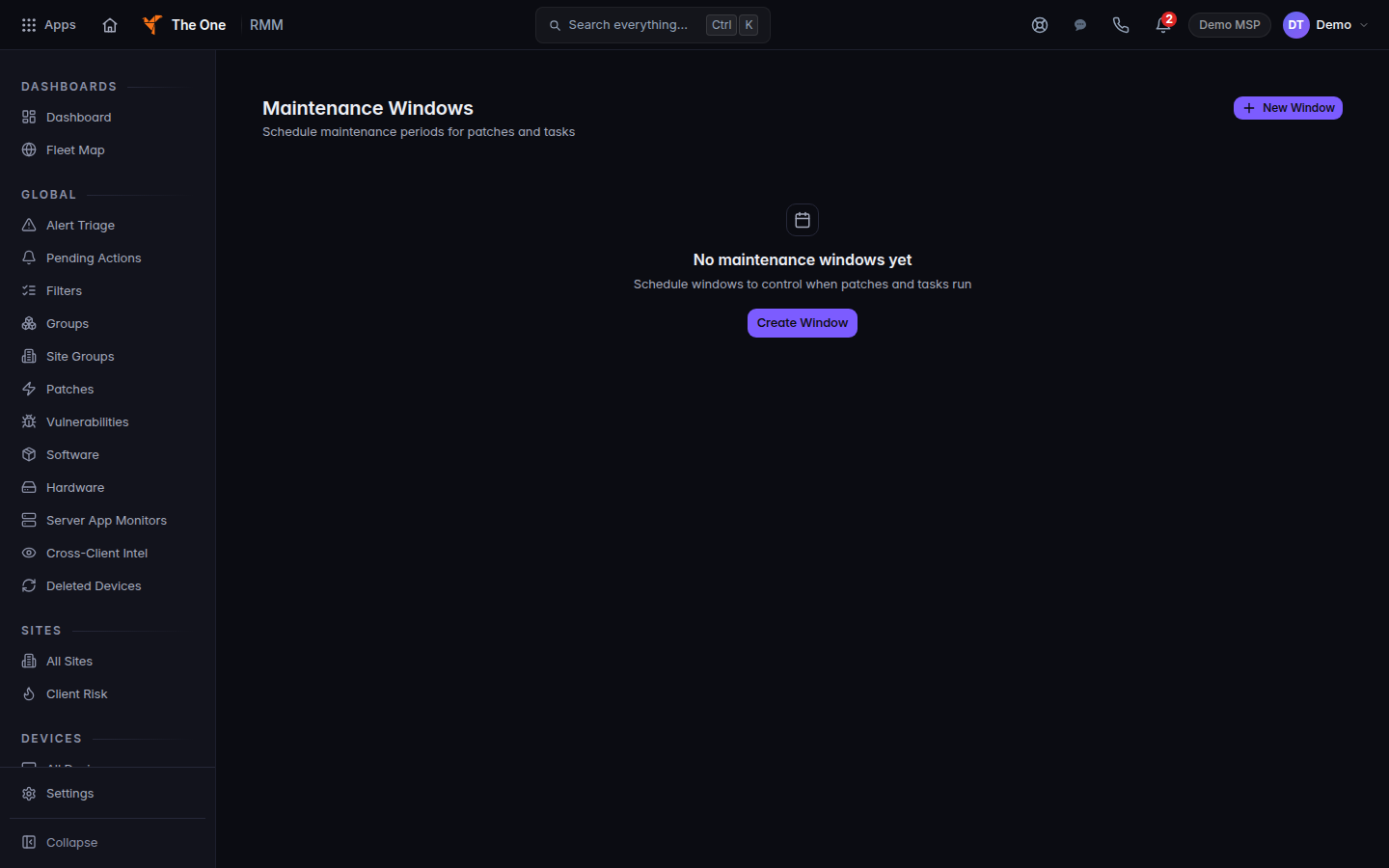
Maintenance Windows, with New Window
Maintenance Windows before any window exists. New Window and Create Window start one.
- Choose New Window. On an empty list the button is Create Window.
- Name the window, pick the devices or the customer, and set the start and end.
- Set Suppress alerts and Suppress patch installs for what you want held.
- Leave Suppress automation runs off unless the disarm banner is gone. While the banner is showing, that box does nothing.
- Save the window.
Maintenance Calendar under Automation is a calendar of those windows. It does not create one.
If it goes wrong#
- Couldn't load maintenance windows. Retry. A failed load is not an empty schedule.
- The banner is up and you needed scripts to pause. They will not pause from this window. Run them by hand, or wait until the banner is gone.
- Alerts still arrived. Confirm the device is inside the window and that Suppress alerts is on.
What's next#
Was this article helpful?