
Open a terminal on a device
Open a shell on a computer from the device page.
Applies to Technician Admin
Open Terminal is a shell on that computer. It is not the screen share. Use it when you need a command line, or when the device has no screen to share.
Open it#
- Open the device. See Open a device.
- Choose Open Terminal.
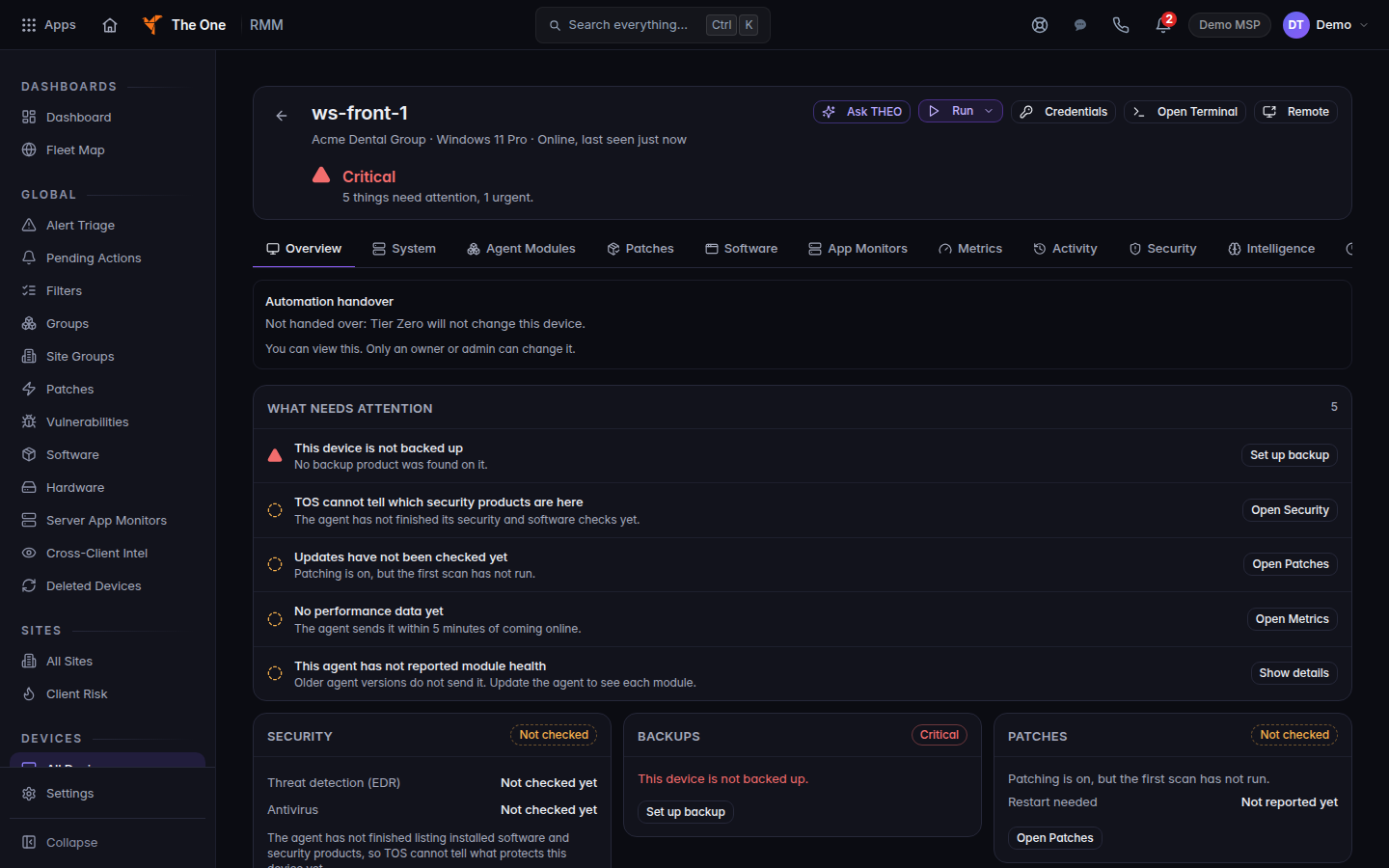
Open Terminal on a device
Open Terminal is in the device header, next to Remote. The shell opens from that button.
- Close the session when you are done.
Past terminal sessions are under RMM, then Terminal History. They are not under a Remote Sessions menu.
If Remote says the computer has no screen-capture backend, the tip tells you to use Open Terminal instead.
If it goes wrong#
- The device is offline. Wait until All Devices shows it online.
- You needed the screen, not a shell. Use Remote. See Connect to a device.
What's next#
Was this article helpful?