
Open Fleet
Open the vehicle app. It is included with The One Stack and it is not the computer list.
Applies to Technician Admin Owner
Fleet is the vehicle app. It is included with The One Stack. Computers stay in RMM. See Devices and the agent.
You can track vehicles, drivers, maintenance, fuel, and mileage without a GPS device. Live location is not offered.
Open it#
- Open Fleet. The first page is Dashboard.
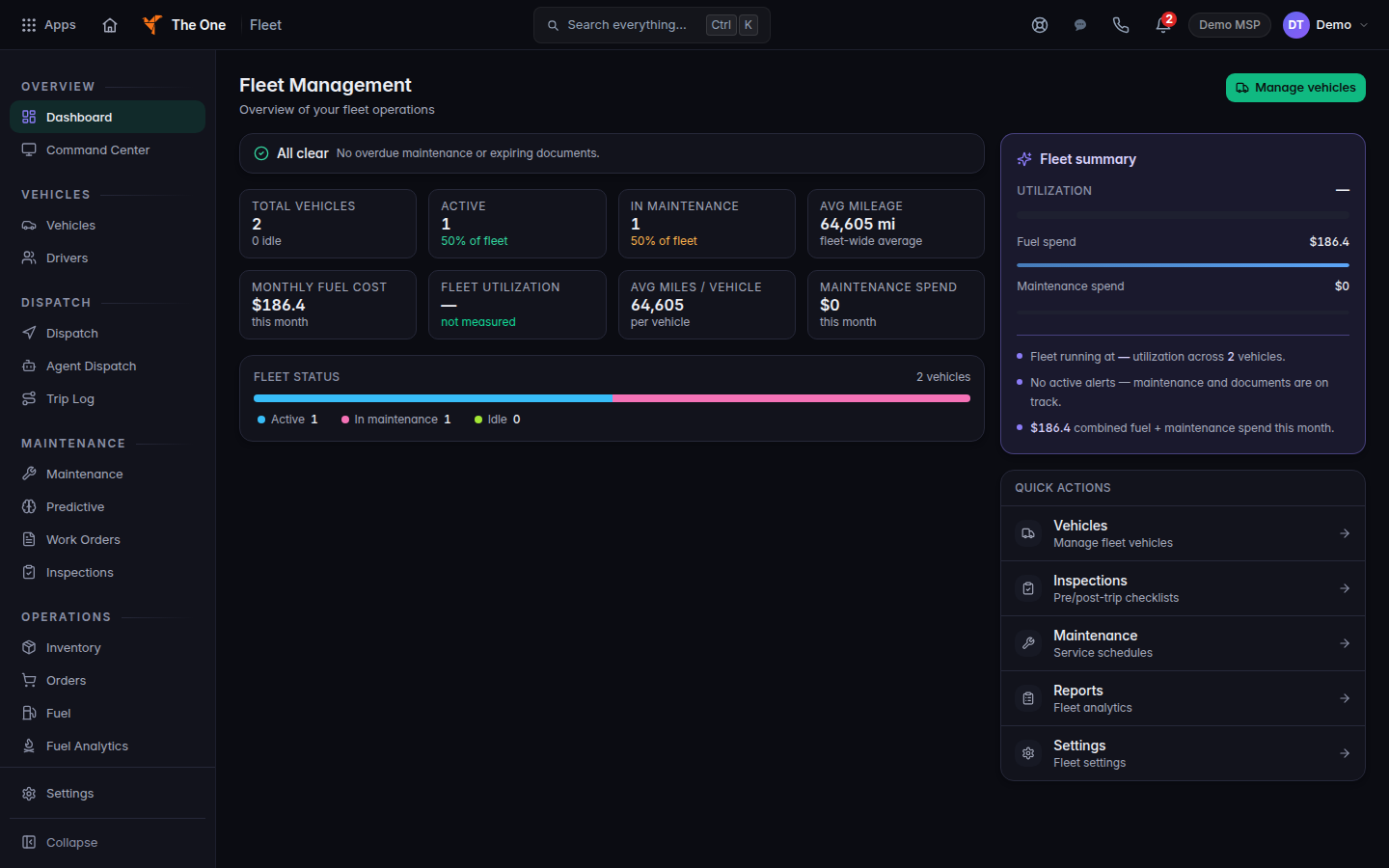
Fleet Dashboard, with the vehicle counts
Fleet Dashboard for a demo fleet of two vehicles. Live location is not on this page.
- Open Vehicles to see the roster. The title is Vehicles.
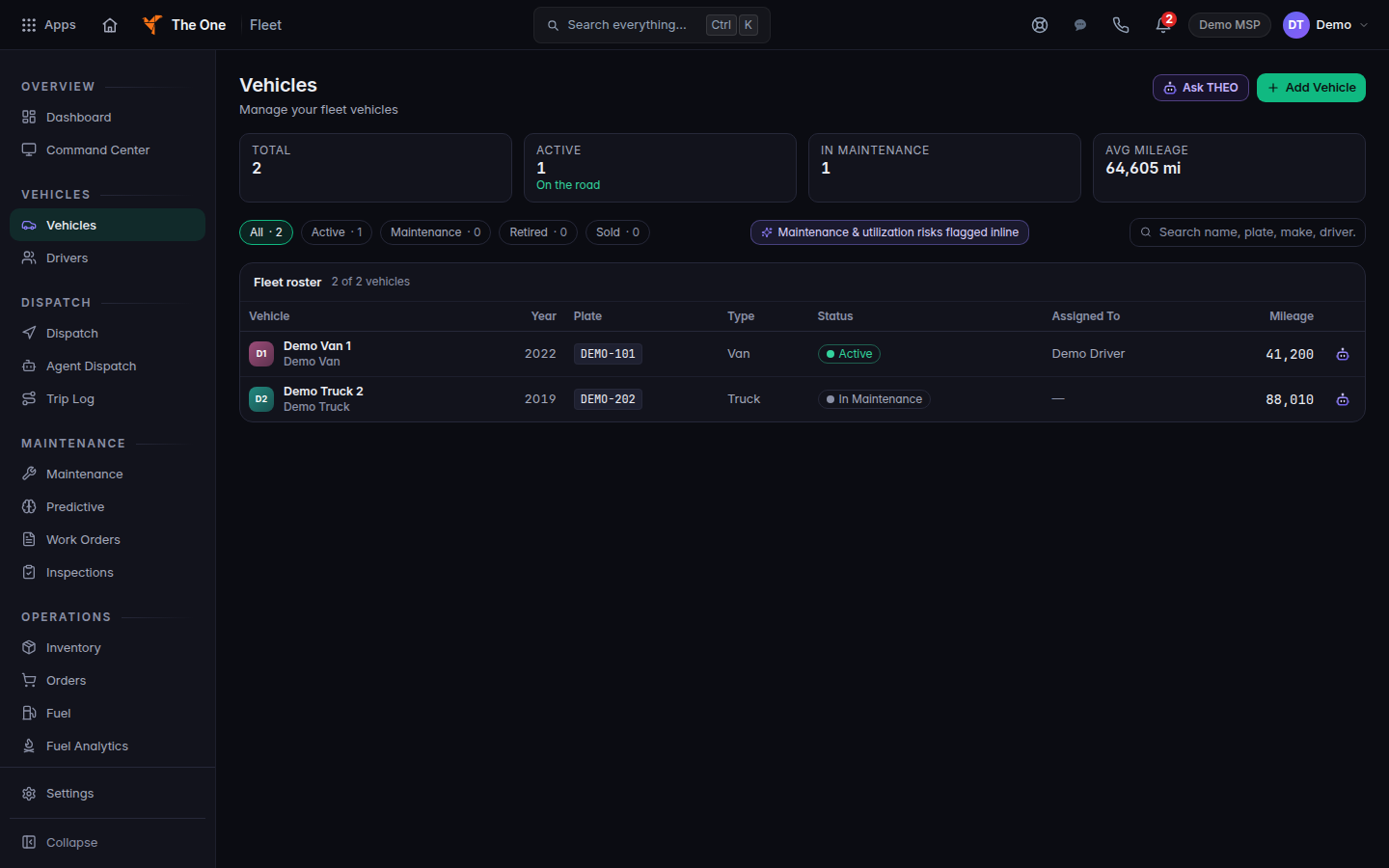
Vehicles, with Add Vehicle
Vehicles lists the same demo fleet. Add Vehicle is on this page.
- Use the other sections for the work you have: Drivers, Dispatch, Maintenance, Fuel, Inspections, and Mileage.
GPS Tracking, Route Replay, Visit Logs, and IoT Devices are not in the menu. If you open a saved link, the page says Coming soon and Live vehicle location, trip replay and vehicle hardware readings are not turned on yet. Choose Back to Fleet.
A client does not use this staff app. Their own vehicles are My fleet. See See your vehicles.
If it goes wrong#
- You do not see Fleet. Ask an owner or admin to check your role. See Roles and permissions.
- You expected a computer. Open RMM, then All Devices. See Open a device.
- You expected a live map. That view is not turned on.
What's next#
Was this article helpful?