
Use device groups
Know which Groups list is tags, and which one does not target policy yet.
Applies to Technician Admin
RMM has two pages that both say Device Groups. They are not the same list.
The one in the sidebar under Groups is built from tags. Policy, scripts, and module assignment can target those tags.
The one under Devices, then Groups, is a list you name yourself. Membership on that list does not target policy, scripts, or module assignment yet. The page says so.
Tag computers#
- Open RMM, then Groups. The title is Device Groups. The button is Tag devices.
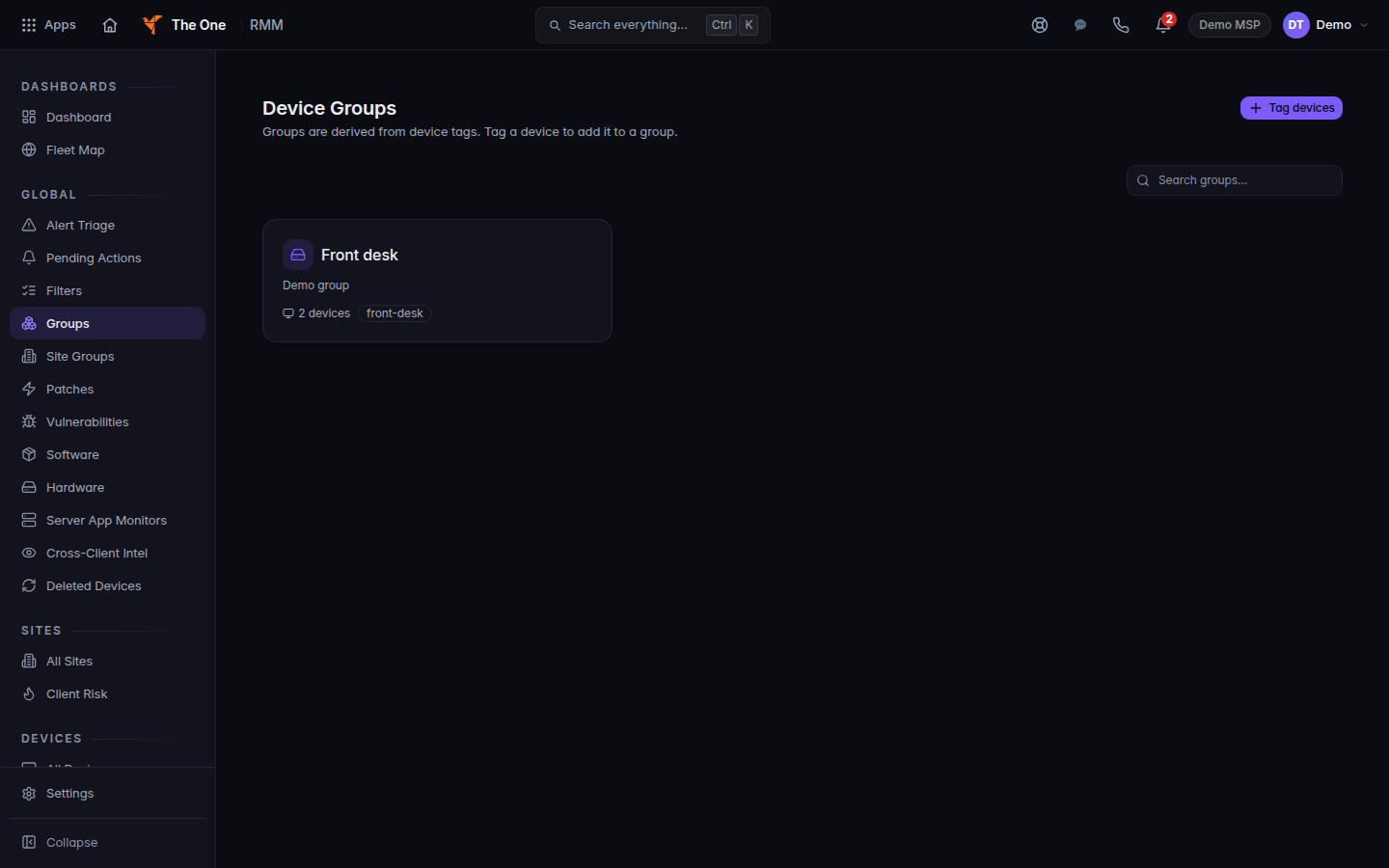
Device Groups, with one group
Device Groups. A group is the tags on the computers. This demo group is Front desk.
- Tag the devices you want a policy or a script to find later.
File computers without targeting them#
- Open RMM, then Devices, then Groups. The title is also Device Groups.
- Choose New Group, name it, and add devices.
- Read the note on the page. Those devices are not a target for policy or scripts.
To aim a module at a group, use the tag list and Set a module policy.
If it goes wrong#
- Couldn't load device groups. Retry.
- A policy did not hit the computers you grouped. You used the list under Devices, then Groups. Tag them from Groups instead.
What's next#
Was this article helpful?