What each Workspace admin role can see and change.
1 min read
Applies toOwnerAdmin
For MSP staff and admins. A Workspace role decides which admin pages you can open. It is separate from a seat. A person can have a mailbox, an admin role, or both.
MSP staff open the console only as MSP owner or MSP admin. An MSP technician or MSP read-only person sees Workspace admin is managed by your organization's owners and admins.
On Users & licenses, a person's role is one of these:
Role
What they can do
Owner
Every customer admin task, including deleting a person
Admin
The same tasks, except deleting a person
Mail admin
Groups, domains, aliases, shared mailboxes, mail flow, relay, quarantine, trace, and reports
Security admin
Sign-in policy, sessions, quarantine, trace, the audit log, and reports
Help desk
See people, change people, see security, see quarantine, and trace mail
Compliance
Retention, the audit log, trace, quarantine, and reports
Read only
Read most lists. Not the audit log, and not retention
An MSP owner can do every task, including the tenant list. An MSP admin can do the same except delete a person. An MSP technician cannot offboard someone, delete someone, change settings, change mail flow rules, or manage the SMTP relay.
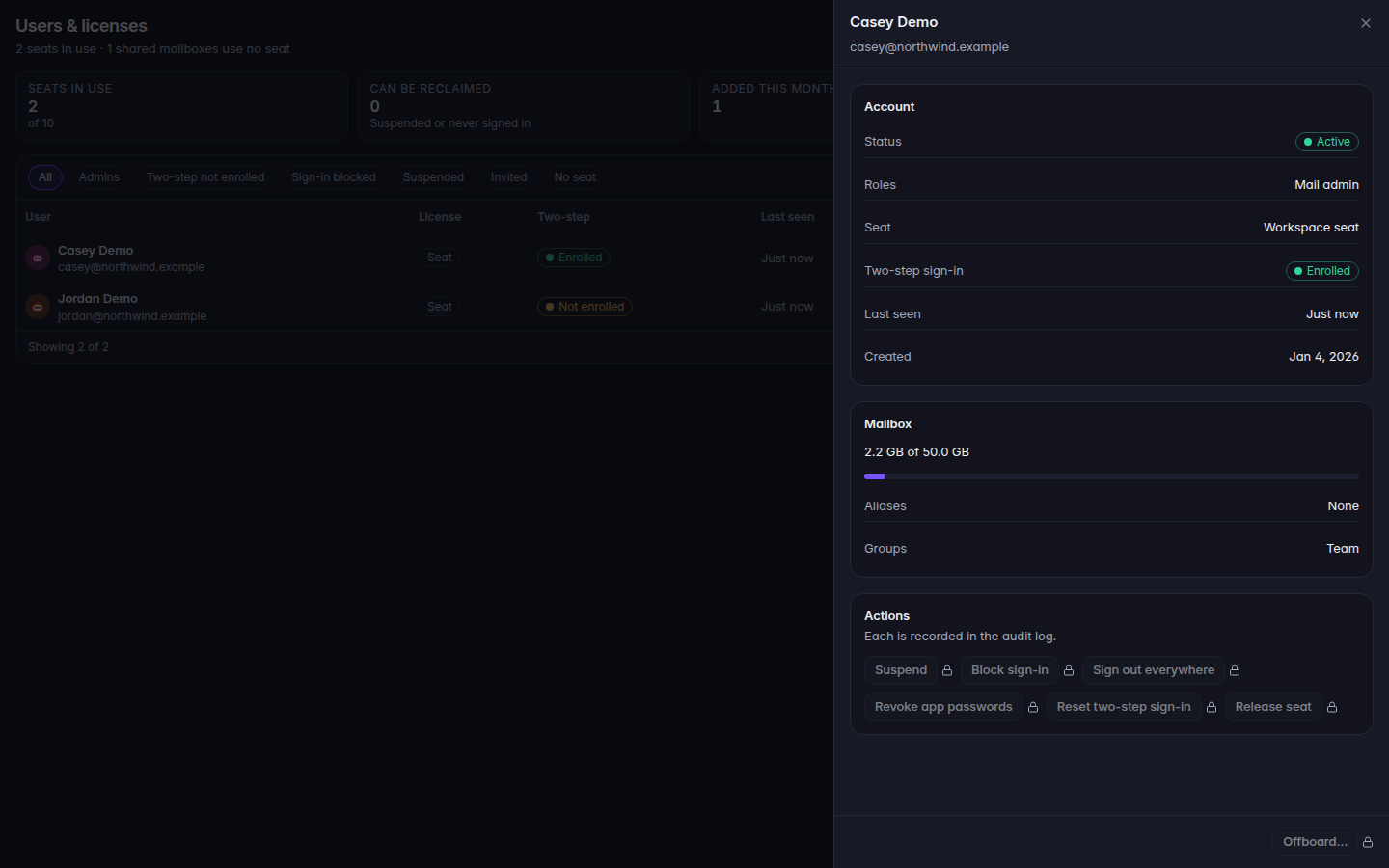
Open the page. A locked button shows the reason when you point at it.A locked admin control, with the role reasonA locked admin control, with the role reason.
Read the sentence. It looks like Your role (Mail admin) cannot offboard people. Ask an owner or admin to change your role or do it for you.
Ask an owner or admin. Do not share your sign-in so someone else can click it.
A page you cannot open says the section is not available to you.