Workspace 1 of 36

Use Workspace mail

What Workspace includes for people with a seat, and where admins manage it.

Applies to Owner Admin Technician Client

Workspace is mail, calendar, contacts, and meetings for people who have a seat. Docs, Sheets, and Slides are not available yet.

For people who use mail. Open Home, then Mail, Calendar, and Contacts. Meet appears only when your organization has it on. Phone and desktop apps appears when other mail apps can be set up for you.

For MSP staff and admins. Workspace Admin is a separate place. A seat is not required to administer Workspace. An owner or admin at the MSP sees Tenants first. A customer's own admin sees that customer's pages.

This set does not cover copying an existing mailbox from another provider.

What you can open#

  1. Open Workspace.
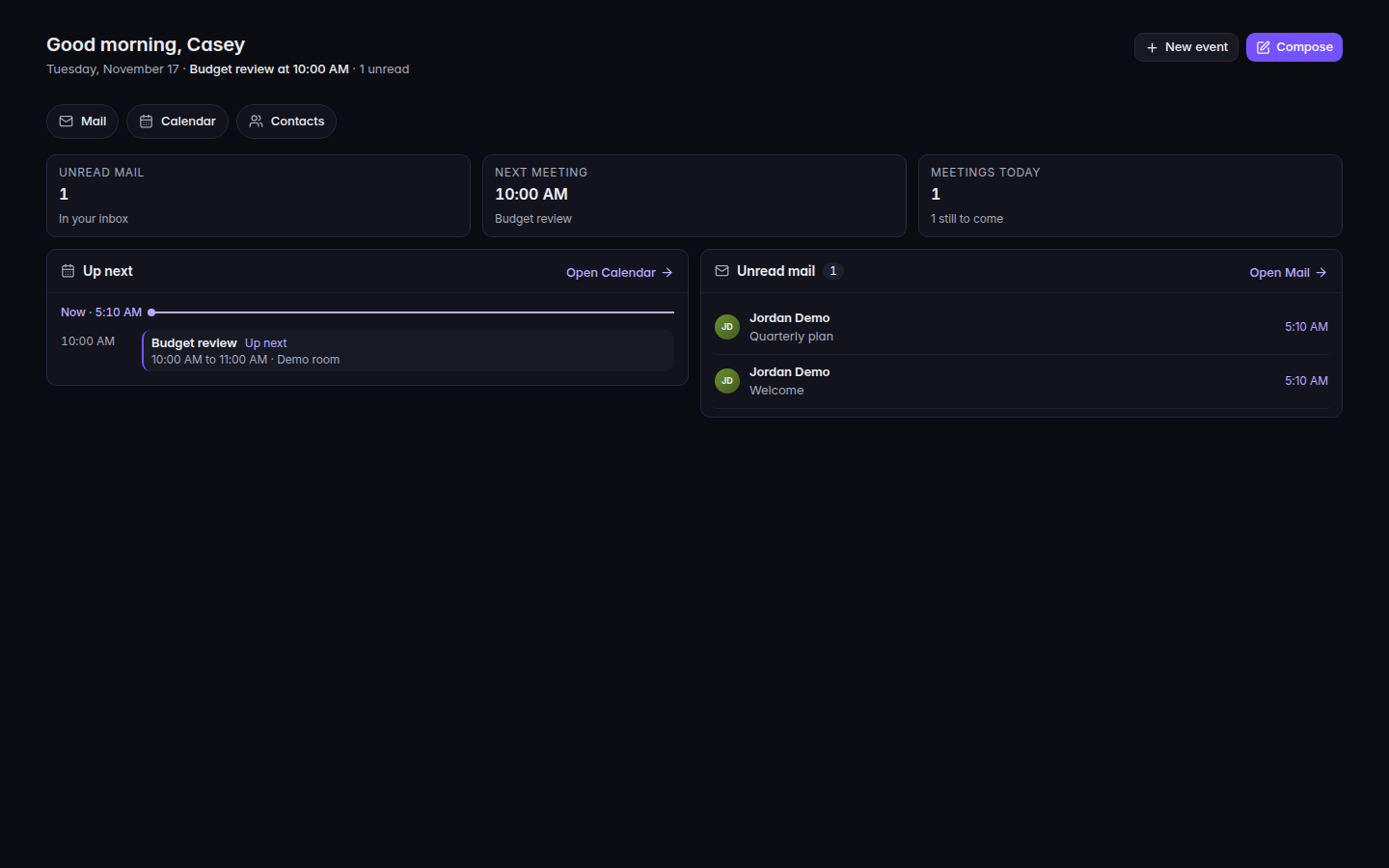
    Workspace home, with Mail, Calendar, and Contacts
    Workspace home, with Mail, Calendar, and Contacts
    Workspace home, with Mail, Calendar, and Contacts.
  2. Use Mail, Calendar, and Contacts when you have a seat.
  3. Open Meet only when it is in the menu.
  4. Admins open Workspace Admin for people, domains, and policy.

Phone in a client portal is Voice, not Workspace.

If it goes wrong#

  • Workspace is not turned on for your organization. Ask your IT provider. The menu is not broken.
  • You do not have a Workspace license. An admin has not given you a seat. Admins can still choose Open Workspace Admin.
  • No mailbox yet. The seat exists and the mailbox does not. Ask an admin to add you under Users & licenses.
  • Couldn't load Workspace. The rest of the page still works. Try again. Your other apps are still there.