Tell Workspace whether mail for a domain is delivered here or by Microsoft 365.
1 min read
Applies toOwnerAdmin
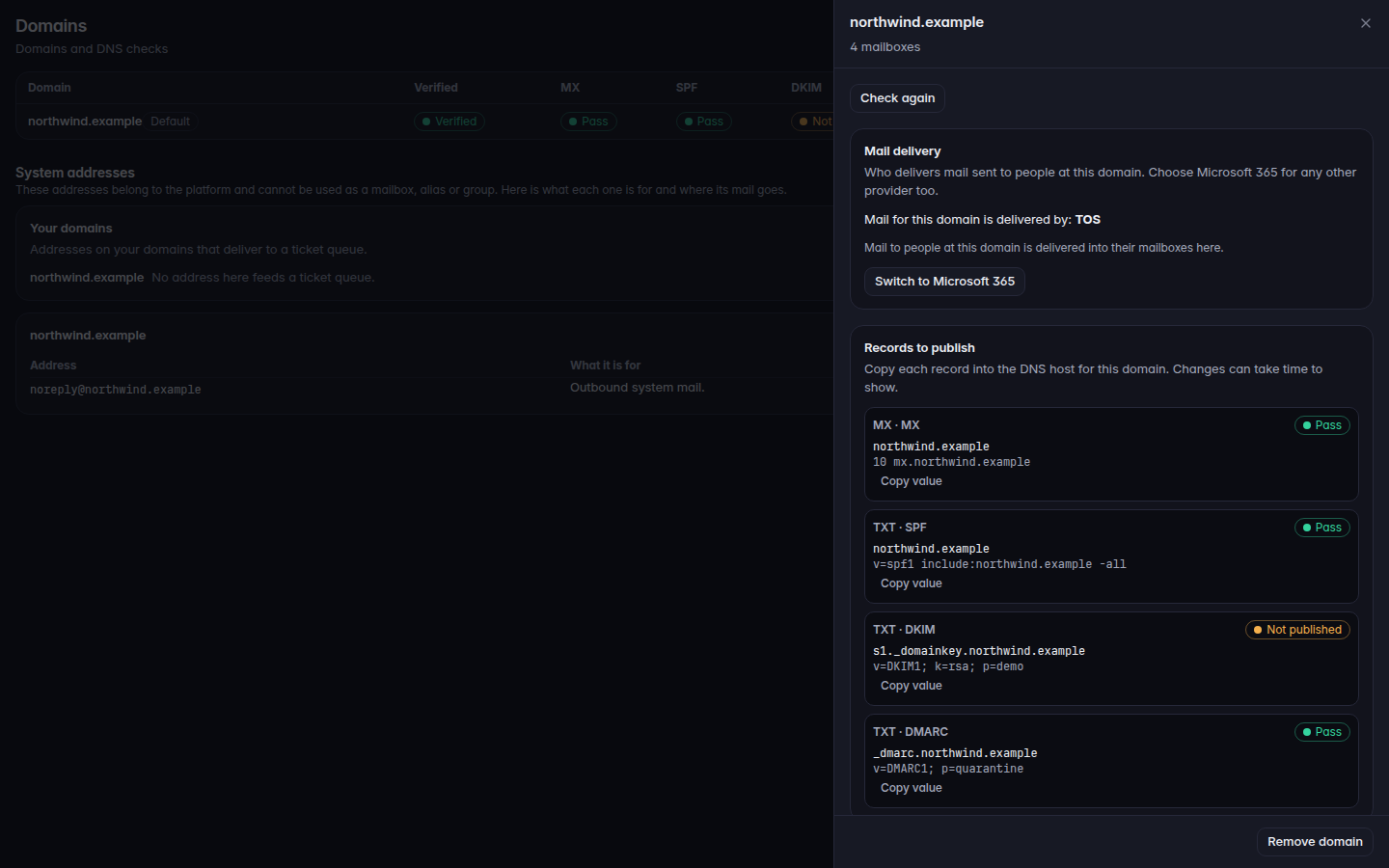
For MSP staff and admins.Mail delivery on a domain says who receives mail sent to people at that domain. The choices are TOS and Microsoft 365. The page says to choose Microsoft 365 for any other provider too, including a mailbox host that is not Microsoft.
This does not sign in to Microsoft 365 or Google, and it does not copy existing mail. Connecting a directory of users and devices is Connect a tool with Bridge.
Open Domains and select the domain.Mail delivery, showing TOS or Microsoft 365Mail delivery, showing TOS or Microsoft 365.
Read Mail for this domain is delivered by. The value is TOS, Microsoft 365, or Not known right now.
Choose Switch to Microsoft 365 or Switch to TOS, then confirm.
Switching to TOS means mail and invitations sent from this Workspace to people at that domain go only to mailboxes here. Switching to Microsoft 365 means mail from this Workspace to people at that domain goes to their Microsoft 365 inboxes.
Until the value is TOS, or the MX records point here, mail to the domain is sent to the provider even when someone also has a mailbox here.