
Add a shared mailbox
Create a mailbox that several people open, without using a seat.
Applies to Owner Admin
For MSP staff and admins. A shared mailbox uses no seat. People open it through access you grant. Use it for a team address.
Create it#
- Open Shared mailboxes.
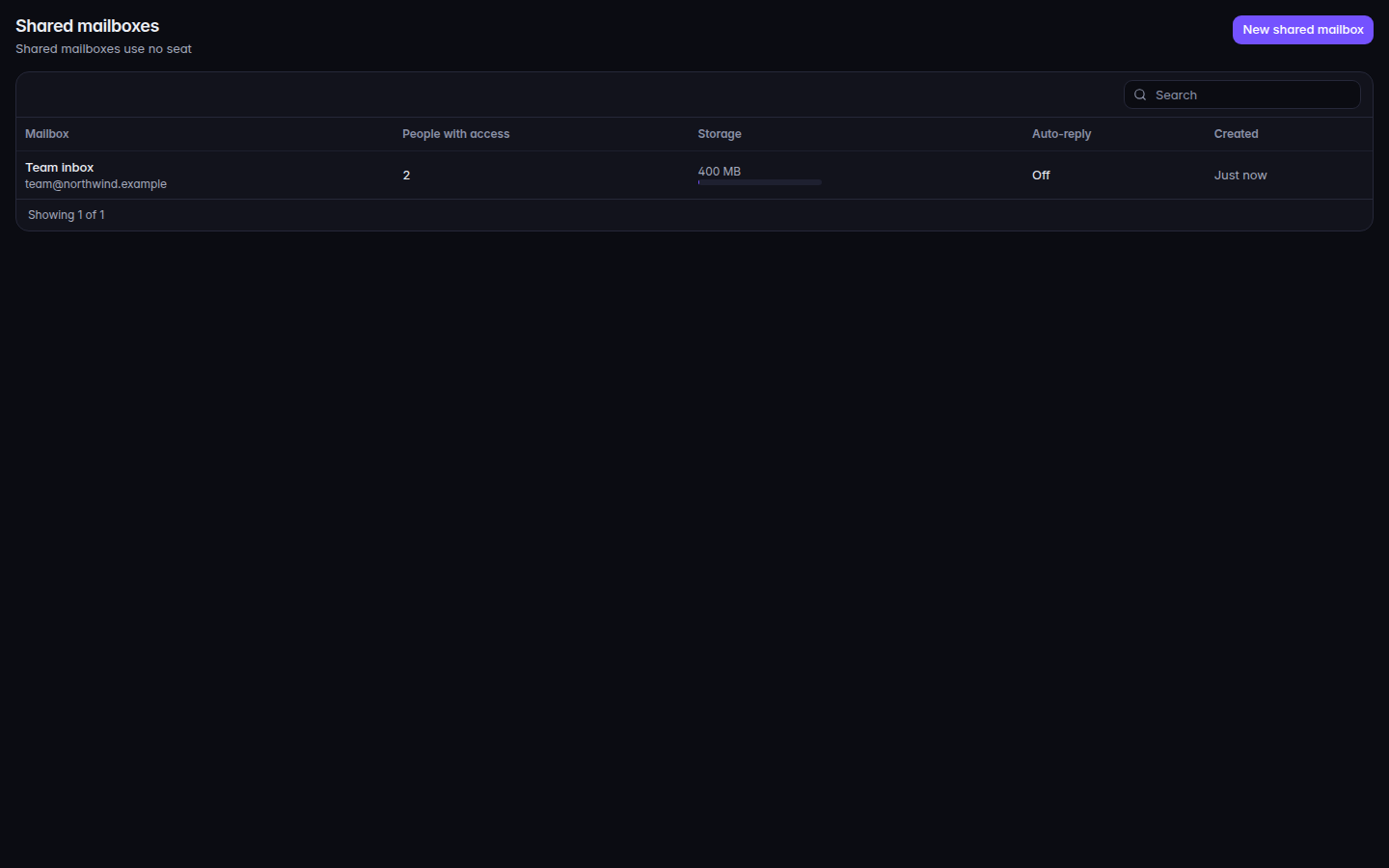
Shared mailboxes, with New shared mailbox - Choose New shared mailbox. You can also start from Users & licenses, Add, Add shared mailbox.
- Enter the name and the address, then choose Create.
Open the mailbox to give someone access. Choose Give access, then one of Read, Read and manage, Send as, Send on behalf, or Full access.
The list shows Auto-reply as On or Off.
If it goes wrong#
- No shared mailboxes. The empty page says to create one for a team inbox.
- Shared mailboxes is not available to you. Your role cannot see them.
- The person can read mail and cannot send. They need Send as, Send on behalf, or Full access.
What's next#
Was this article helpful?