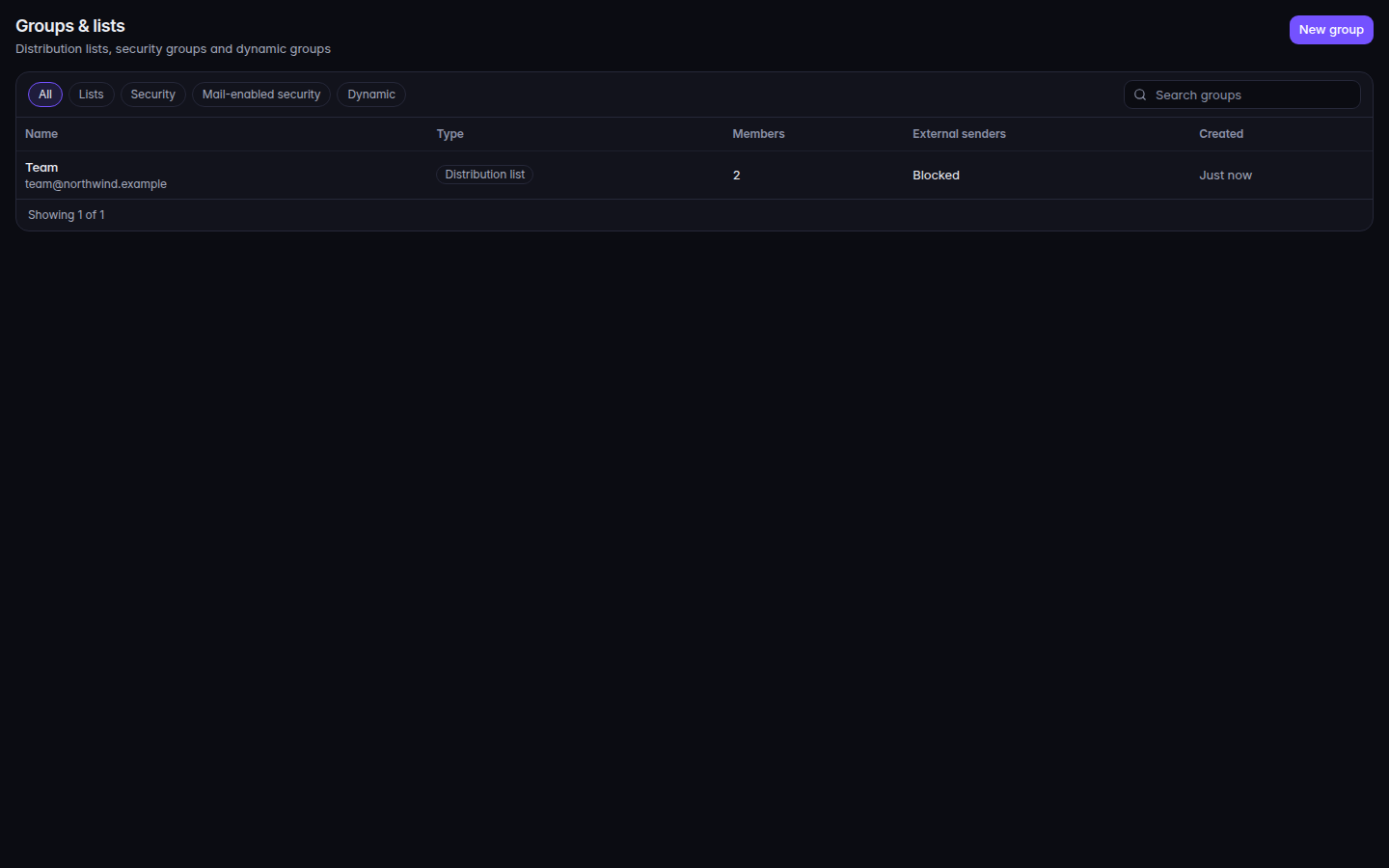
Open Groups & lists.Groups and lists, with New groupGroups and lists, with New group.
Choose New group.
Enter Name, choose Type, and for anything except a security group set Address and Domain. A Dynamic group also needs Membership rule.
Choose Create. The page says Created.
Types are Distribution list, Security group, Mail-enabled security, and Dynamic. The filter chips say All, Lists, Security, Mail-enabled security, and Dynamic.
Accept mail from outside the organization controls whether people outside the company can write to the address. The list shows Allowed or Blocked under External senders.