
Manage Workspace mail flow
Read what mail did, add a rule, and allow or block a sender.
Applies to Owner Admin
For MSP staff and admins. Mail flow has three tabs: Dashboard, Rules, and Allow and block.
A rule your IT provider manages shows Managed by your IT provider. You can read it and cannot edit it.
Add a rule or a list entry#
- Open Mail flow.
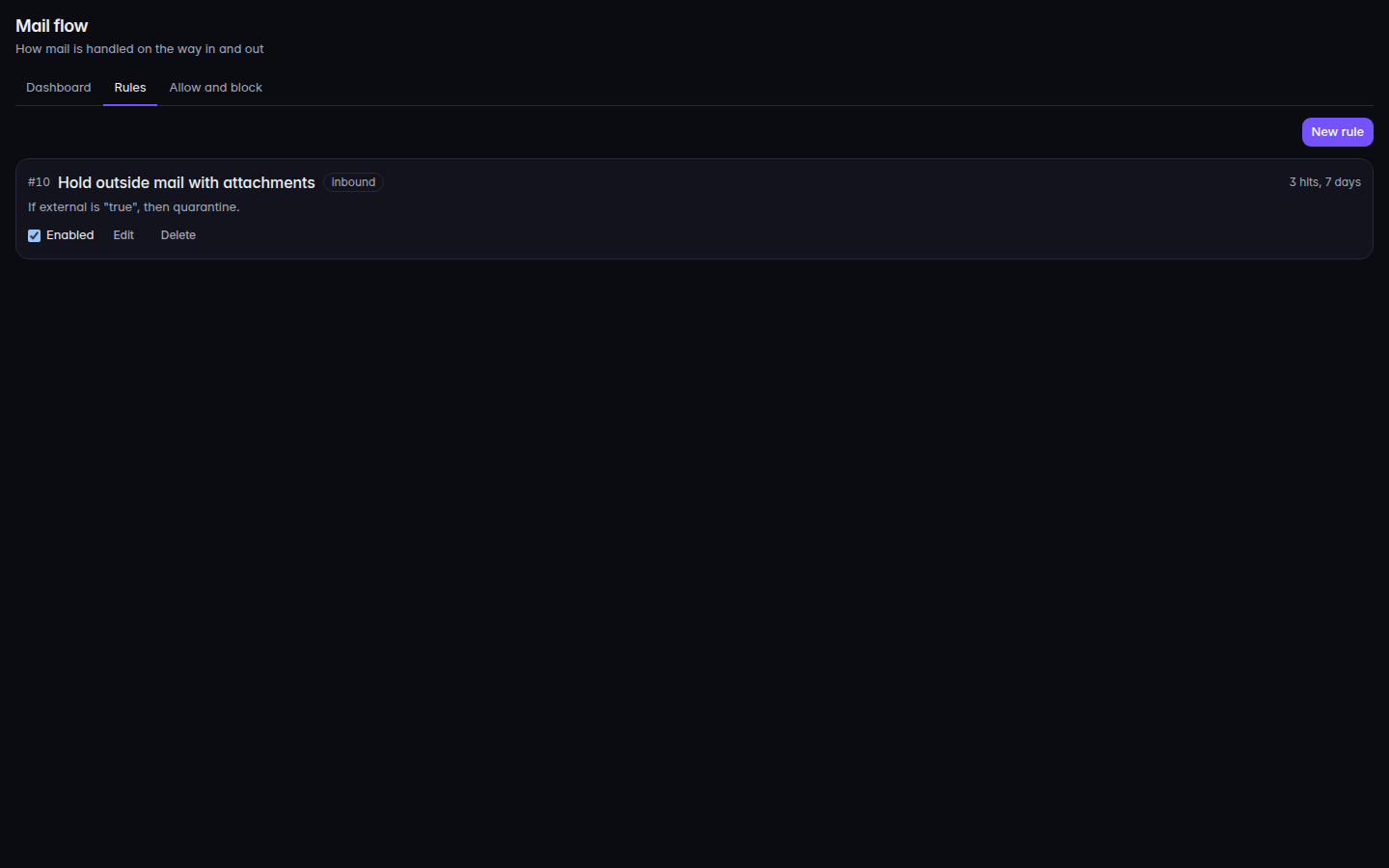
Mail flow, with the Rules tab - On Dashboard, read Delivered, Stopped, Held, and Bounced, then Recent messages.
- On Rules, choose New rule. Set Applies to to Inbound mail, Outbound mail, or All mail, then choose Save rule.
- On Allow and block, choose Add an entry. The type is Domain, Sender address, or IP address, and the action is Block or Allow.
If it goes wrong#
- The rule will not edit. It is managed by your IT provider. Ask them.
- Mail flow is not available to you. Your role cannot see mail flow rules.
- A message never arrived. Check Quarantine and Trace a message before you add a block.
What's next#
Was this article helpful?