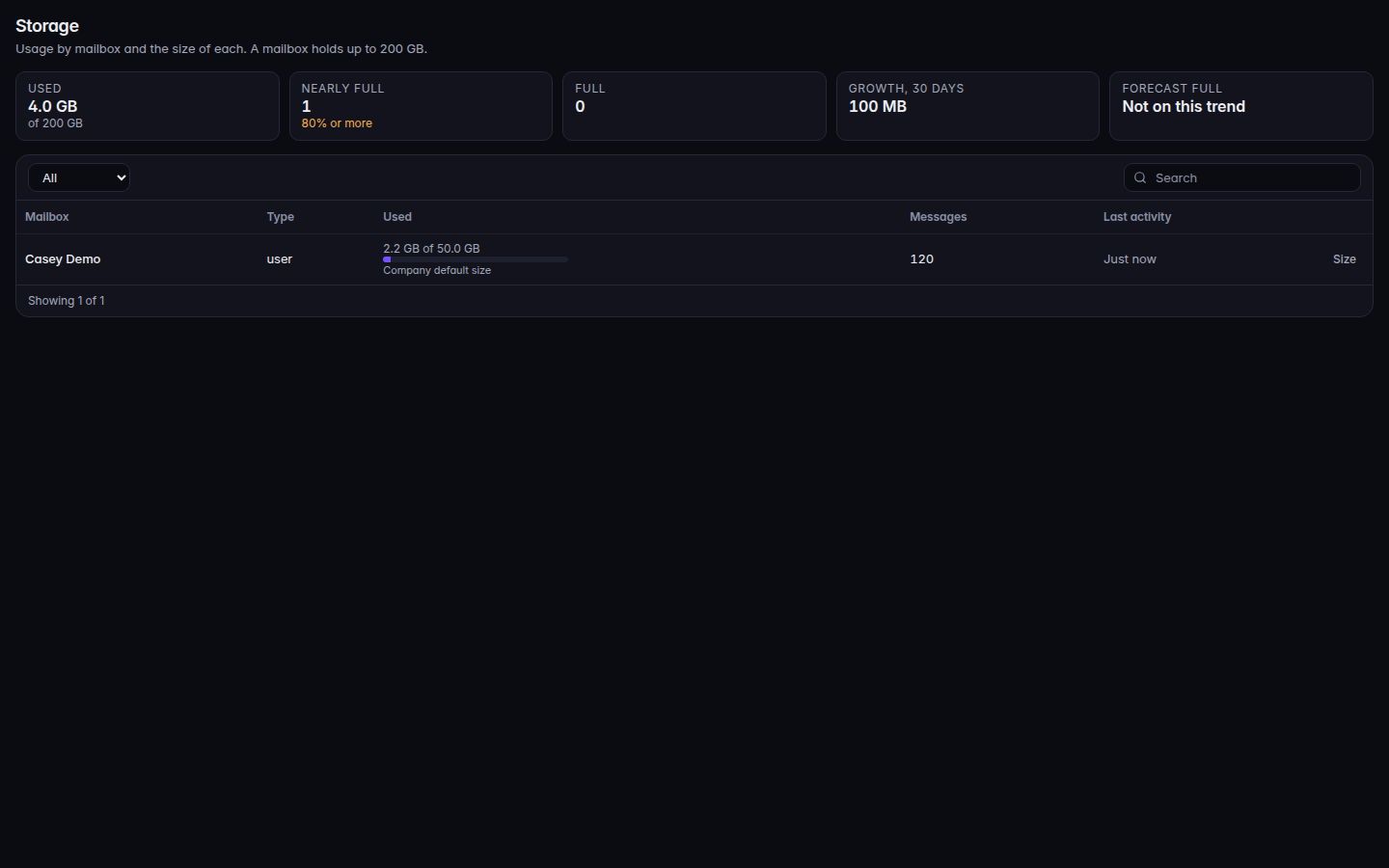
Open Storage.Storage, with mailbox size and a quota warningStorage, with mailbox size and a quota warning.
Read usage. A mailbox near its limit shows 80% full, 95% full, or Full.
If your role can change settings, use Size and Save size to set one mailbox. The organization default is Default mailbox size on Settings.
Open Service health. Read Services and Incidents.
Sending status on the health page is one of Sending is on., Sending is warming up., or Sending is not enabled yet.No incidents in the last 30 days. means the incident list is empty.
People who cannot send see Sending is not enabled yet. You can read mail and save drafts. on their mailbox.