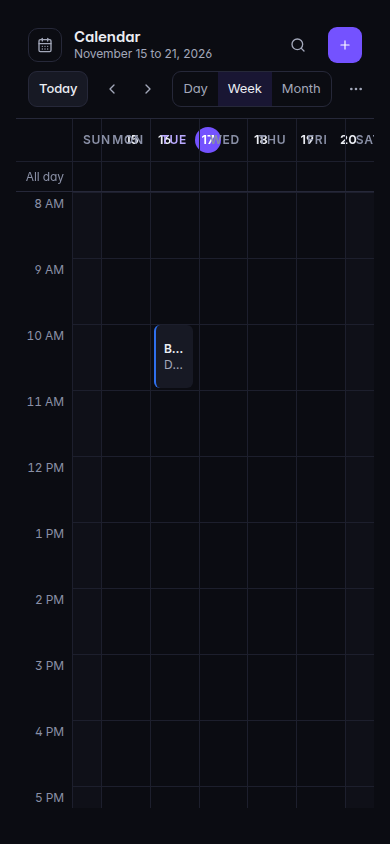
Open Calendar.Calendar in week view, with New eventCalendar in week view, with New event.The same calendar on a phone.The same calendar on a phone.
Choose Day, Week, or Month. Today jumps back. Previous and Next move the range.
Choose New event. Enter Title. Set All day, Starts, and Ends. Add Guests, Location, and Description.
Choose Show me as: Busy or Free. Private hides the details from people who only see free and busy.
Choose Save.
To answer an invitation, open the event, read Going?, and choose Yes, Maybe, or No.
Find a time asks for Guests, a Length, and When (This week, Next week, or Next 14 days). Choose Find times, pick a slot, then Create event.
Working hours is on the calendar list. When you can manage calendars, Add calendar creates another calendar of your own. The menu on a calendar you own has Rename..., Change color..., and Delete.... Delete... is unavailable on your only calendar, with the reason This is your only calendar. Deleting says its events are deleted for everyone it is shared with too.