Keep your own contacts, write to someone, and use the company list when you have it.
1 min read
Applies toTechnicianClient
For people who use mail.Contacts is your address book. It is not the CRM contact list your MSP uses for the company record. That list is Add a contact.
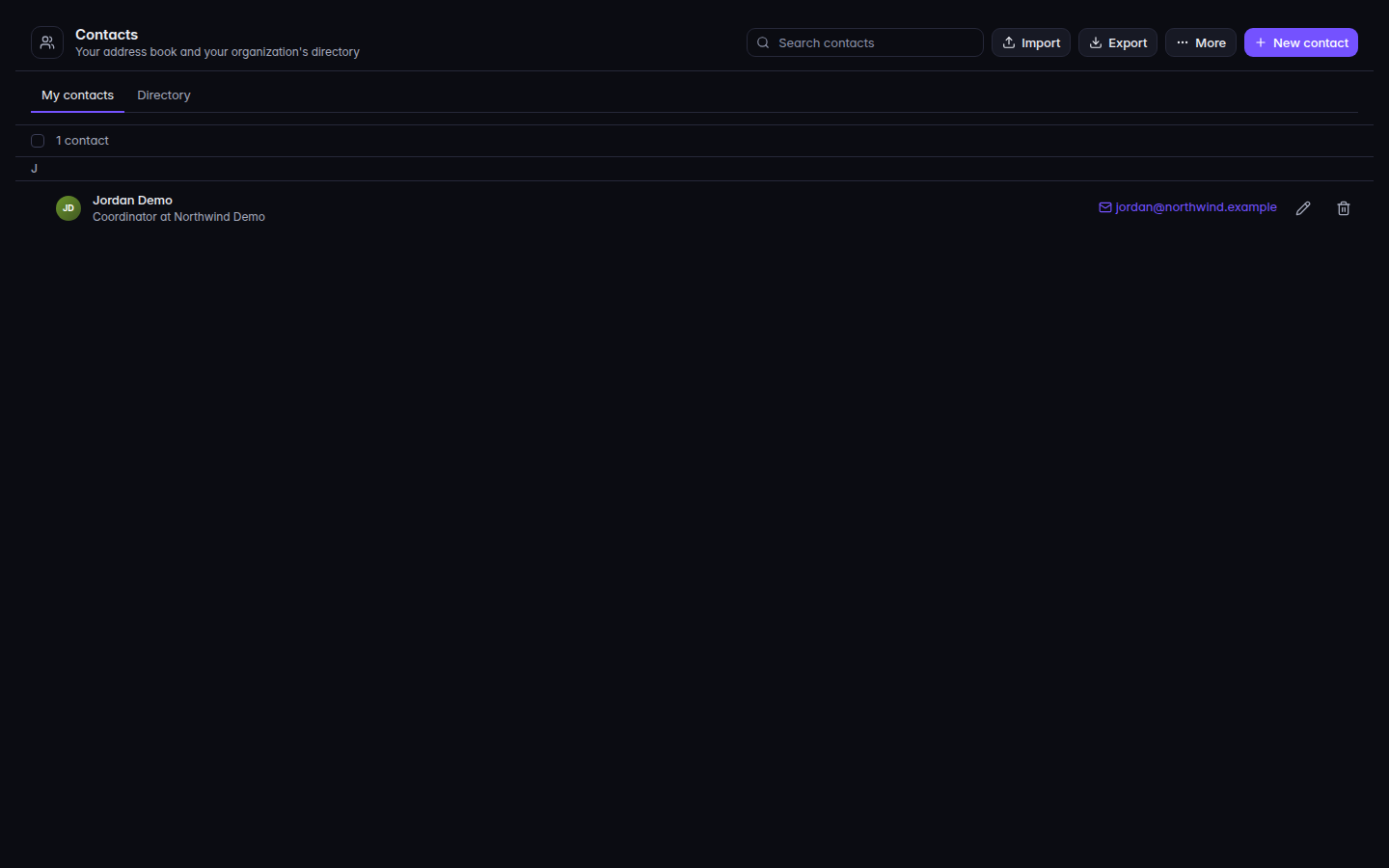
Open Contacts. The first tab is My contacts.Contacts, with My contacts and New contactContacts, with My contacts and New contact.
Choose New contact, enter a name, and choose Save.
On a row, choose Write email to open Compose with that address.
Choose Import for a vCard or CSV file, or Export, then vCard (.vcf) or CSV (.csv).
More, then Find duplicates, looks for people you added twice.
Directory is your organization's list. You can Write email from it. You cannot edit it here.
Company contacts appears only when your portal includes the company address book. It is read-only here. Open in CRM opens the company record. Move to Company contacts… then Move contact moves a person out of your book. Keep it here cancels. MSP staff in the staff shell do not see Company contacts.