Workspace 24 of 36

Set up SMTP relay

Let a printer, scanner, or app send mail when SMTP relay is turned on.

Applies to Owner Admin

For MSP staff and admins. SMTP relay lets a device send mail as a shared mailbox. The page is real. It is not on for every organization.

If the page says SMTP relay isn't available yet. and Check back soon., relay is not offered. If it says SMTP relay isn't turned on for your organization yet. Contact your IT provider., your provider has not switched it on. Stop there. There is no credential to create.

Create a credential#

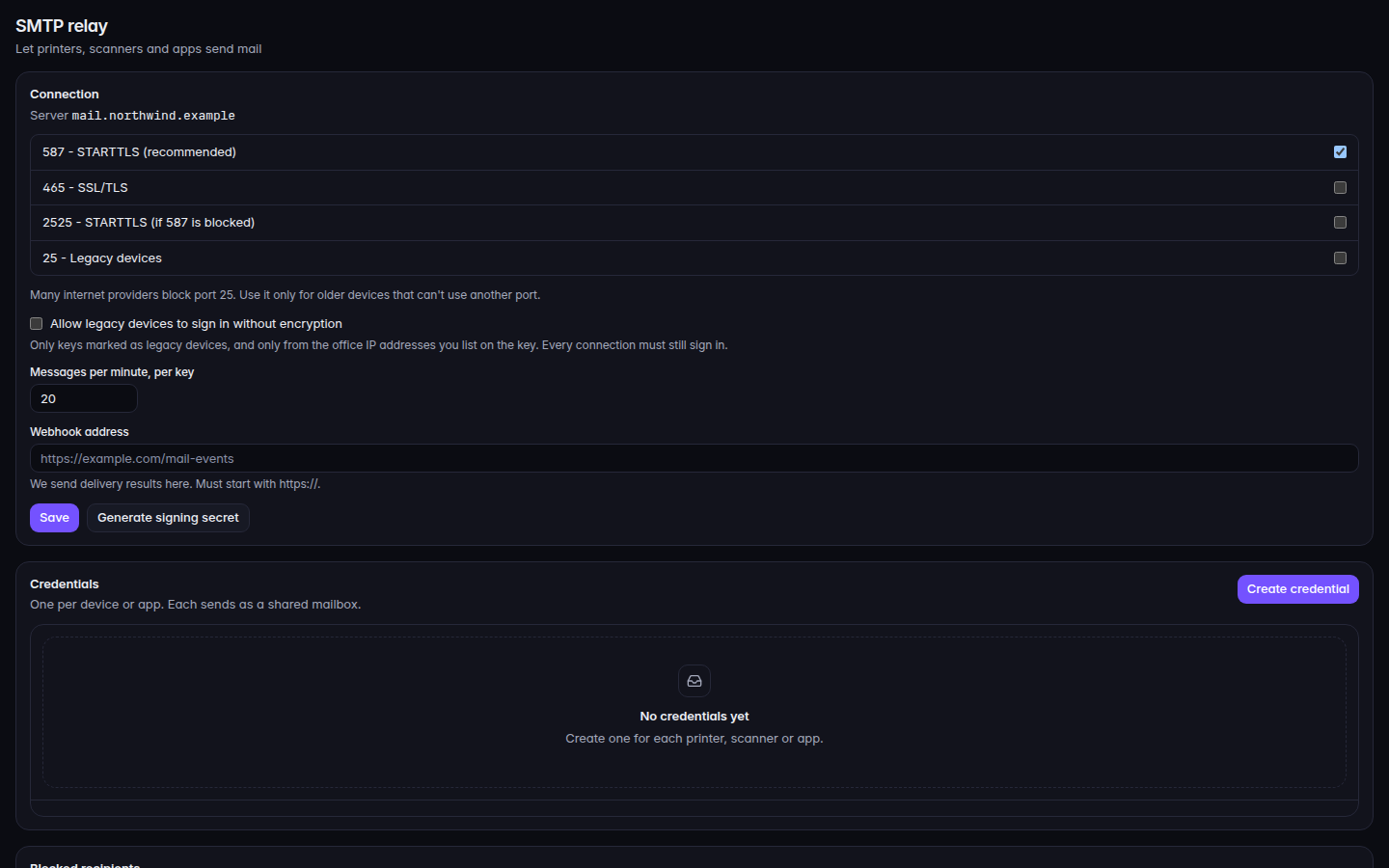
  1. Open SMTP relay. The subtitle is Let printers, scanners and apps send mail.
    SMTP relay, with Create credential
    SMTP relay, with Create credential
    SMTP relay, with Create credential.
  2. Choose Create credential.
  3. Pick a port. The labels are 587 - STARTTLS (recommended), 465 - SSL/TLS, 2525 - STARTTLS (if 587 is blocked), and 25 - Legacy devices.
  4. Choose Create.
  5. Copy the password in the dialog. It says You won't see this password again. Copy it now and enter it on the device. Then choose Done.

If it goes wrong#

  • SMTP relay isn't available yet. There is nothing to configure. Check back later.
  • SMTP relay isn't turned on for your organization yet. Ask your IT provider to turn it on.
  • The password dialog is closed. The password is not shown again. Create a new credential.
  • Your role cannot change the SMTP relay. You can read the page and cannot create a credential.