
Read the Workspace audit log
See who changed Workspace, and export the log. Entries cannot be edited.
Applies to Owner Admin
For MSP staff and admins. The audit log records who did what, and when. You cannot edit or delete an entry.
Read it#
- Open Audit log.
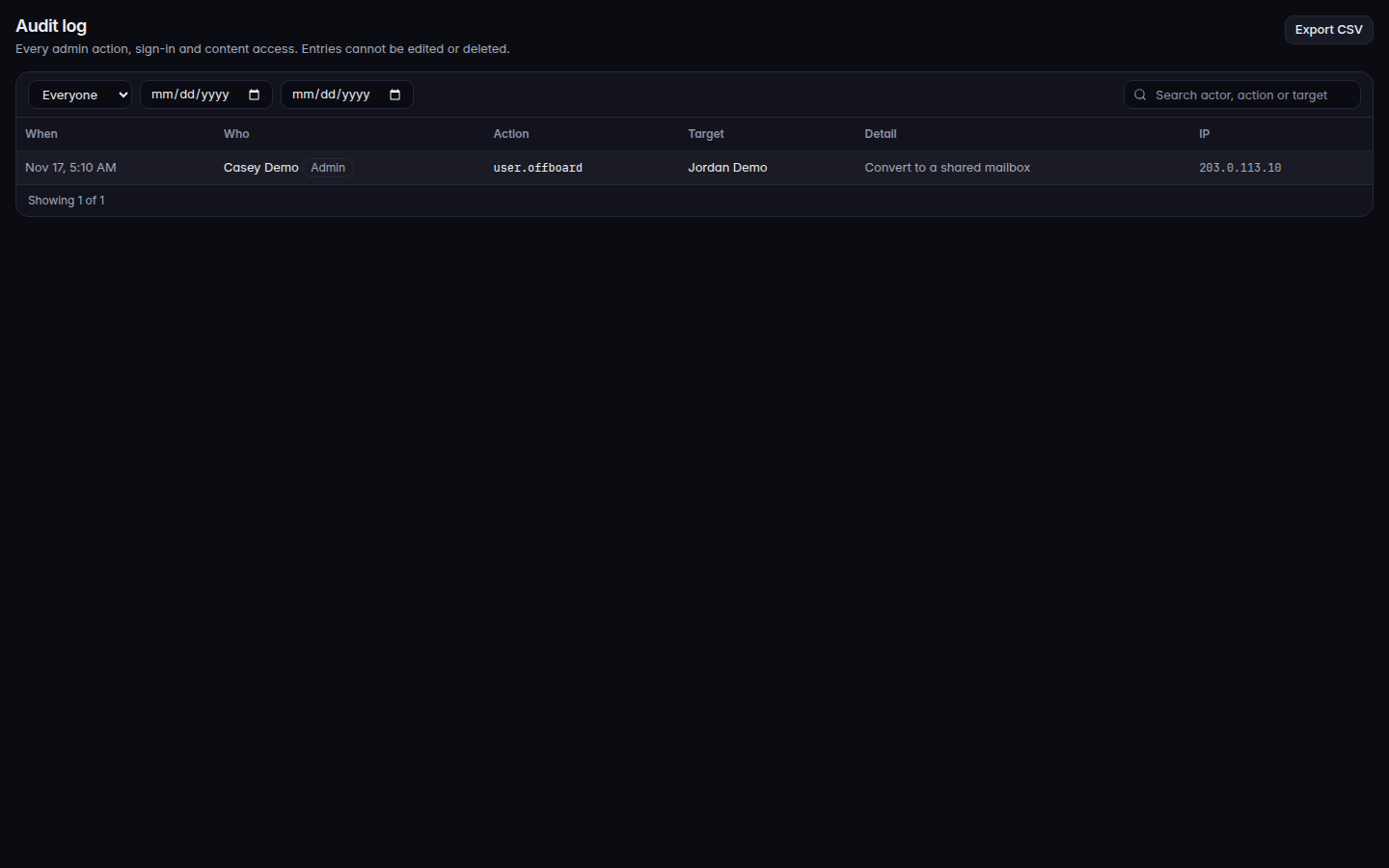
The audit log, with the who filter - Filter Who: Everyone, Person, Admin, IT provider, or System.
- Choose Export CSV when you need a file.
When MSP staff work inside a customer, the admin page says every action is recorded against the MSP and is visible to the customer's admins.
If it goes wrong#
- Audit log is not available to you. Your role cannot read the audit log.
- An offboard or a setting change is missing. Filter Everyone. An IT provider action is under IT provider, not Person.
What's next#
Was this article helpful?