Workspace 26 of 36

Legal holds and data access in Workspace

See where holds live, and end IT access you have granted.

Applies to Owner Admin

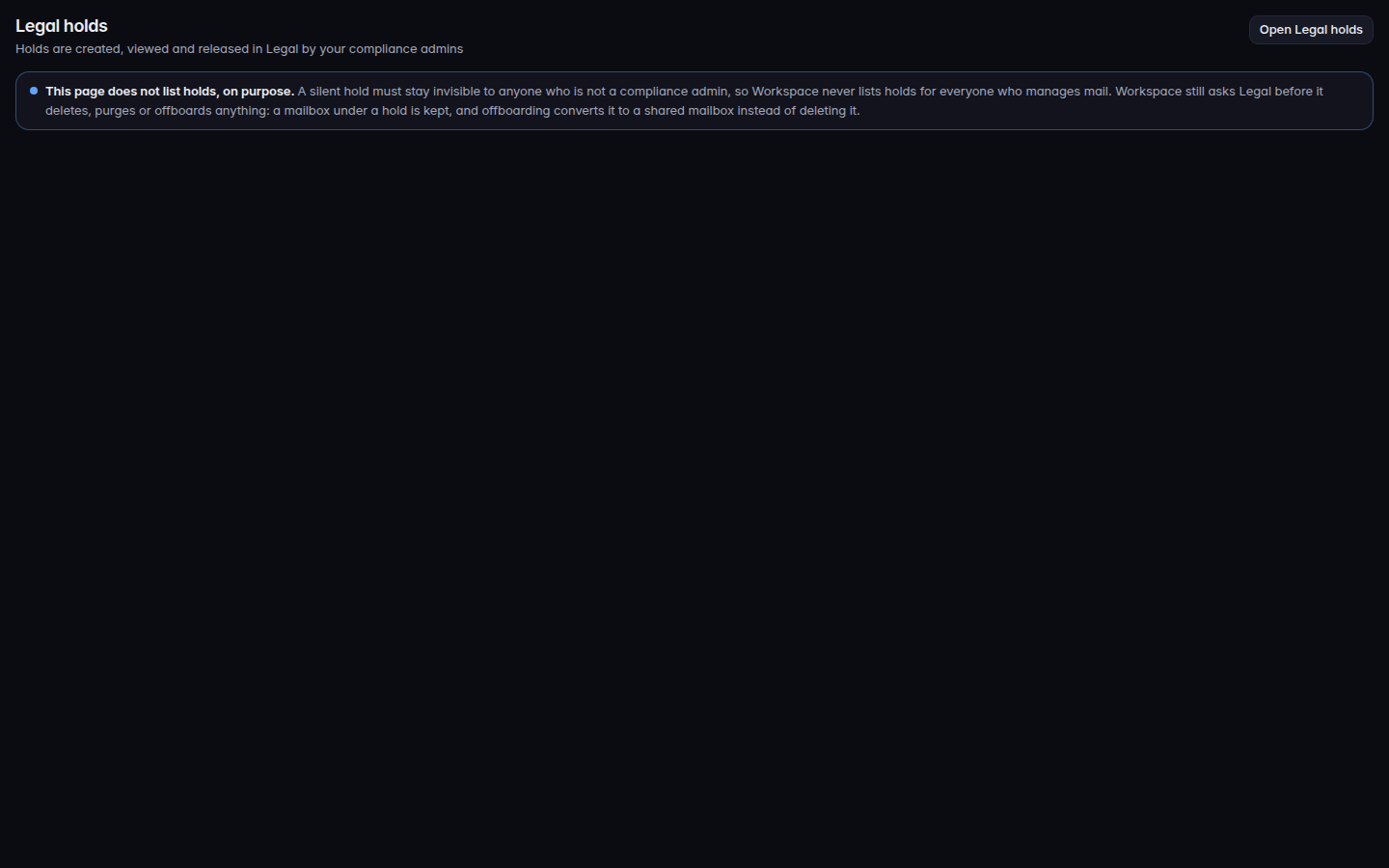
For MSP staff and admins. Workspace does not list legal holds on its own page. Legal holds explains that holds are created, viewed, and released in Legal, and offers Open Legal holds.

Data access lists IT staff access you have granted. It is not the sign-in log.

Open holds or end access#

  1. Open Legal holds and choose Open Legal holds when you need the hold itself.
    Legal holds, with Open Legal holds
    Legal holds, with Open Legal holds
    Legal holds, with Open Legal holds.
  2. For a matter, use Open a legal matter.
  3. Open Data access. An empty list says No access grants.
  4. To stop a grant that is still active, choose End access and confirm End access.

Ending access needs a role that can change Workspace settings. A person who can only read the audit log sees the list and cannot end a grant.

A message a person tries to delete while it is held says That message is under a legal hold and cannot be removed.

If it goes wrong#

  • Legal holds is not a list of matters. The list is in Legal. This page only points there.
  • End access is missing. Your role cannot change Workspace settings.
  • No access grants. Nothing is granted. That is not an error.