Read retention policies and turn journaling on when a copy of every message must be kept.
1 min read
Applies toOwnerAdmin
For MSP staff and admins.Retention says how long mail is kept and what happens after that. With no policy, the page says Everything is kept until a person deletes it.
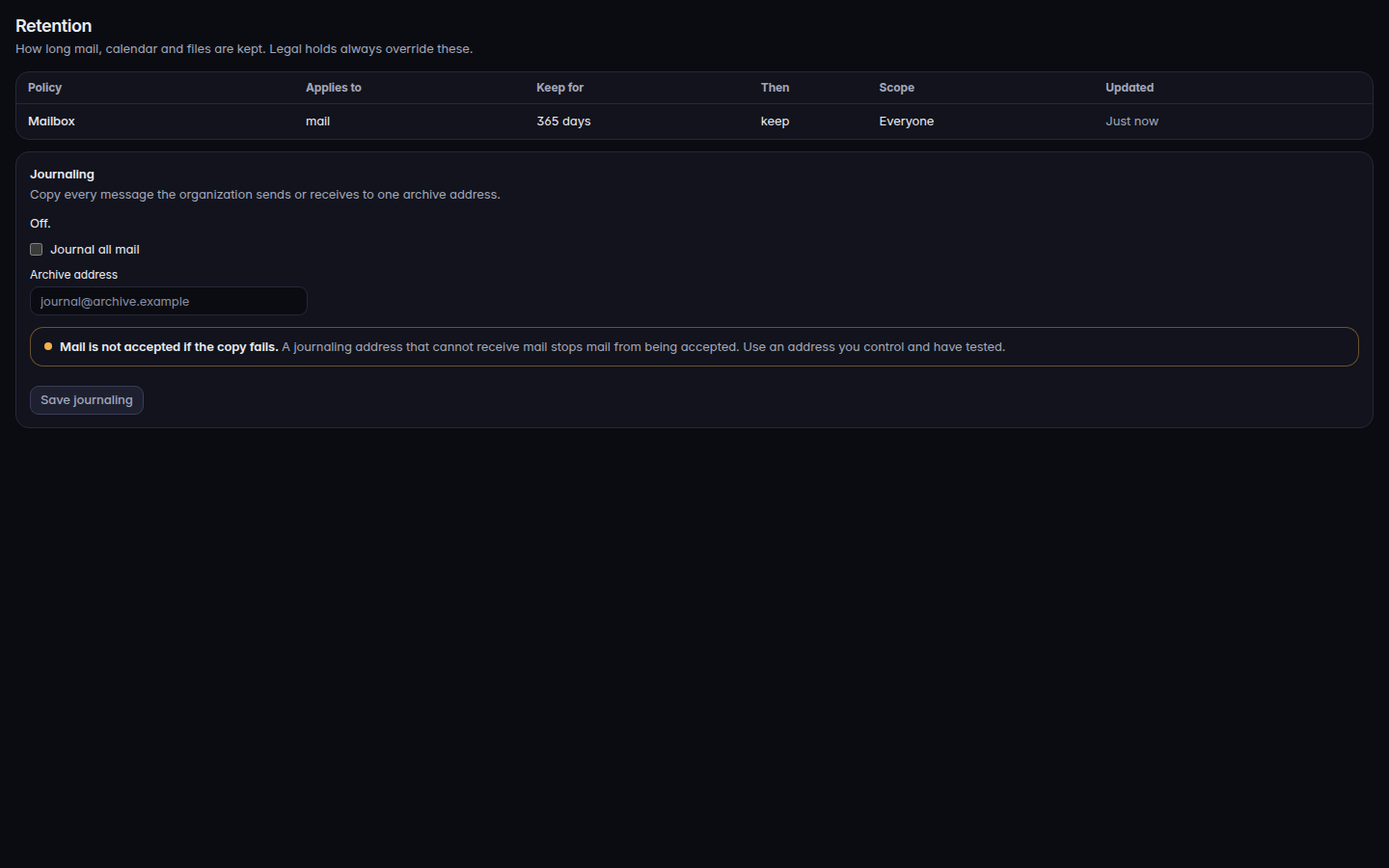
Open Retention.Retention, with the policy table and journalingRetention, with the policy table and journaling.
Read the columns: Policy, Applies to, Keep for, Then, Scope, and Updated.
If you need a copy of every message, use Journal all mail, set Archive address, and choose Save journaling.
The warning on journaling is Mail is not accepted if the copy fails. Turn journaling on only when that address will accept the copy.
Deleting a mailbox during offboarding still waits for retention and legal holds when you chose Export, then delete after retention. See Offboard someone from Workspace.