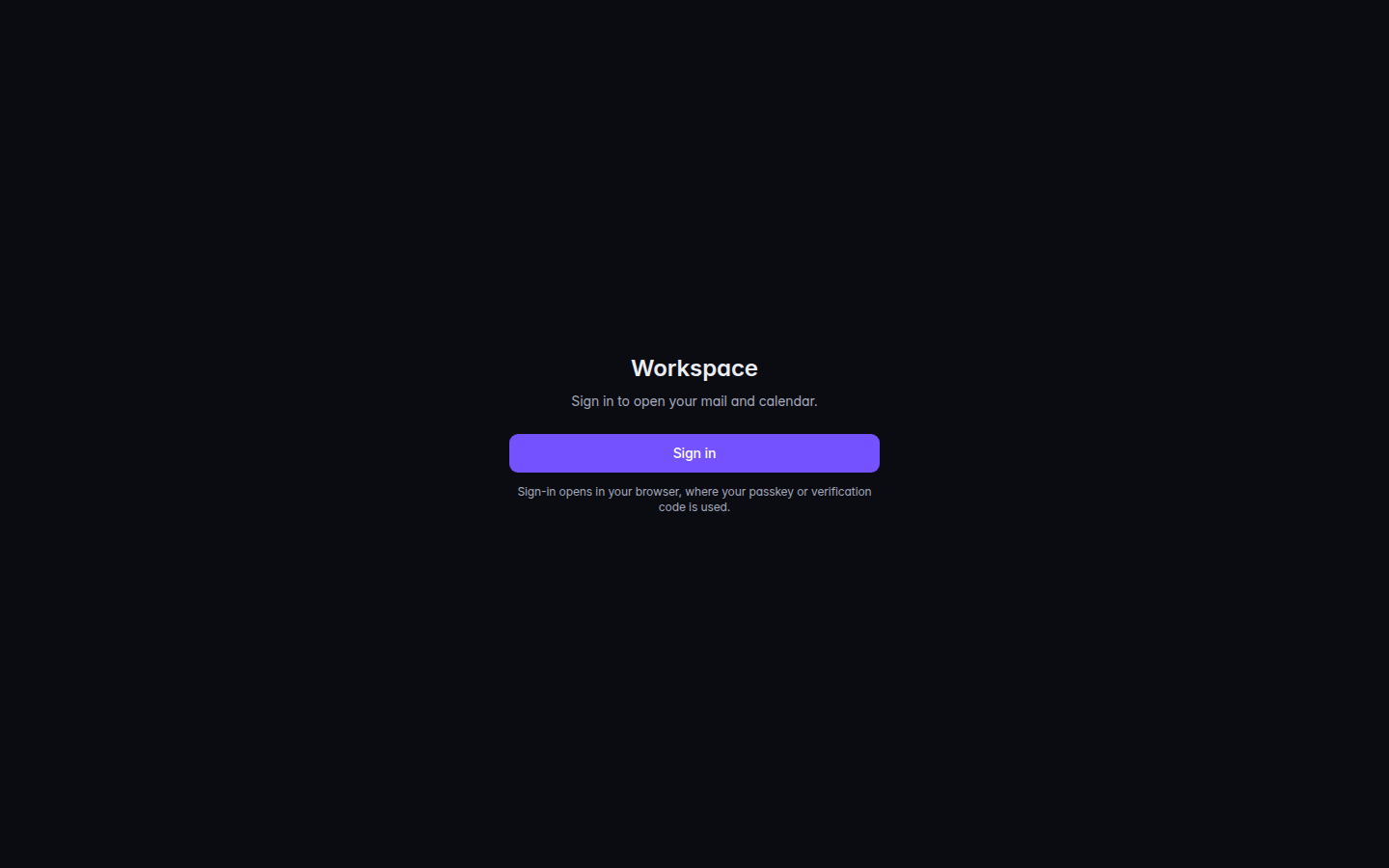
Choose Sign in. The heading is Workspace. The line under it is Sign in to open your mail and calendar.Workspace sign-in, with Sign inWorkspace sign-in, with Sign in.
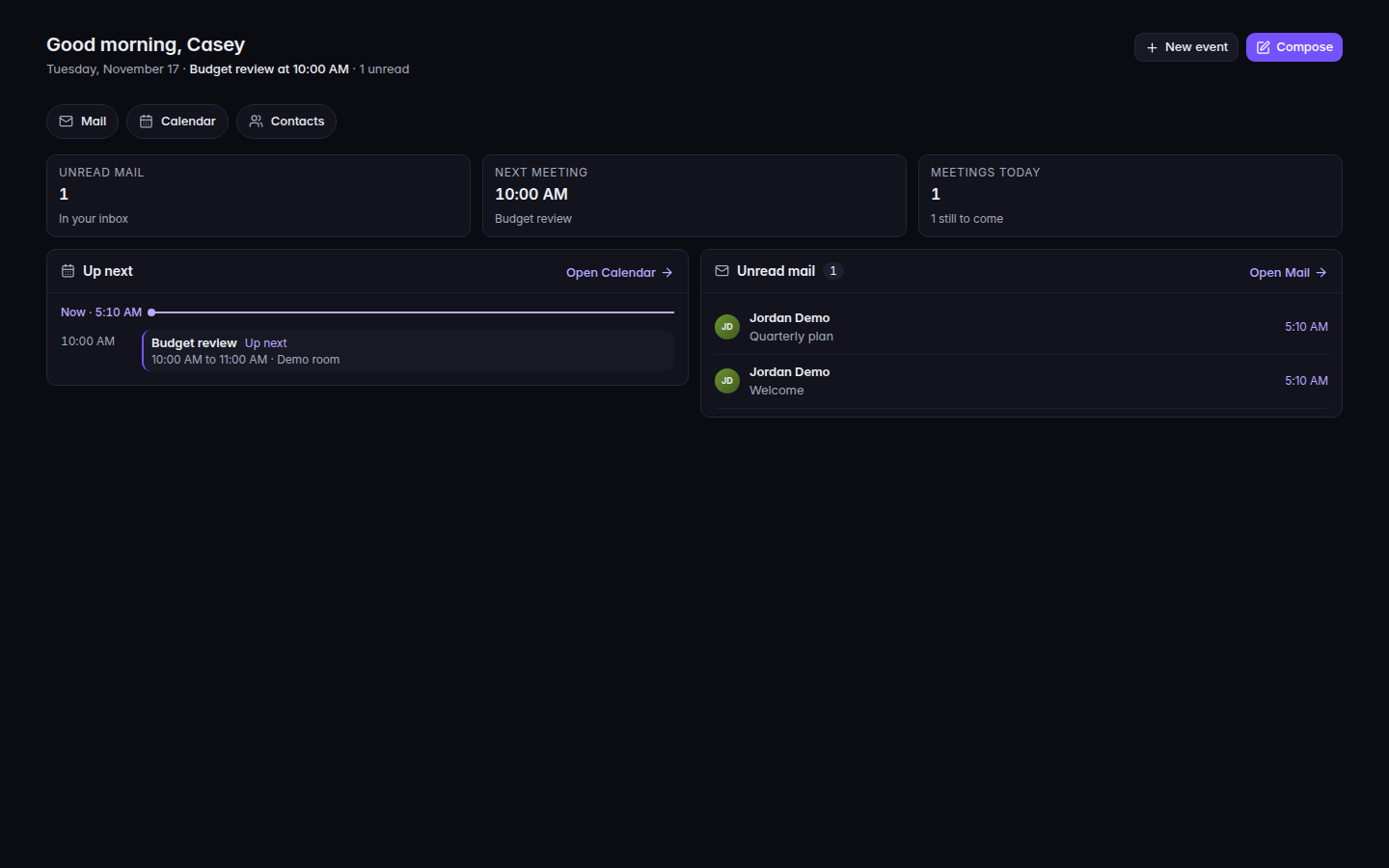
Sign-in opens in your browser, where your passkey or verification code is used. Open Workspace. The first page is Home.Workspace Home, with unread mail and the next meetingWorkspace Home, with unread mail and the next meeting.
Choose Compose to write mail, or New event to add a meeting.
On a phone, the row under the greeting includes Mail, Calendar, Contacts, and Phone and desktop apps when those are available.
Meet shows on that row only after the server says it is available to you. Docs, Sheets, and Slides are not available yet.
If your organization offers it, Home can also show Something not working? with New ticket and Open the IT portal. That opens your IT provider's help, not your mailbox.