Switch Workspace on for a customer you already manage. People keep their sign-in.
1 min read
Applies toOwnerAdmin
For MSP owners and admins. A tenant is a customer that already exists. Turning Workspace on gives each active or invited person a seat and a mailbox on the address they already use. It does not create the company.
Mail keeps going where it goes today until that domain's MX records point to Workspace.
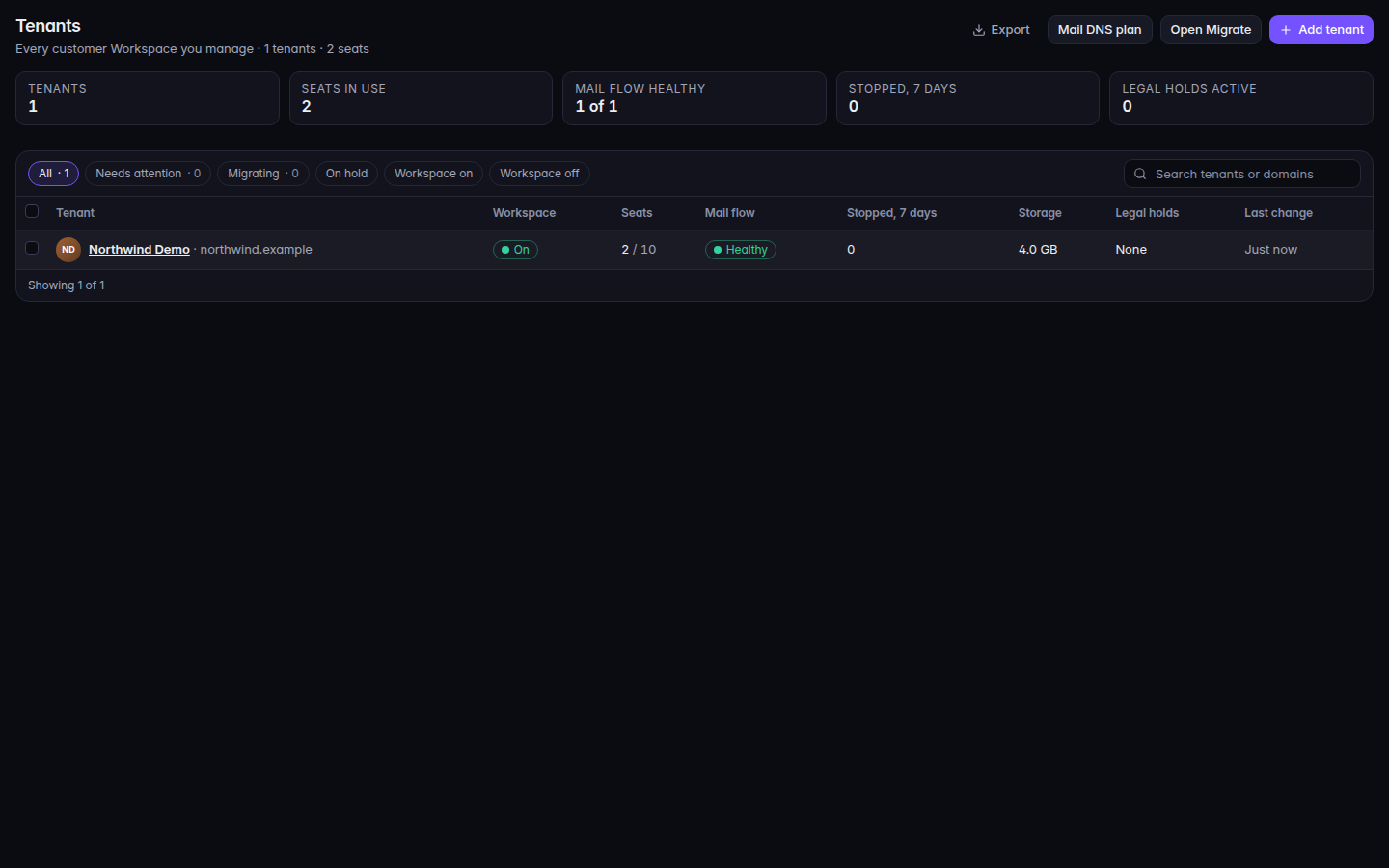
Open Workspace Admin. The first page is Tenants.The tenant list, with Add tenantThe tenant list, with Add tenant.
Choose Add tenant.
Search for the customer. The list is customers that do not have Workspace yet.
Choose Switch on, then confirm Switch on.
The confirm text says every active or invited person becomes a seat, a mailbox is created on the address they already use, and sign-in does not change.
When it finishes, the page says the customer is on Workspace and offers Open domains.
You can also select rows and choose Switch on. Switch off makes mail read-only for 30 days, then stops it. Confirm Switch off only when that is what you want.
Your team is your own company. Only an owner of your company can switch Workspace off for your own team.