Workspace 12 of 36

Add a mail alias

Add an extra address that delivers to a person who already has a mailbox.

Applies to Owner Admin

For MSP staff and admins. An alias is another address on a domain you already have. Mail to it arrives in the mailbox you pick. It is not a second seat.

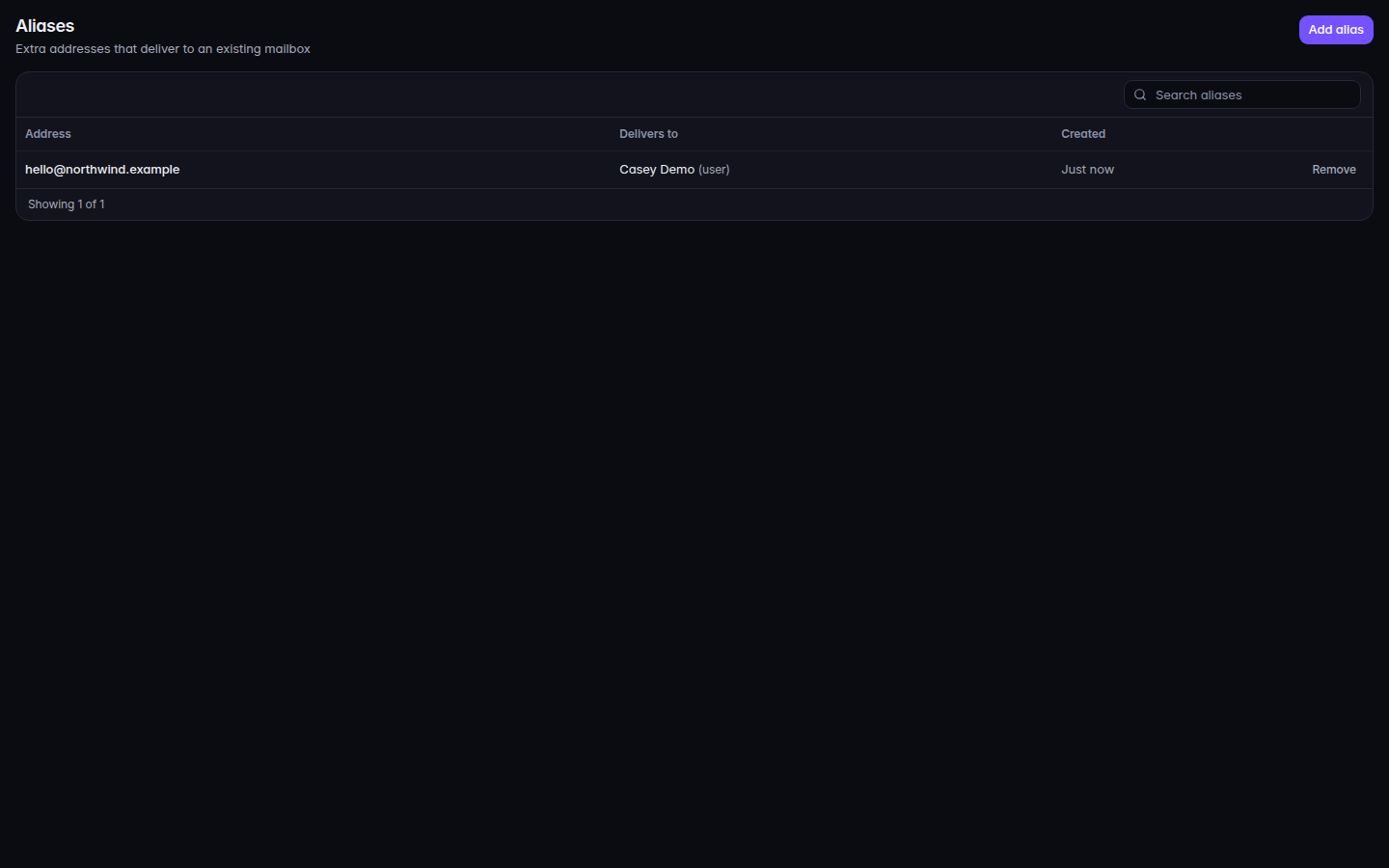
Add the alias#

  1. Open Aliases.
    Aliases, with Add alias
    Aliases, with Add alias
    Aliases, with Add alias.
  2. Choose Add alias.
  3. Enter the extra address, pick the domain, and Choose a person.
  4. Choose Add.

The list columns are Address, Delivers to, and Created.

If it goes wrong#

  • No aliases. Nothing has been added yet.
  • The address is reserved. System addresses on Domains lists names you cannot use as an alias.
  • Your role cannot change domains and aliases. Ask an owner, admin, or mail admin.