
Trace a message
Follow one message hop by hop from the sender, recipient, or subject.
Applies to Owner Admin
For MSP staff and admins. Message trace answers where a message went. It does not open the mailbox.
Run a trace#
- Open Message trace.
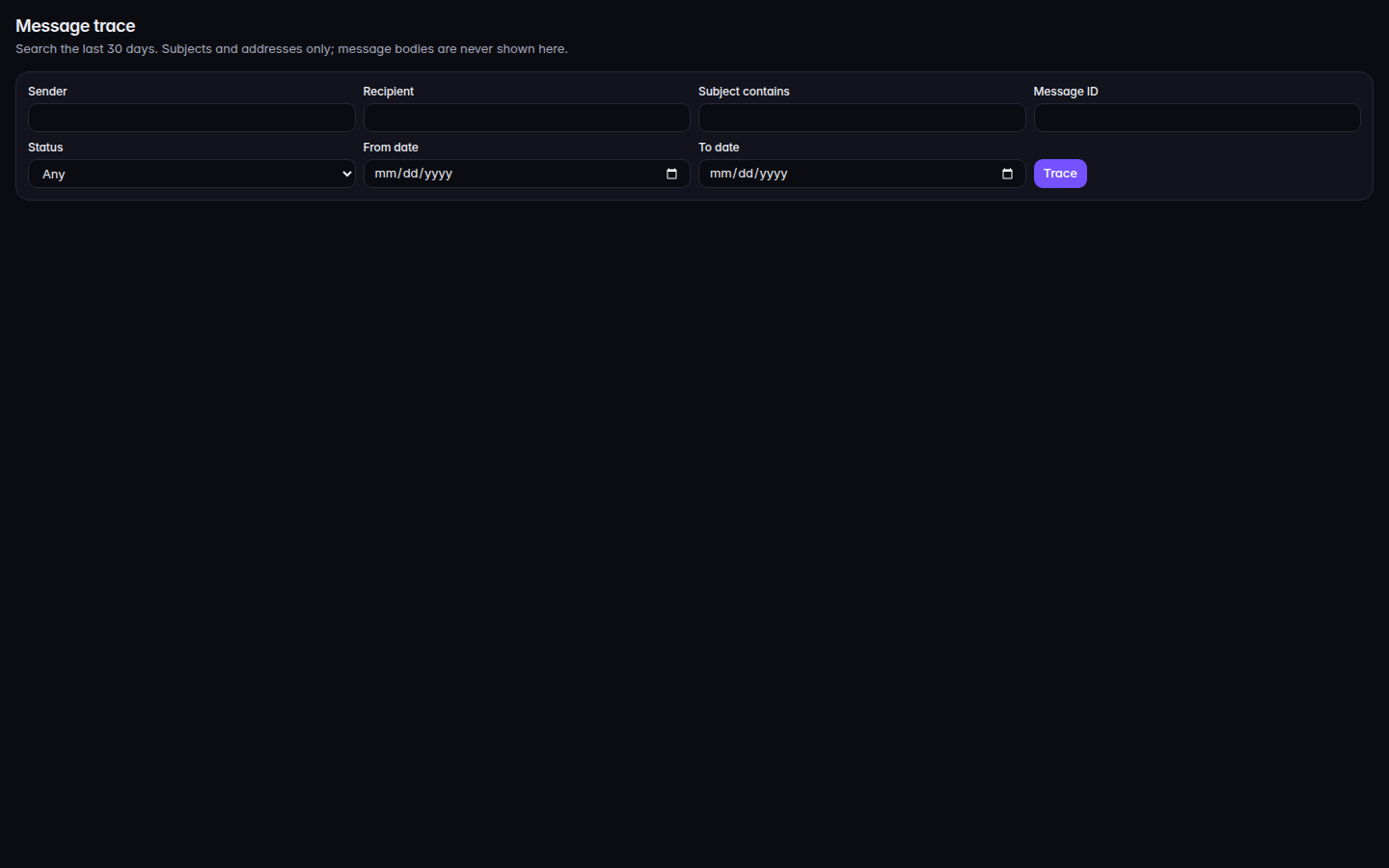
Message trace, with sender and date fields - Fill in what you know: Sender, Recipient, Subject contains, Message ID, Status, From date, and To date.
- Choose Trace.
- Open a result and read Result and Timeline.
If it goes wrong#
- No message matched. Check the spelling, or widen the dates. Nothing in that window fit. Shorten the subject text or widen the dates.
- Message trace is not available to you. Your role cannot trace messages.
- The message was held. Trace shows the path. The body, if it was quarantined, is still not on this page. See Review quarantined mail.
What's next#
Was this article helpful?