Open held mail, see why it was held, and release or delete it.
1 min read
Applies toOwnerAdmin
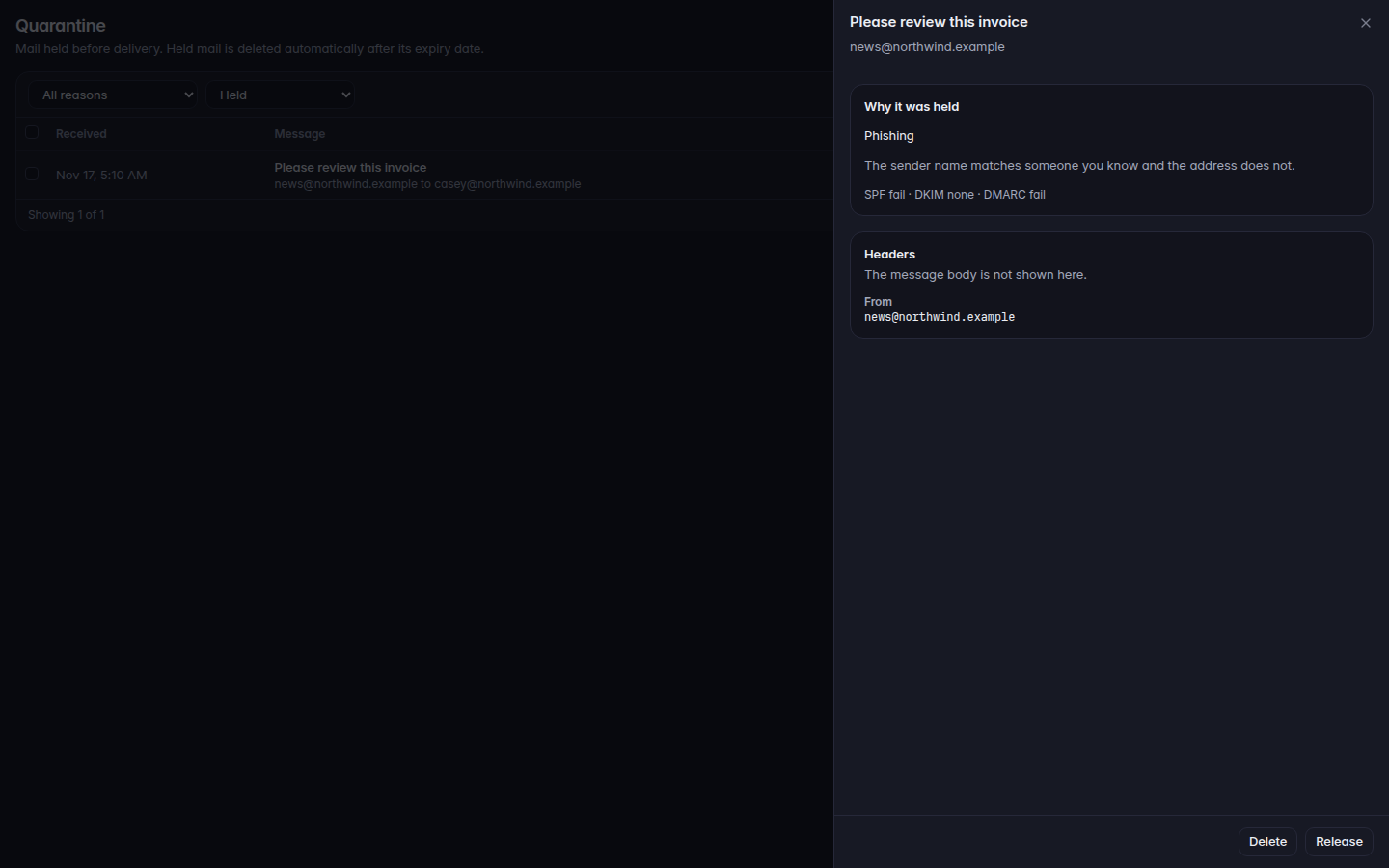
For MSP staff and admins. Quarantine is mail that was held before delivery. The message body is not shown on this page. You see why it was held, and the headers.
Open Quarantine.Quarantine, with a held message openQuarantine, with a held message open.
Filter status: Held, Release requested, Released, Deleted, or All.
Open a row. Read Why it was held. Reasons include Phishing, Malware, Spoofing, Spam, Mail flow rule, Locked archive, Could not be scanned, and Impersonation.
Choose Release to deliver it, or Delete to remove it. Confirm the action.
Held mail is deleted automatically after it expires. The page subtitle says so.