Workspace 25 of 36

Export a Workspace report

Pick a report, run it, and download the rows as a file.

Applies to Owner Admin

For MSP staff and admins. Reports lists the reports your organization can run. The names come from the server. This article does not name a report that might not be in your list.

Export#

  1. Open Reports.
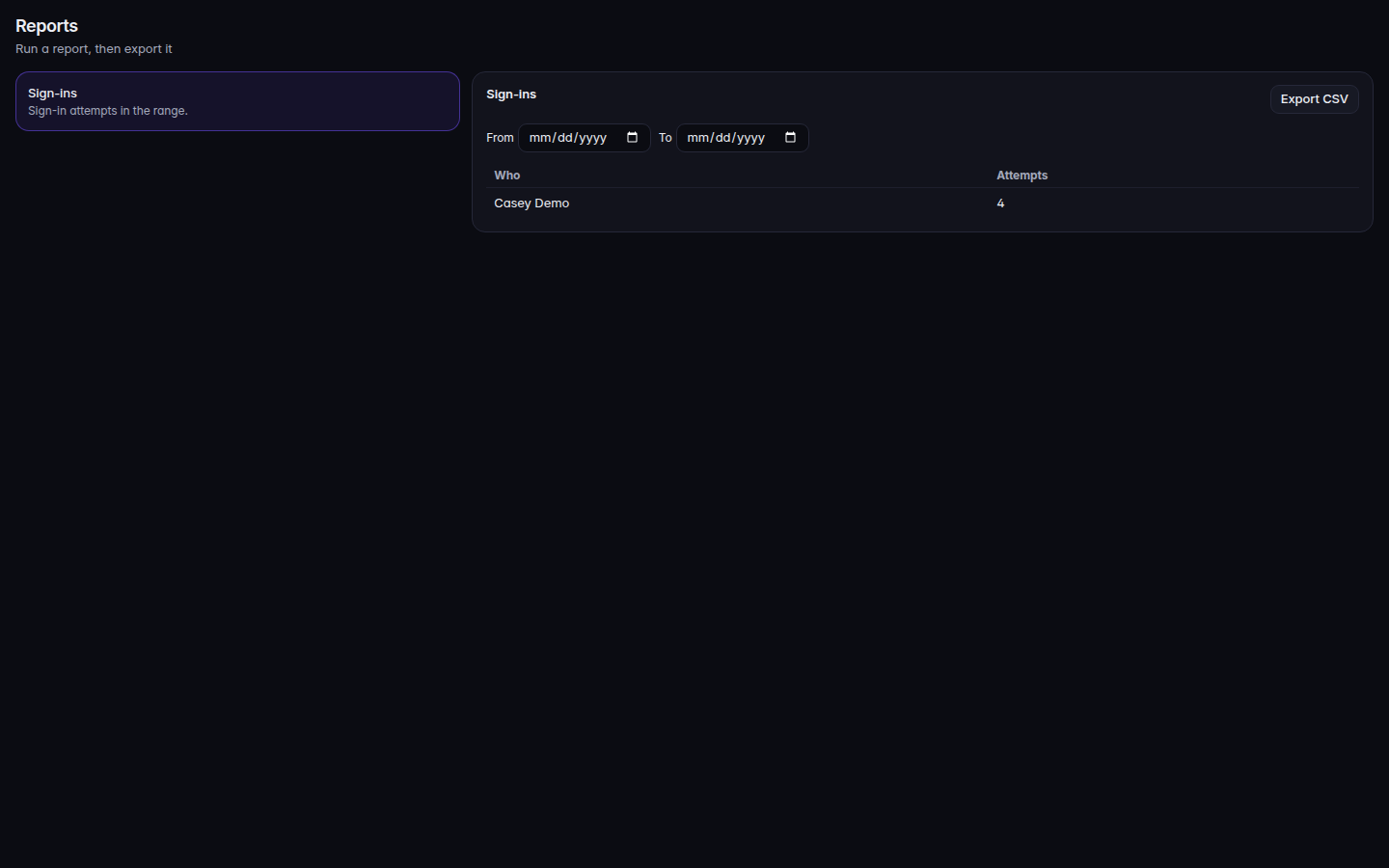
    Reports, with a report selected and Export CSV
    Reports, with a report selected and Export CSV
    Reports, with a report selected and Export CSV.
  2. Choose a report. Until you do, the page says Choose a report.
  3. Set the range the report asks for.
  4. Choose Export CSV.

Running report means it is still working. No rows for this range means the report ran and the range is empty.

If it goes wrong#

  • Choose a report. You have not selected one. The export button is not the first step.
  • No rows for this range. Widen the dates. An empty file is a real result.
  • Reports is not available to you. Your role cannot run reports.
  • The report could not be read. The page offers a retry. Nothing was exported.