See calendars on your list, including free and busy, and what an admin allows outside the company.
1 min read
Applies toTechnicianClientAdmin
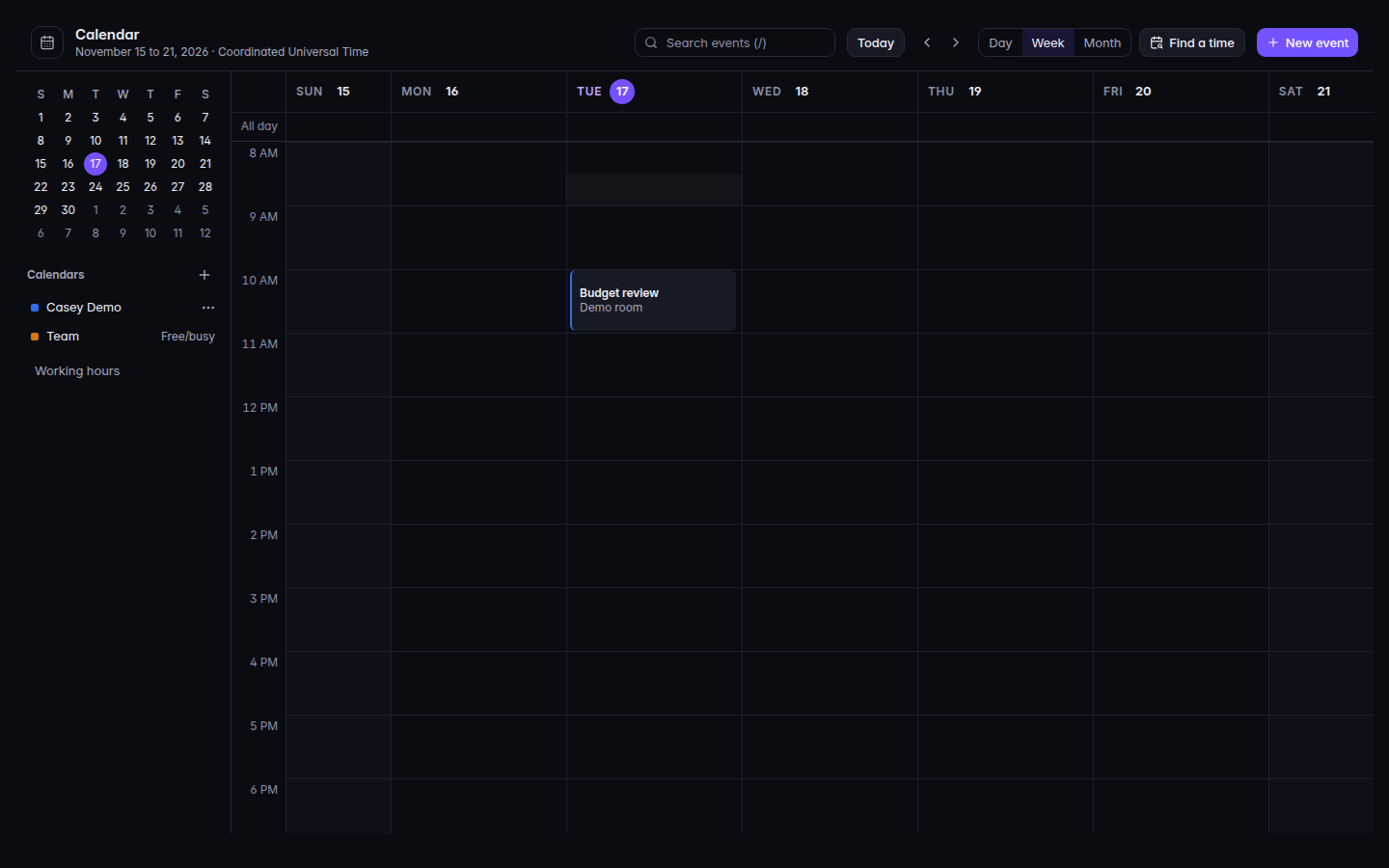
For people who use mail. The Calendars list shows the calendars you can open. A calendar you do not fully see is marked Free/busy. You can toggle a calendar on or off in that list.
There is no Share action on a calendar. You cannot invite a coworker to your calendar from this screen.
For MSP staff and admins. What people outside the company can see is Share calendars outside the organization on Settings: Off, Free and busy only, or Details. See Change Workspace settings.
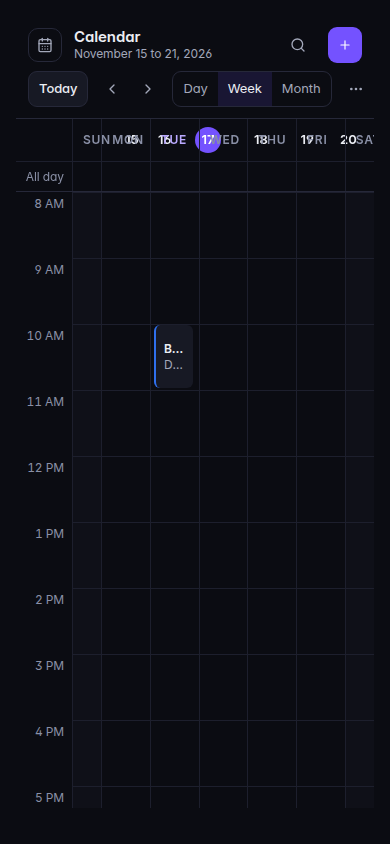
Open Calendar.The Calendars list, with a Free/busy calendarThe Calendars list, with a Free/busy calendar.The calendar list on a phone.The calendar list on a phone.
Under Calendars, turn a calendar on or off.
Open an event you are allowed to see. A free/busy calendar does not show another person's title and notes.
Guests you add on New event are people you invite to that event. That is not the same as sharing the whole calendar.
You expected a Share button. It is not on this page. Ask an admin if someone needs to see your free and busy time.
A coworker sees more than free and busy. An admin set Details for sharing outside the organization, or the coworker already has the calendar on their list.
Delete looks too wide. The confirm text says events are deleted for everyone the calendar is shared with too. Cancel if you only meant to hide it.