Start a Meet call, copy the link, and let guests in from the lobby.
1 min read
Applies toTechnicianClient
For people who use mail. Meet is video with camera, microphone, screen sharing, and a waiting room. It appears in the menu only when your organization has it on and it is usable.
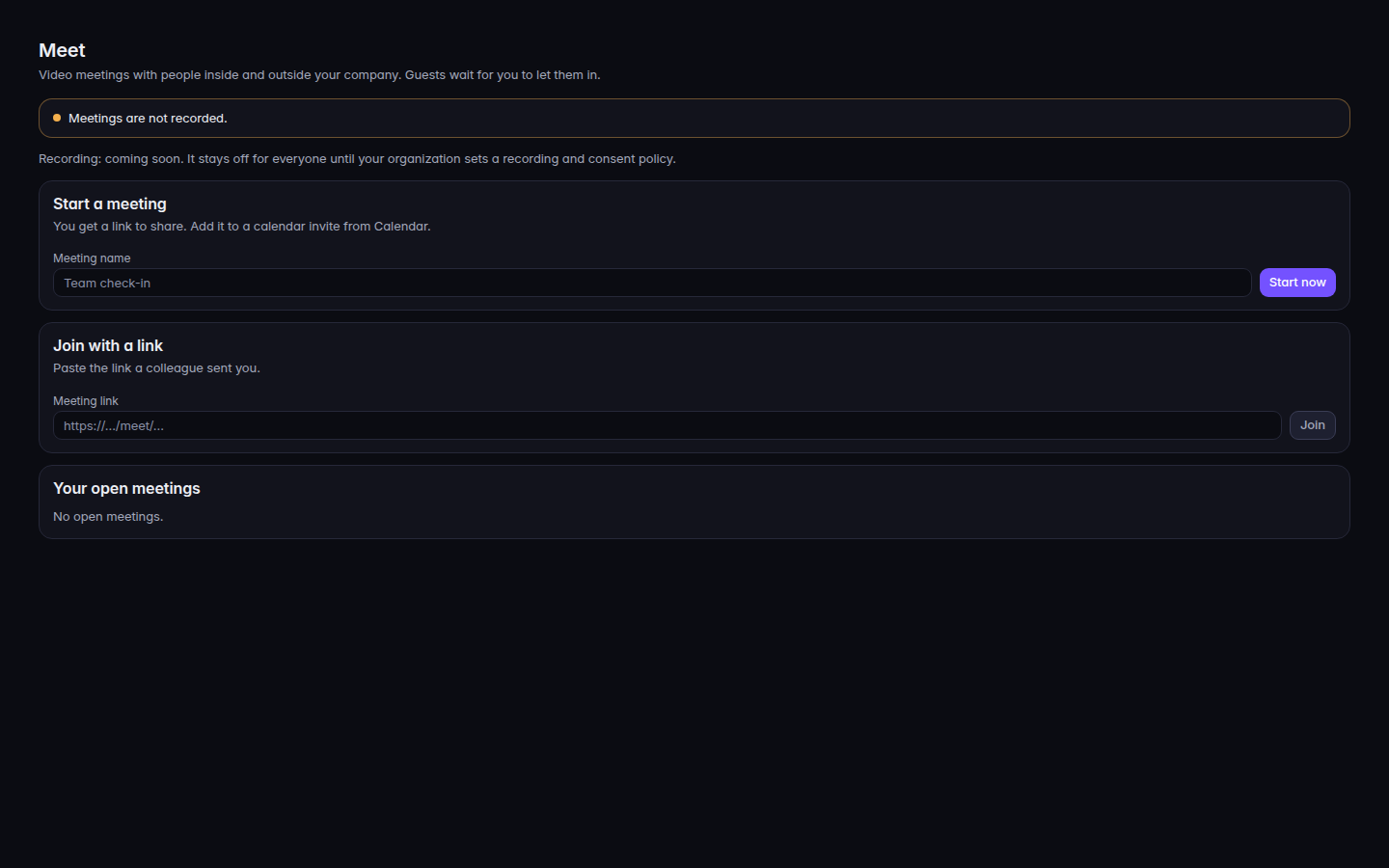
Meetings are not recorded. The home page says Meetings are not recorded. An admin who can change settings also sees Recording: coming soon. Recording stays off until the organization sets a recording and consent policy. There is no control to turn recording on.
Open Meet.Meet home, with Start a meetingMeet home, with Start a meeting.
Under Start a meeting, enter Meeting name and choose Start now.
Or use Join with a link and choose Join.
In the call, use Mute or Unmute, Start video or Stop video, Share screen, and Leave.
Guests wait in the lobby. The host sees Waiting to join, then Let in or Not now. The host can End for everyone.
Your open meetings lists meetings you started. Copy link copies the guest link. Guests wait in the lobby is the pill on that list. The call shows Not recorded.
From a calendar event that has a meeting, Join opens it.