
Fix a Workspace problem
Match the sentence on the screen to the page that fixes it.
Applies to Owner Admin Technician Client
For everyone. Read the sentence on the screen before you retry. Workspace states the reason. A second click does not change a missing seat or a domain that is not verified.
Match the message#
- Find the sentence in the list.
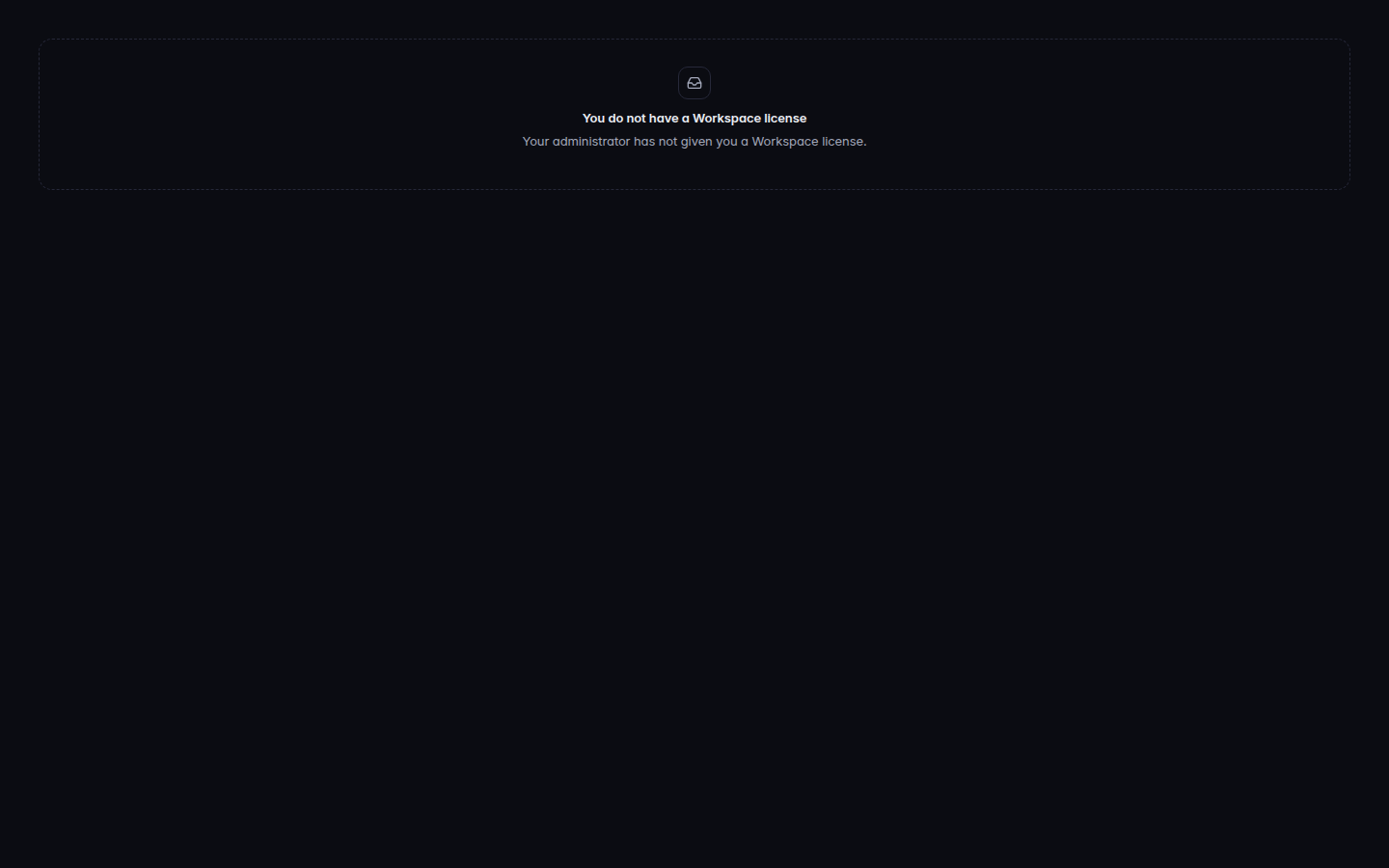
A Workspace message that names why the page stopped - Open the article it points to. Do not create a second mailbox to get past a DNS check.
| What you see | What to do |
|---|---|
| Workspace is not turned on for your organization | Ask your IT provider. An MSP owner turns a customer on from Tenants. See [[turn-on-workspace |
| You do not have a Workspace license | Ask an admin for a seat. See [[add-a-workspace-user |
| No mailbox yet | The seat has no mailbox. An admin adds the user. |
| No verified domain yet | Add and verify a domain before you add a person. See [[add-a-workspace-domain |
| Another provider, or mail was going to another provider | MX is not pointing here. See [[check-workspace-mail-records |
| Sending is not enabled yet | You can read and save drafts. Sending is a service state, not your password. See [[check-storage-and-health |
| Your role cannot… | The sentence names the role. See [[workspace-roles |
| You look for Docs, Sheets, or Slides | They are not available yet. See [[open-docs-sheets-and-slides |
| Meet is not available | Meet is off or not usable. See [[start-a-meeting |
| SMTP relay isn't available yet, or isn't turned on | There is no credential to create. See [[set-up-smtp-relay |
| That message is under a legal hold and cannot be removed | Delete will not remove it. See [[holds-and-data-access |
| Couldn't load Workspace | Retry. The rest of the portal still works. |
What's next#
Was this article helpful?