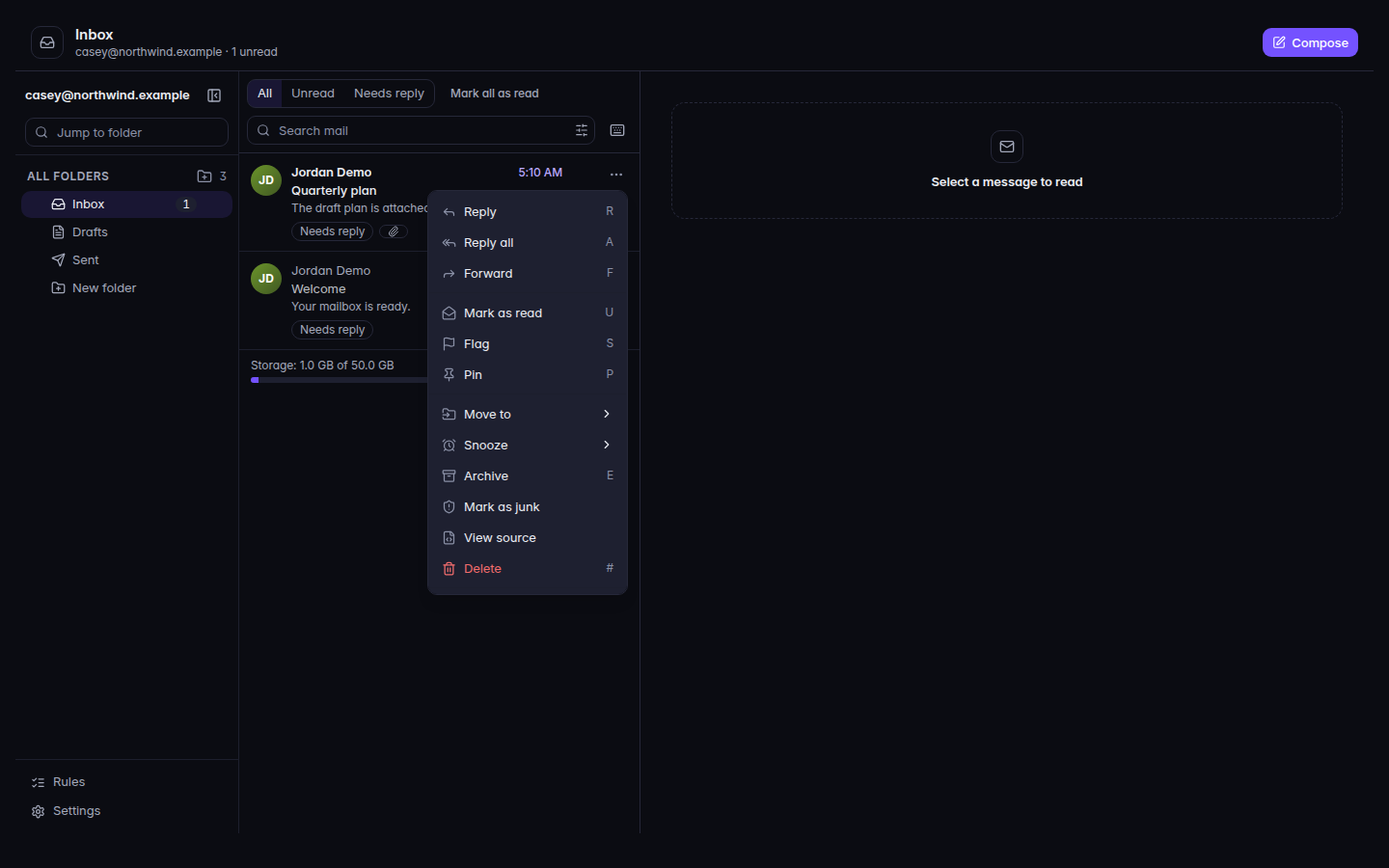
Open a message, or select several.A message menu, with Move, Archive, and JunkA message menu, with Move, Archive, and Junk.
Use Flag or Remove flag, Pin or Unpin, Move to, Snooze, Archive, Junk or Not junk, and Delete.
Open Rules to file mail as it arrives. Back to mail returns you to the list. An empty list says No rules yet.
Open Settings.
Signature is added to new messages. You can still edit it before sending.
Automatic replies answers people who write while you are away.
Forwarding sends a copy of new mail to another address.
Reading options are yours everywhere. The signature on this page is for this mailbox only. Automatic replies and forwarding belong to this mailbox.
If forwarding says Forwarding was set by your administrator. Ask them to change it., you cannot turn it off yourself. Organization-wide signatures are separate. See Add an organization signature.