Set directory, outside mail, calendar sharing, message size, and Meet for the organization.
1 min read
Applies toOwnerAdmin
For MSP staff and admins.Settings is organization policy inside the limits your IT provider has set. A row your provider locks cannot be saved by the customer.
People do not share a calendar from their own calendar page. What leaves the organization is this setting.
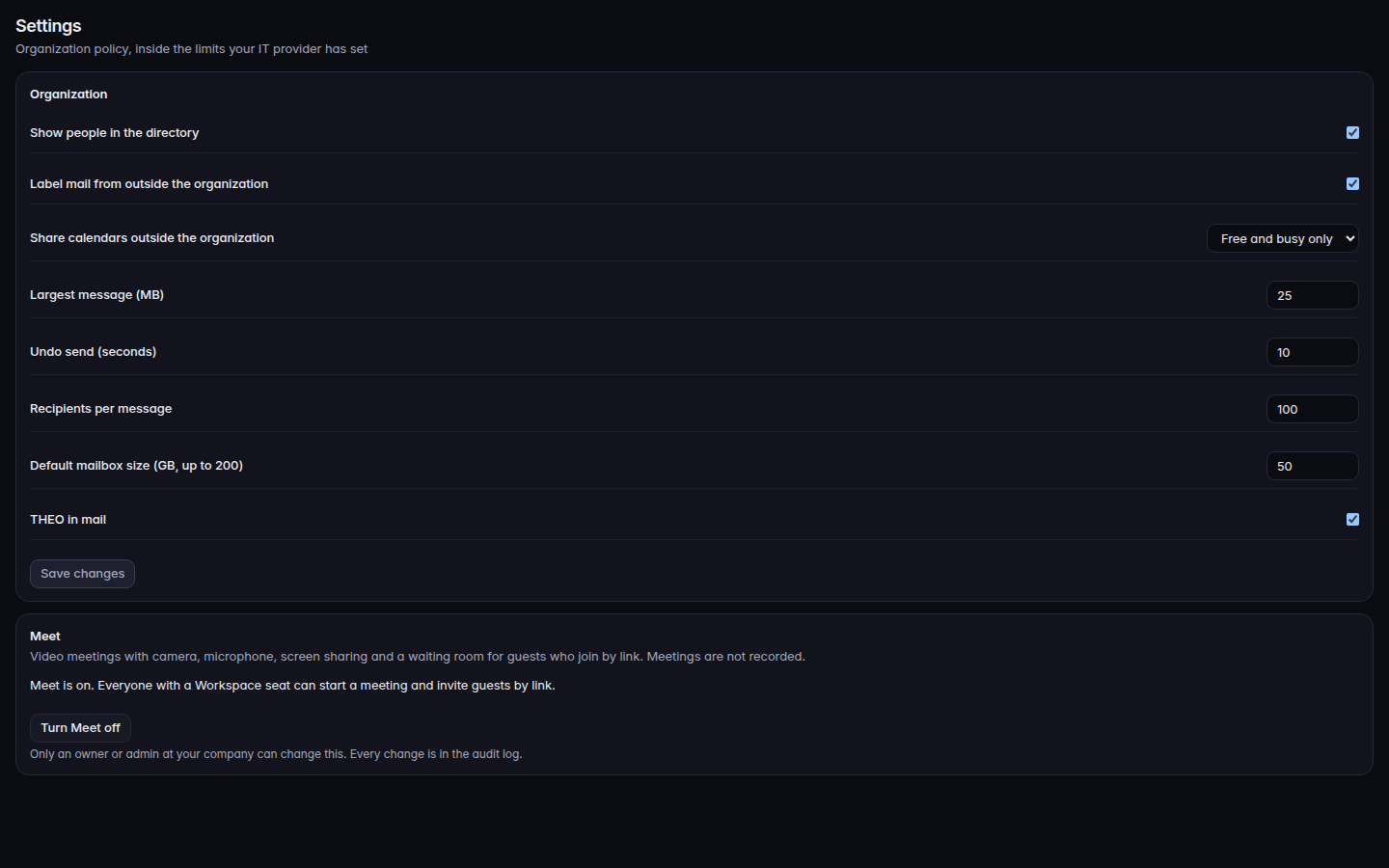
Open Settings.Organization settings, including calendar sharingOrganization settings, including calendar sharing.
Change the rows you need, then choose Save changes:
Show people in the directory
Label mail from outside the organization
Share calendars outside the organization: Off, Free and busy only, or Details
Largest message (MB)
Undo send (seconds)
Recipients per message
Default mailbox size (GB)
THEO in mail
Choose Discard to drop edits you have not saved.
Meet is a card on the same page. The description says meetings are not recorded. Turn Meet on or Turn Meet off is only for an owner or admin who is allowed to change it. Everyone else sees Your IT provider turns Meet on or off. Turning Meet off stops new meetings and guest links.