
Your first day on The One Stack
Sign in, find your apps, read the Dashboard, and open your first ticket.
Applies to Owner Admin Technician
This takes you from your first sign-in to your first ticket. It is part of The One Stack Staff Guide: start here.
Sign in#
- Open app.theonestack.com. The full steps are in Sign in to the Hub.
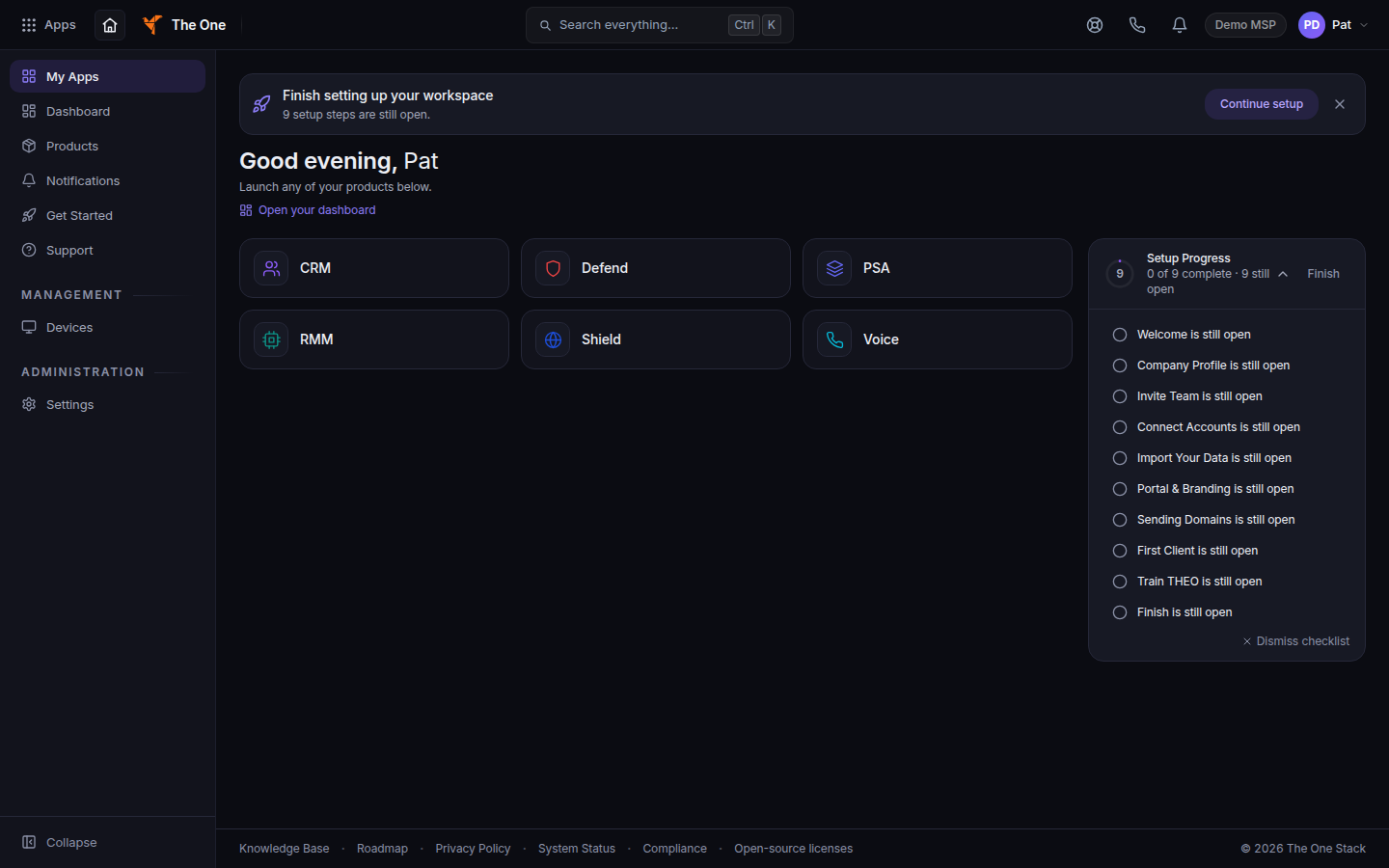
The Hub after sign-in, with My Apps in the left menu - Use Continue with Microsoft 365 when that button is shown, or use Email address and Password, then Sign in.
- Finish Two-step sign-in when it appears. See Set up two-step sign-in.
Find your way around#
- Choose My Apps in the left menu. Tiles open in a new tab. The Apps button in the top bar is the same list. See Open the app switcher.
- Press Ctrl+K (Windows) or Cmd+K (Mac) to search tickets, companies, devices, and pages.
- Use Quick Create in the top bar to start a ticket, a deal, or a time entry when you have more than one product.
- The bell is your alert inbox. The left menu item Notifications opens the same inbox.
If a tile you need is missing, ask your admin. See Roles and permissions.
Read the Dashboard#
Open Dashboard. Start the day with the alerts and the tickets assigned to you. The labels on that page follow your role.
Your first ticket#
- Open PSA, then the ticket list.
- Use the Mine chip for tickets assigned to you.
- Open one. Read the assessment and the activity before you reply.
- Post an internal note, then resolve it when the work is done.
The full walkthrough is Daily work in PSA, Open a ticket, and Reply to a ticket.
If you used other tools before#
| What you did before | Where it is now |
|---|---|
| Open the ticket list | PSA tickets. See Open a ticket. |
| Schedule technicians | Schedule a visit from a ticket and Use the dispatch board |
| Enter time | Log time on a ticket |
| Look up a company or contact | Find a company and Add a contact |
| See devices | Install the endpoint agent and Connect to a device |
If it goes wrong#
- Invalid email or password. See Reset your password.
- You land on My Apps and a product is missing. Ask an admin to assign it.
- The phone app. See The staff app on your phone. Install it only if your admin says the build is available.
What's next#
Was this article helpful?