
Open API keys
API keys are created in Integrate. The Settings page sends owners there.
Applies to Owner
API Keys under Settings does not create a key. The page says API keys are managed in Integrate and API keys live in Integrate. You create, rotate, and revoke keys in Integrate.
Only an owner can open this page.
Open the key page#
- Open Settings, then API Keys.
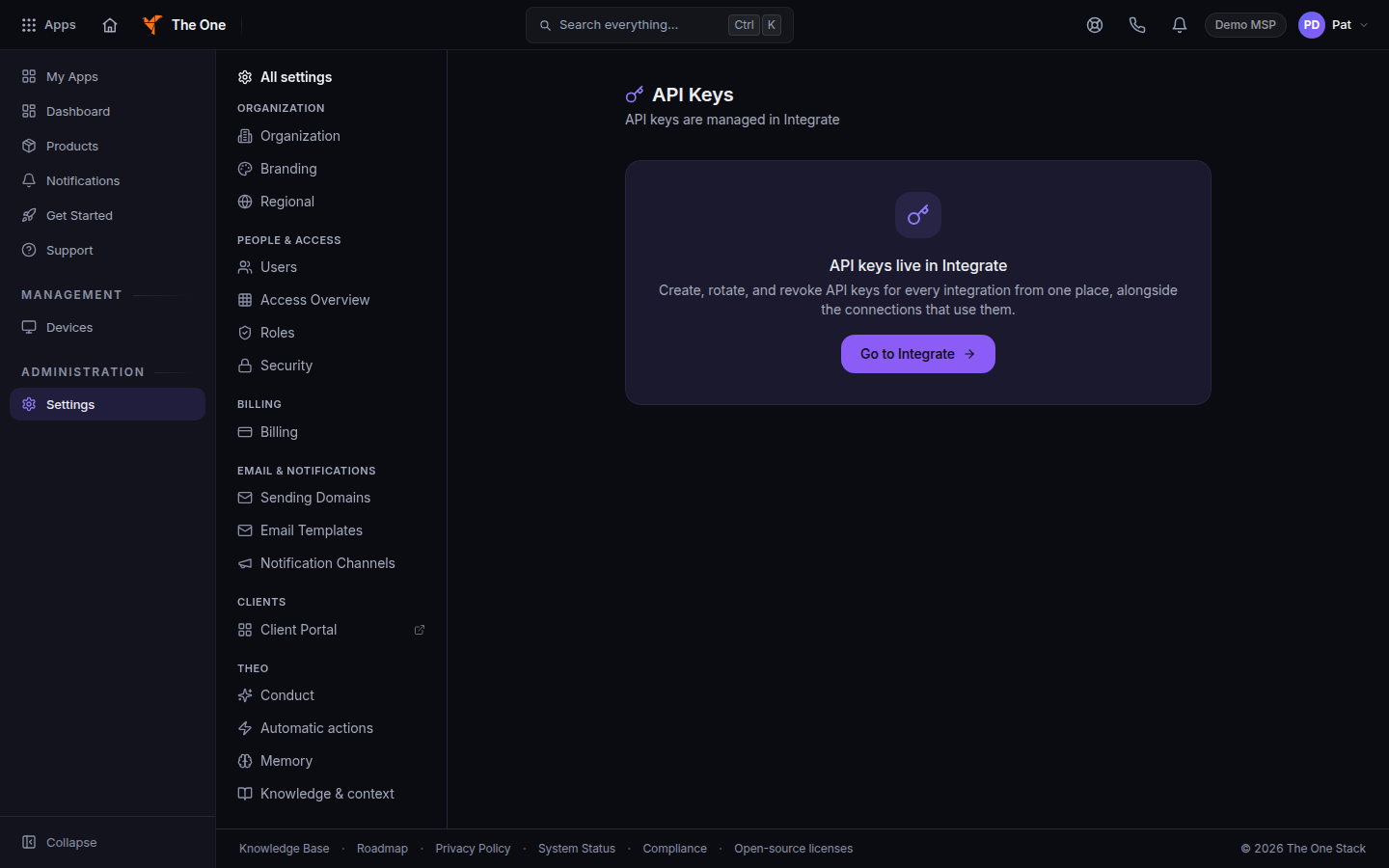
API Keys, with Go to Integrate - Choose Go to Integrate. That opens Integrate inside the Hub.
- Create or revoke the key there. Copy a new secret once, when Integrate shows it, and store it outside the Hub.
If it goes wrong#
- The page says API key management is available to your organization's owner. You are an admin or another role. Ask an owner.
- You expected to generate a key on this screen. This screen is a pointer. The actions are in Integrate.
- A key stopped working. Revoke it in Integrate and create a new one. Do not send the secret in email or in a ticket.
What's next#
Was this article helpful?