
Require a passkey for admins
Require owners and admins to sign in with a password and a passkey.
Applies to Owner Admin
Admin sign-in on Security can require a password and a passkey for owners and admins. The switch is Require password + passkey for admins. The on state reads On: admins and owners need a password and a passkey.
This is separate from Require two-factor for your team.
Turn it on#
- Open Settings, then Security.
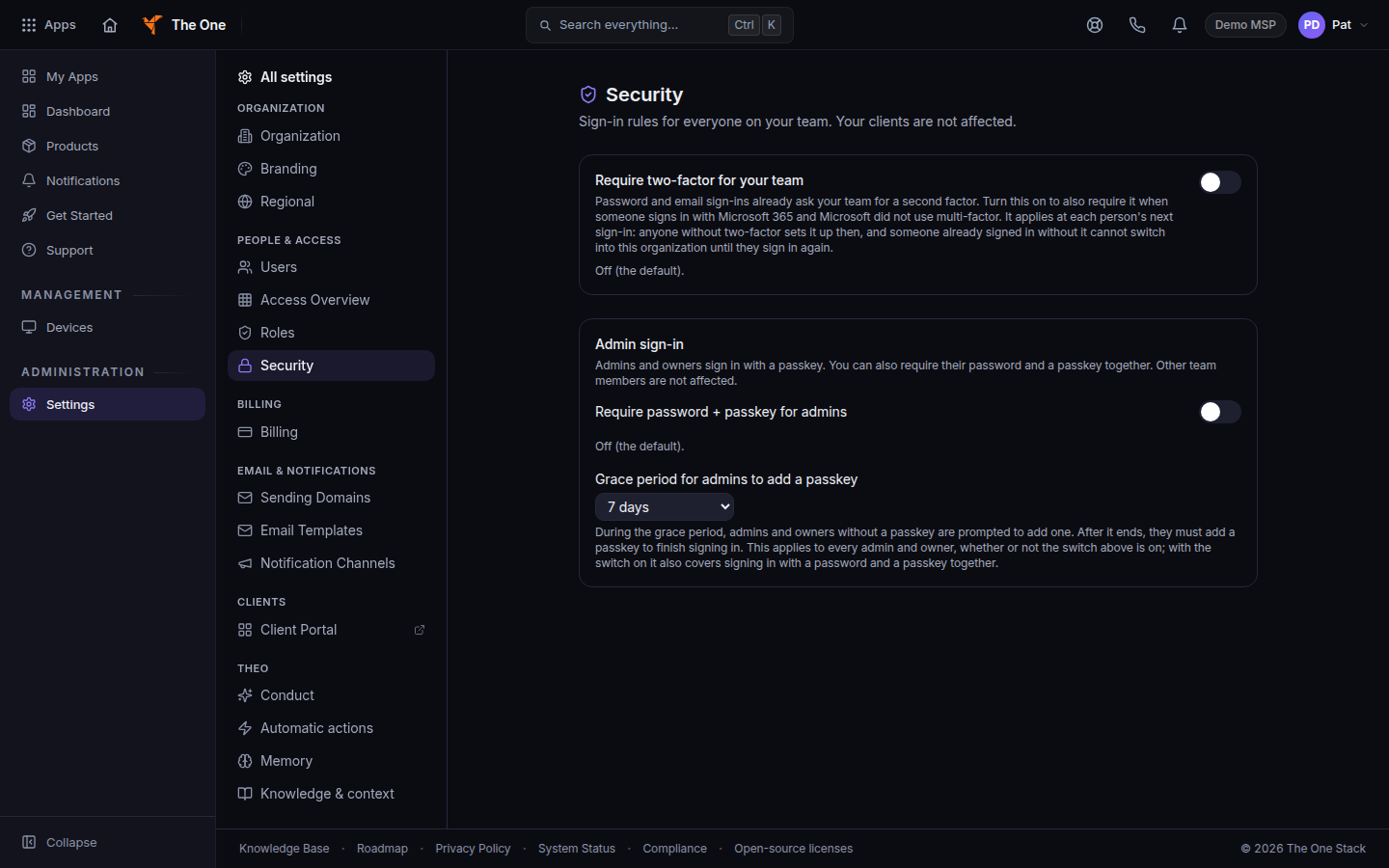
Admin sign-in, with the passkey switch and grace period - Turn on Require password + passkey for admins.
- Set Grace period for admins to add a passkey. Choose No grace period or a number of days, up to 30.
- If you shorten a grace period that is already running, confirm Shorten it. Cancel keeps the longer period.
Until an admin adds a passkey, sign-in can say Admins need a passkey. Add one now to finish signing in. After the grace period, the prompt can say Add a passkey to keep using TOS.
A person can also turn on Require my password and a passkey to sign in on their own Security tab. If the organization requires it, that card says Your organization requires your password and a passkey, so this stays on.
If it goes wrong#
- An admin is stuck at sign-in. They need to add a passkey on that page, or you lengthen the grace period before it ends.
- The switch is off and an admin still wants a passkey. They can add one on Profile, then Security, without this organization rule.
- Off (the default). The passkey rule for admins is off until you turn the switch on.
What's next#
Was this article helpful?