
Set regional defaults
Set the time zone, language, formatting locale, and invoicing currency.
Applies to Owner Admin
Regional sets how the organization shows time, language, and money. Owners and admins can save it. Accounting can open related billing pages and cannot change the currency here.
Save regional settings#
- Open Settings, then Regional.
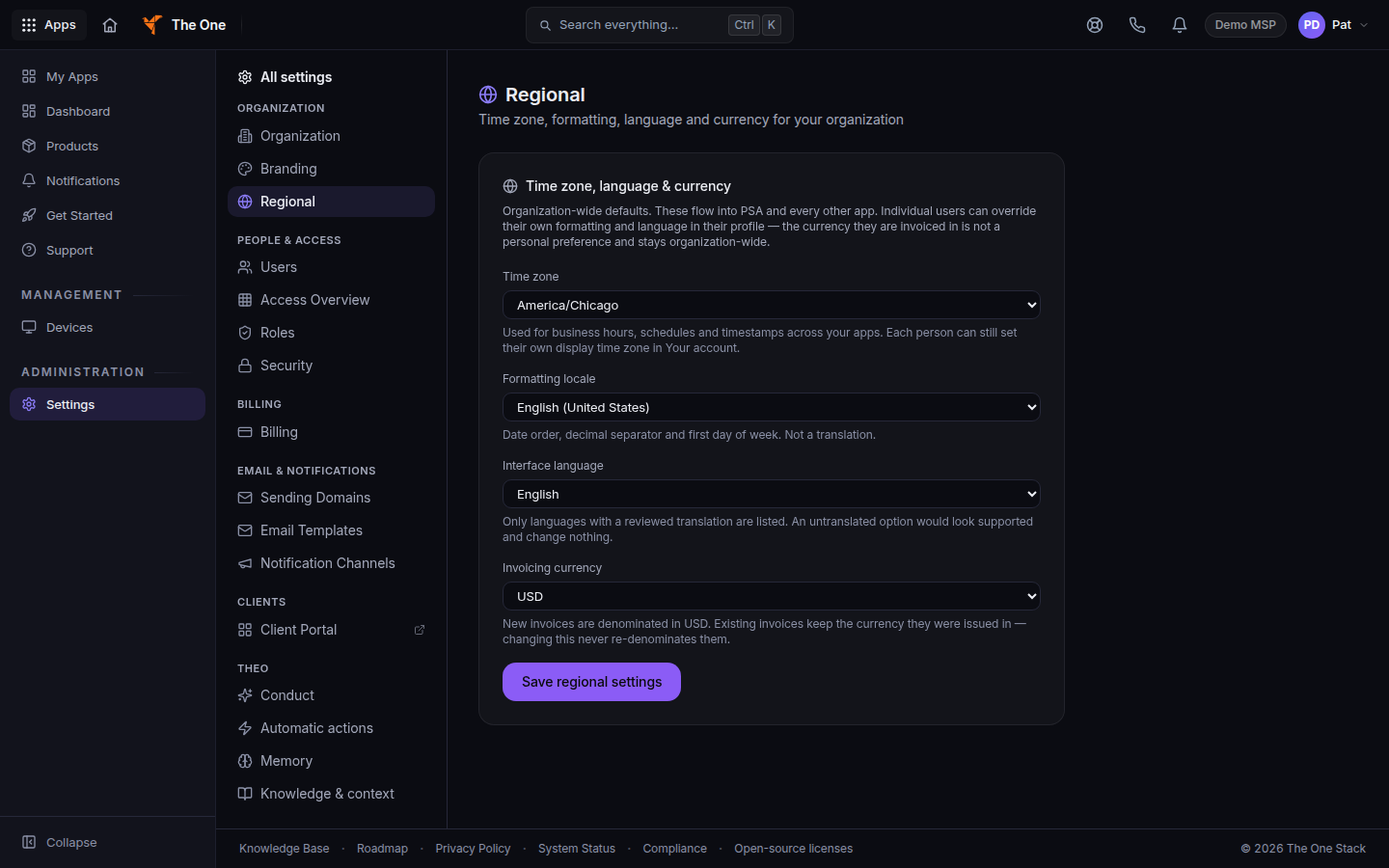
Regional, with time zone and currency - Under Time zone, language & currency, set Time zone, Formatting locale, Interface language, and Invoicing currency.
- Choose Save regional settings.
Your own profile does not replace these organization defaults.
If it goes wrong#
- Only admins and owners can change the organization currency. Ask an owner or admin.
- Times look wrong for one person. The organization time zone is the default. Check the time zone on that person's device as well.
What's next#
Was this article helpful?