
Change a person's role
Change the platform role on a teammate's profile. Only an owner can assign Owner.
Applies to Owner Admin
A platform role is Owner, Admin, Accounting, Member, or Viewer. It decides Hub settings and billing. Apps still need their own permission set on the person's profile.
An invite can set Admin, Accounting, Member, or Viewer. It cannot set Owner. An owner assigns Owner afterward.
Change the role#
- Open Settings, then Users. The page title is Team Members.
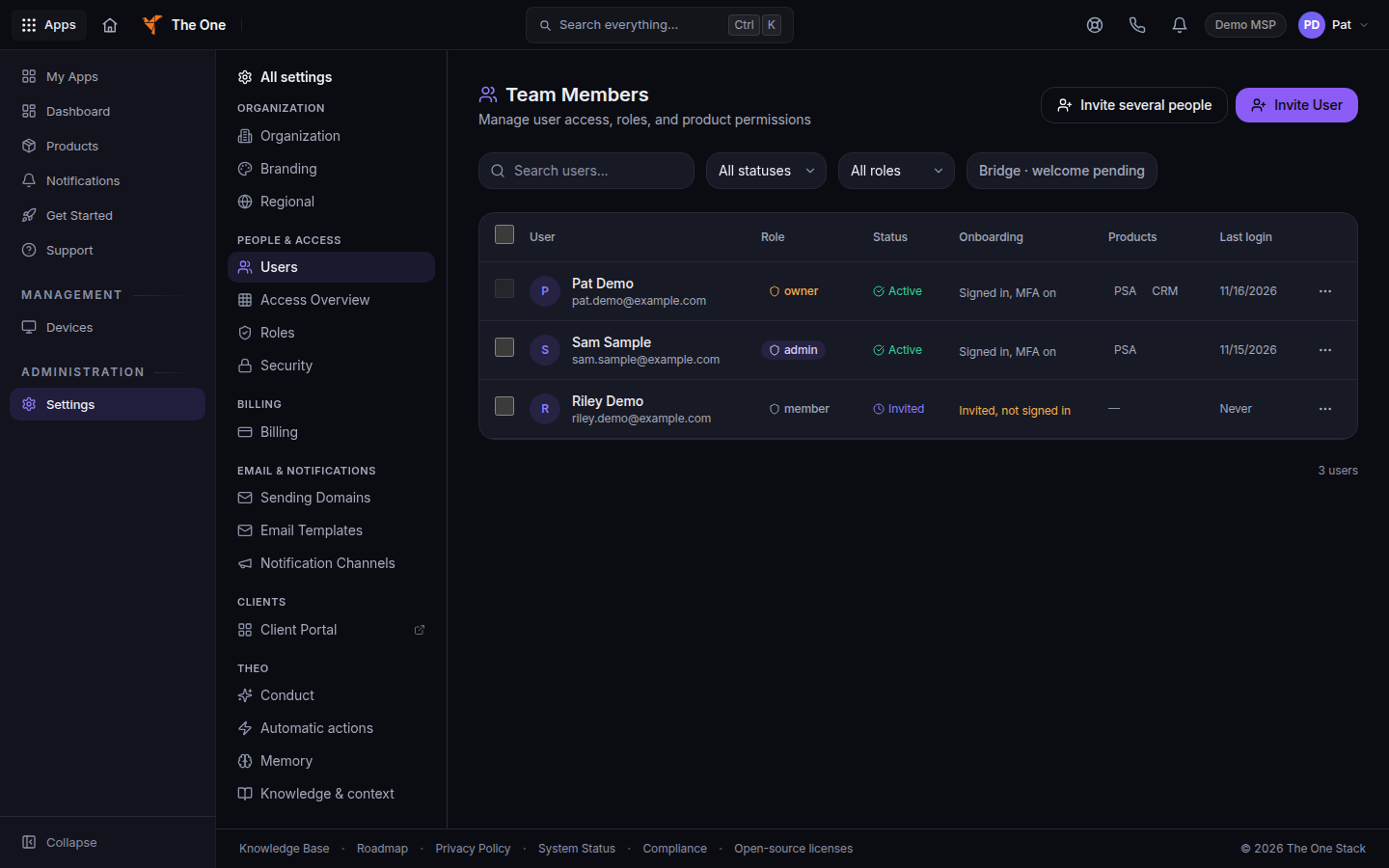
Team Members, with a person's row - Open the person.
- Choose Edit.
- Set Platform Role and choose Save Changes.
The card text for each role is on Roles and permissions. App access is the Access & Permissions tab. See See who has access.
If it goes wrong#
- Only an owner can assign the owner role. An admin cannot grant Owner. Ask an owner.
- You cannot change your own role — ask another admin or owner to make this change. Have another owner or admin edit you.
- Maximum of 2 owners allowed per tenant. The Owner card says the same limit. Remove Owner from someone else before you add a third.
- Cannot demote the last owner. Promote another user to owner first. Assign Owner to a second person, then change the first.
- Could not verify tenant owners; role change blocked. Try again. The change is refused until the owner count can be checked.
- The person still cannot open an app. Set the permission set on Access & Permissions. A platform role does not grant every app.
What's next#
Was this article helpful?